
This is related to comment exchanges that were posted on other community posts (and here) but I couldn’t find a specific post dedicated to it, so figured I would enter here.
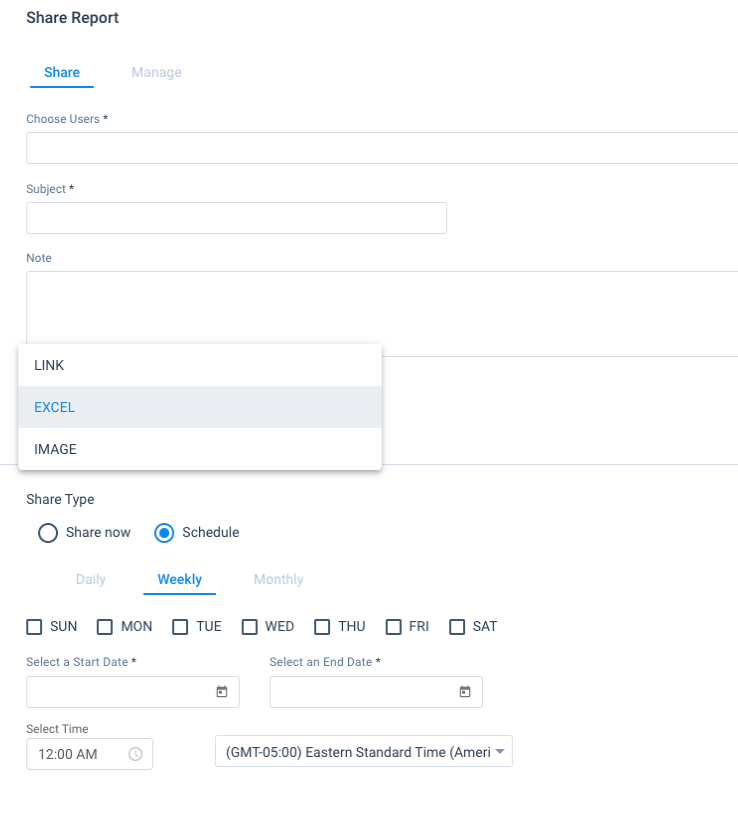
Please enable the ability to schedule the delivery of reports to internal email addresses directly from Report Builder. Similar to how you can do this in Salesforce.
I know Journey Orchestrator has the ability to email reports to internal Users, but it’s a very effort-heavy process when you just need the ability to recurrently email a report to executive leaders.
WIth Journey Orchestrator, you have to (at a minimum)
- build the report in Report Builder
- go to JO and create an Email Template to attach the report
- create a Program and Select your model
- create your source data set
- make sure you map any fields appropriately on steps 2-5 on the Participants Config (and save each one separately)
- go attach your template to the program model and map any tokens asappropriate
- End the outreach
- Publish the outreach
- Schedule the outreach
This of course adds to the amount of clutter that will show in the Templates, Programs and Program Calendar.
In Salesforce, you have to
- create the report
- Schedule Future Runs
- Add a user/email.
Done and done.
There are so many extra steps required to this through a Journey Program. It’s overkill.
Please consider the user experience and the overhead required to develop and maintain for this use case.
I was previously told by Product Management that they were going to take this up, but I haven’t seen/heard any updates, so I figured since there wasn’t a specific post (that I could find) I would add it.