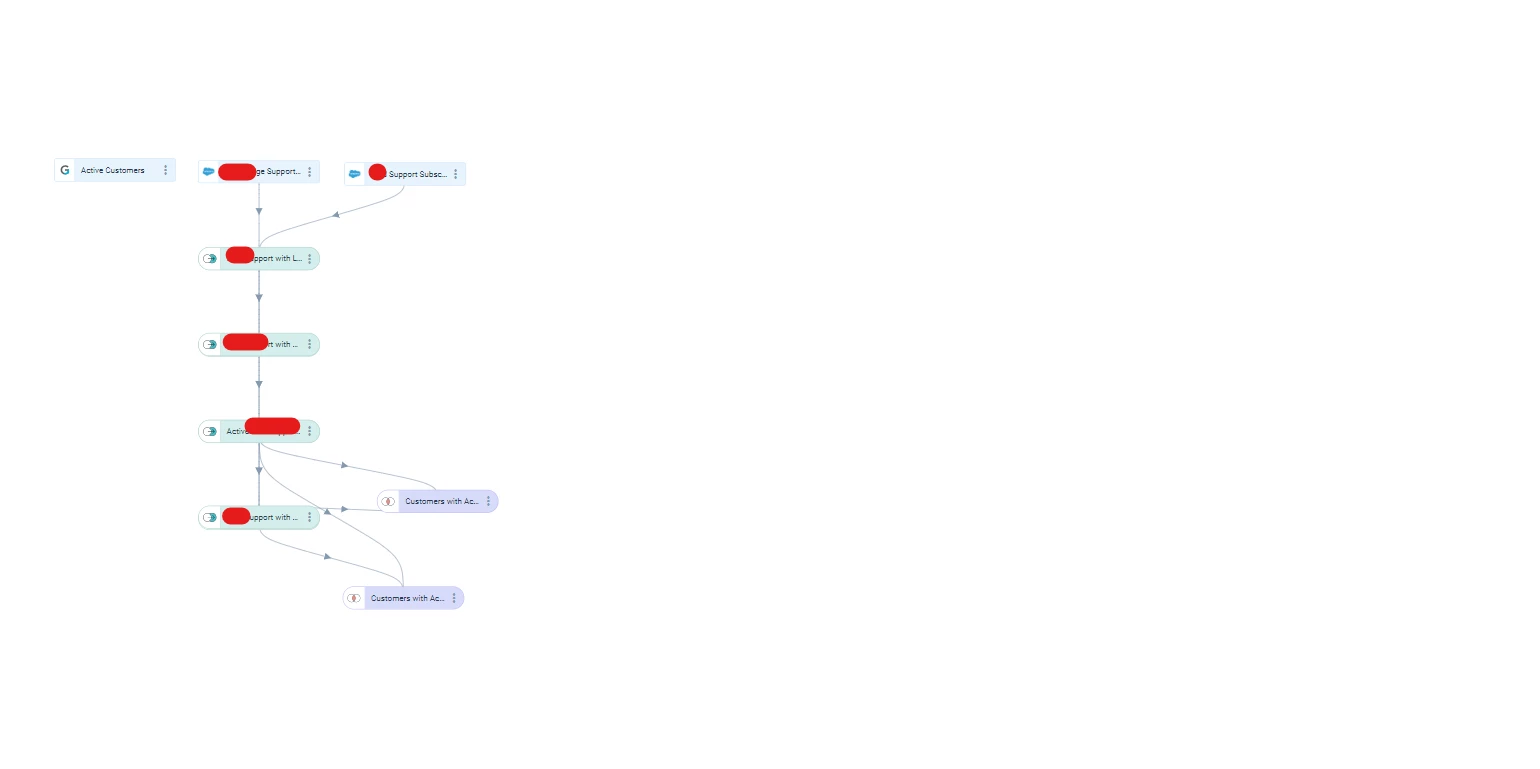

When importing a design template into a data space or horizon rule design where another design template has just been imported (and which happens to be very similarly structured), the second design is placed “on top” of the first template.
We have to manually move each task in the design to the left or right to see them not on top of the other and be able to manipulate the task below.
Relating to
I must admit the first time around, I thought my data template import had failed 😅.
Can we make sure that a design template that’s imported either in Data Designer or Horizon Rules doesn’t overlay another template that’s been brought in, and instead, detect where the pixels are already “busy” and place it somewhere else.
Example below shows the overlay:
- You can see a thicker line between all the transform tasks
- You can see a SFDC task I’ve moved to the right for illustration purposes, and a merge task I’ve also moved - lines are thinner