

alizee
VIP ⭐️⭐️⭐️⭐️⭐️
January 17, 2023
Open

Combine 'sharing groups' and 'user groups' into one feature

Related products:CS Other Features
  • January 17, 2023
  • 14 replies
  • 374 views

Sharing Groups are used to add data permissions to a group, including sharing i.e., analyze and distribute permissions to Gainsight users. 

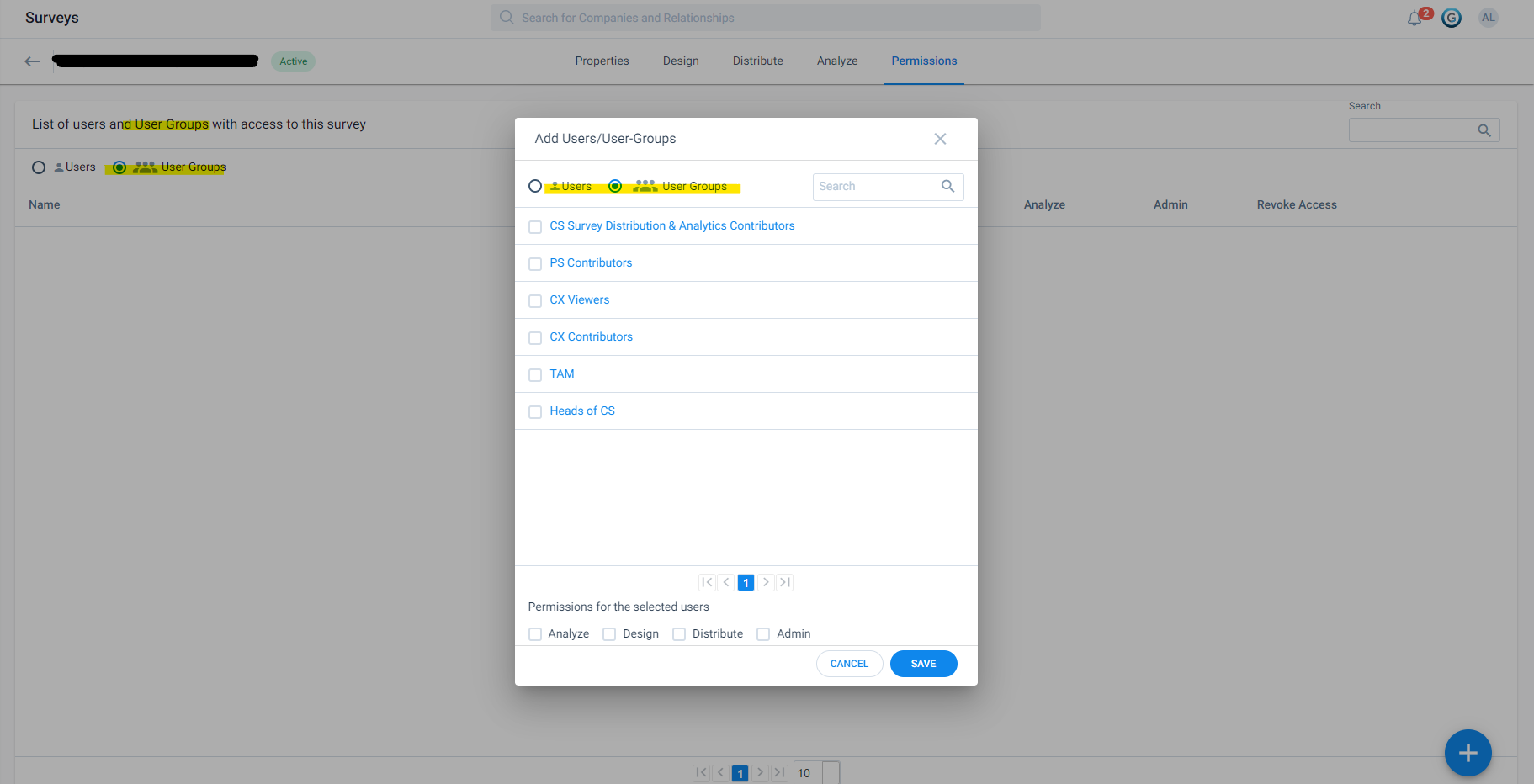
But in Surveys, all references to these Sharing Groups mention “User Groups” which:

  1. Causes confusion
  2. Duplicates efforts maintaining groups (including if/when we apply criteria to dynamically manage groups)

Can we either:

  1. Call a cat a cat - so reference sharing groups in Surveys and wherever we use sharing groups instead of calling them “User Groups” (because they are not)
  2. Better yet: merge sharing groups and user groups so we can manage data permissions and Gainsight permissions in one area of the platform
 

14 replies

Jef Vanlaer
Helper ⭐️⭐️⭐️
May 9, 2025

@romihache ​@spencer_engel I feel you!

I got completely confused today when trying to assign a new Gainsight Home layout to a “User group”. I created 2 User groups and only one of them was showing up… Turns out Gainsight Home assignment uses Sharing groups, despite mentioning User groups, and I had a Sharing group with exactly the same name… Not the best user experience for sure!

spencer_engel
Expert ⭐️
September 23, 2025

One more annoying parity issue with these two: You can delete Sharing Groups but apparently cannot delete User Groups. Why?? ​@Neha Gupta please let us know if and when this idea is being prioritized.

gunjanm
Expert ⭐️
August 13, 2026

It is so unreal that this is 3 years old.

Gunjan
romihache
VIP ⭐️⭐️⭐️⭐️⭐️
August 14, 2026

And that they said “to merge Sharing Groups and User Groups into one is part of our roadmap” in January ‘23, but then in December “Checked with the Product team - This item still awaits it’s turn to be on the roadmap” 🙄

Continuous improvement is better than delayed perfection