

New Idea
Make Rule Chain Administration More Friendly
I appreciate the new UI in the Rules Engine, but it feels like we’ve taken a step backward in some ways.
Two examples, specifically regarding Rule Chains:
- I used to rely quite a bit on being able to preview rules from the Rule Chain view. I can no longer do that with this new UI, which means I have to go back to my Rules list and search around for the rule(s) in question that I simply want to either preview or edit straight from the Rules Chain page. This results in extra clicks and tabs.
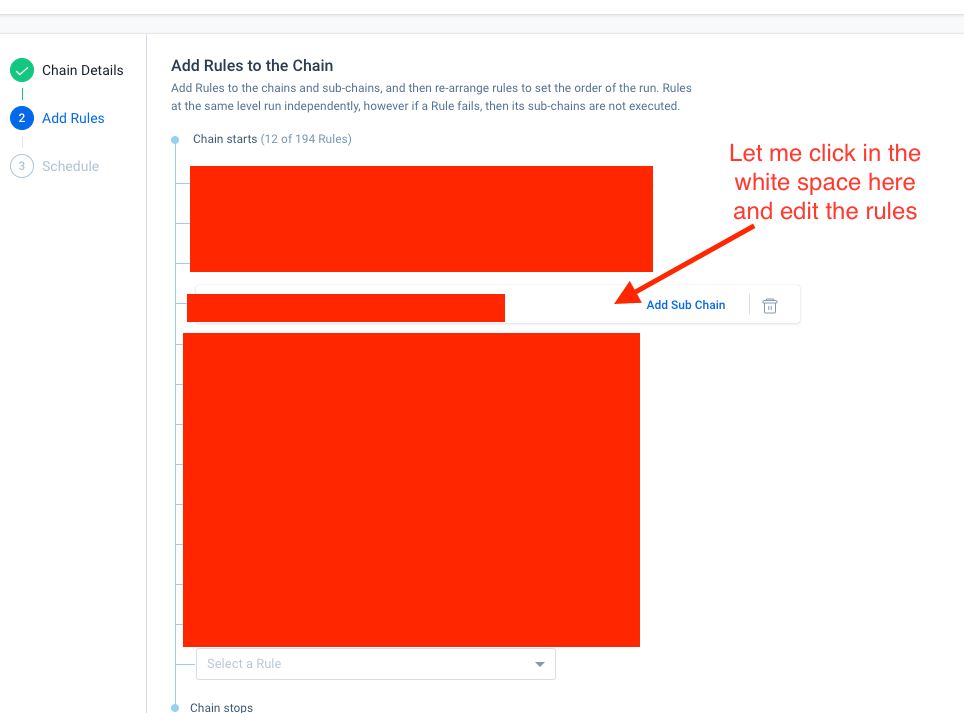
- I recently had to go in and remove a few outdated rules from a Rule Chain. I wanted to deactivate the rules as well, but I can’t do that from the Rule Chain menu. I also can’t deactivate a rule from the Rules List without removing it from the Rule Chain first. So either way, I’m having to click on both tabs, find the rule in question in both places, and do the necessary task. Why not just let me take care of both things (removing the rule from the rule chain and deactivating it) in one place?