Report Builder and Data Designer Parity: Formula Field - Concat
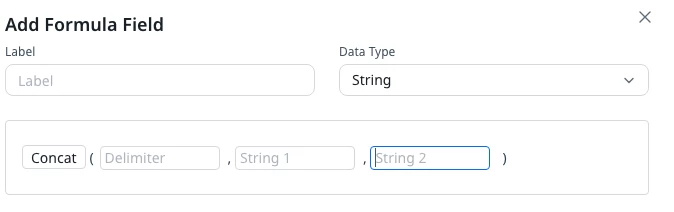
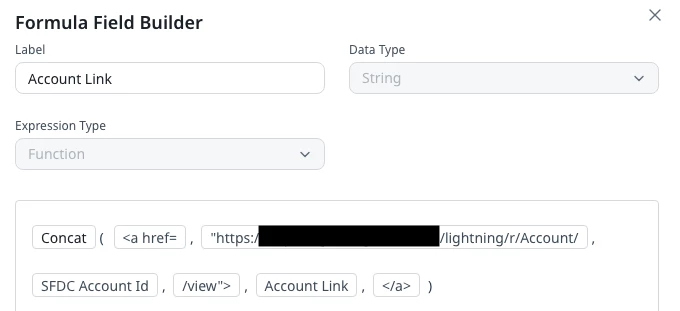
There are a couple of posts about this already, but adding another re: Concat - In Data Designer, I can use Formula Field and concat as many fields as I could possibly want, but in Report Builder, I’m limited to 2.
My use case:
I’m building a report to show CSMs where there are gaps in contacts assigned to specific roles, and I’d like to be able to include a link to the Related Contact in SFDC so that they could easily click and assign the role. However, I can’t use a standard report to do this because I’m unable to use the formula field -> concat option to create the link because I’m limited to 2 strings. So, I’ll now have to go to Data Designer to build the report which then means I can’t add it to Gainsight Home (see post here). That also means I’m unable to add an in-line editable fields to the report as well.
Please work on the parity with these 2 OR give me more strings.
For reference
Data Designer:
Report Builder: