

How To Configure The Visibility of Ideas
Not everyone wants to make their ideation section publicly available to the entire world. Sometimes you want to give only certain users access to ideas or want to gate ideas behind a login wall. In this article you will learn how to to configure the visibility of ideas with permissions.
Note: This article is only relevant for customers who have access to the newest ideation module. If you do not have access to the ideation module this article does not apply to you. Interested in the new ideation module. Learn more here
Permissions
Permissions allow you to configure which user roles have access to ideation. When you grant a user role access to ideation the users within this role can view, create, reply and vote for ideas. Use permissions to only grant some user segments access (e.g. beta testers, premium customers, colleagues)
How to configure permissions
- Go to Control → Platform → Ideation
- Click Permissions
- Grant or Revoke default and custom roles access to ideation
- Click Save changes
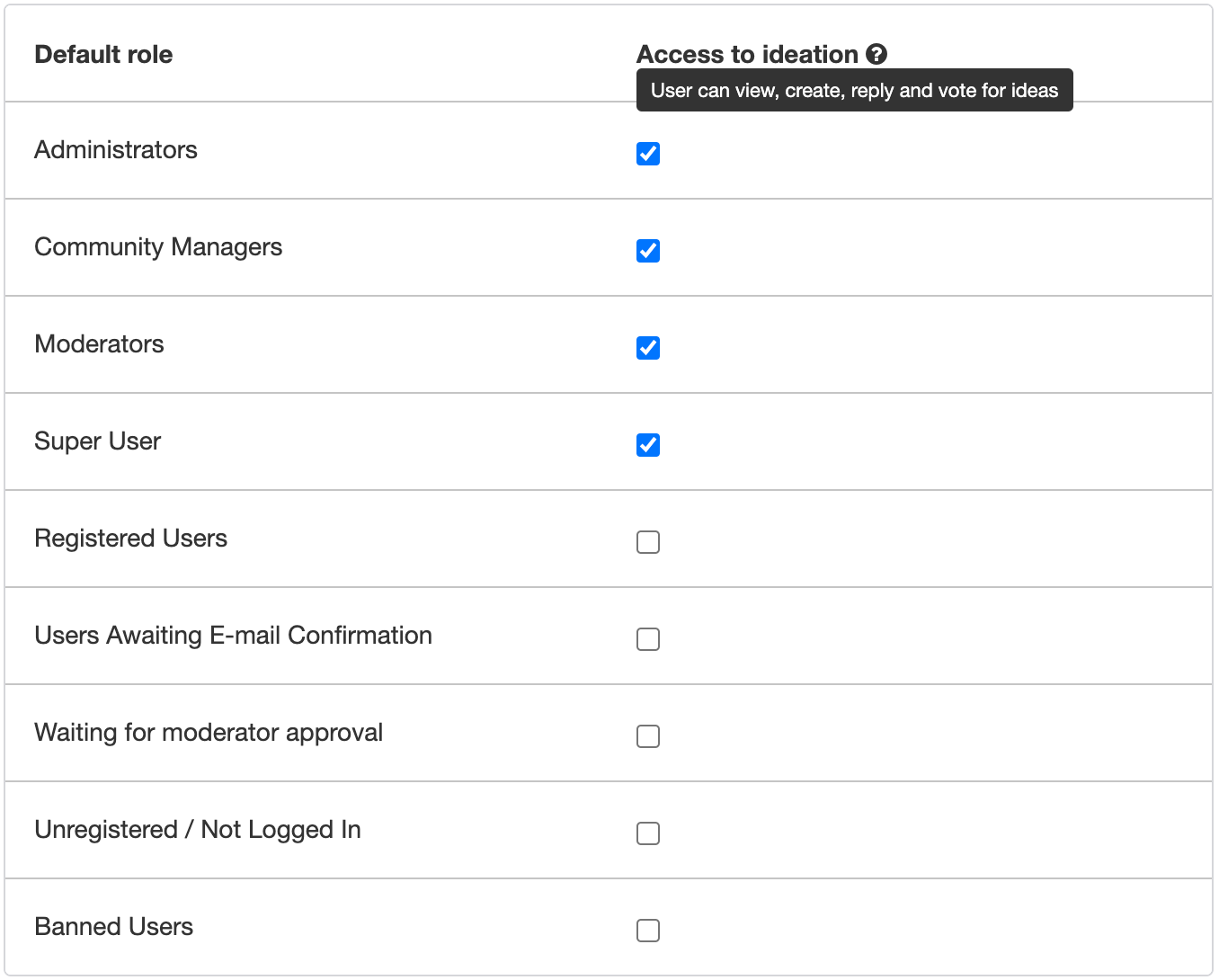
Tip: To make ideas only available for registered users (behind a login wall) uncheck the following default roles:
- Users Awaiting E-mail Confirmation
- Waiting for moderator approval
- Unregistered / Not Logged In