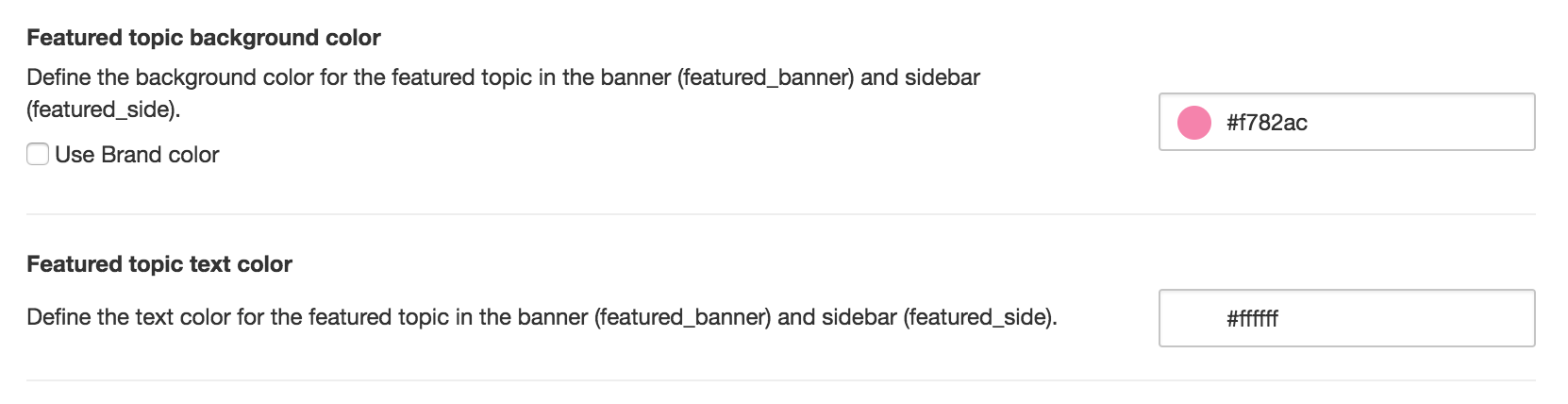

Featured topics (community-wide)
Sometimes you want to grab the attention of the user and point them directly to really important news. For example when you have a huge announcement or a great offer. We introduced a community-wide feature topic to highlight one topic on every page of your community.
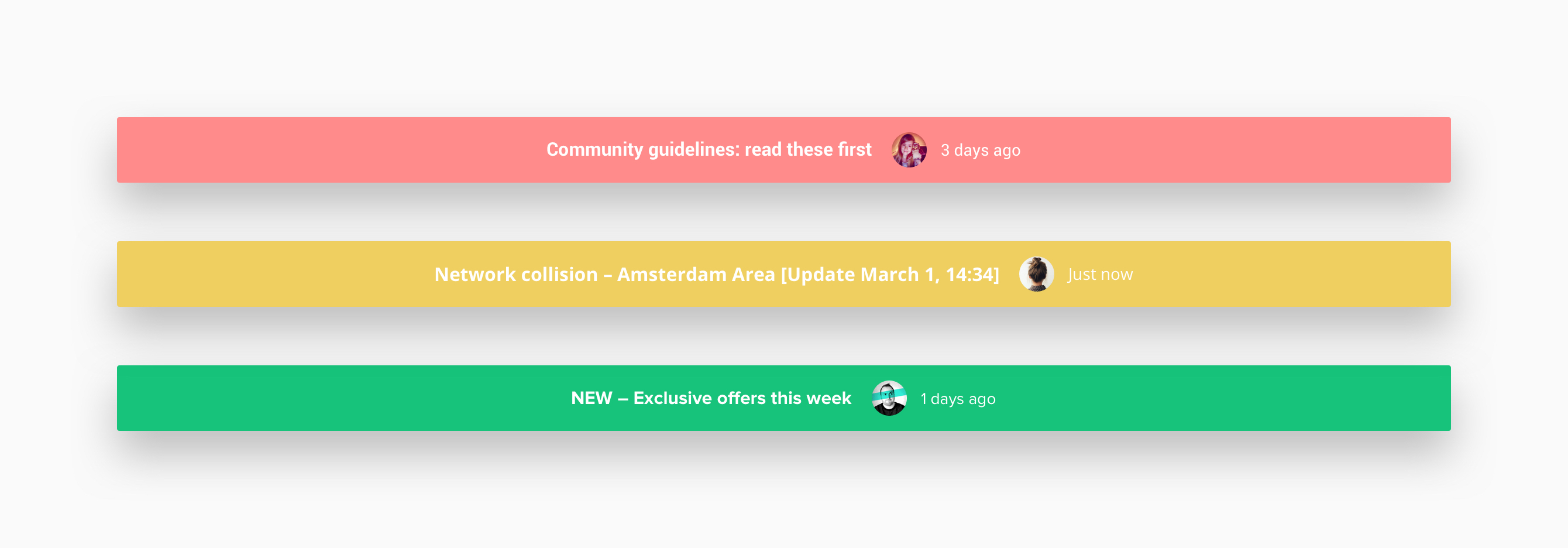
This topic can be featured in two designated spots in your community: as a banner below the community navigation or as a block in the sidebar. To feature a topic as a banner you have to add the moderator tag ‘featured_banner’ to a topic in the control environment. To feature a topic in the sidebar you have to add the moderator tag ‘featured_side’ to a topic in the control environment.
Improvements 🤒
- Increased space between best answer and like functions on mobile to prevent wrong clicks
- Custom profile fields in registration modal display as a list
- Badges widget on mobile viewports is now the same as in desktop to maintain consistency
- When you want to edit your post you no longer jump to the end of the page but stay in the same position
- When a user has his ‘Display new comments’ setting turned off we hide the ‘Mark as read’ link at categories
- When a post is marked as best answer we show the ‘Best answer’ label
Fixed 🐛
- Timestamps on activities displayed in the profile page
- Spacing on homepage tabs (categories/recently active) on mobile viewports
- Translation in the statistics bar on the profile page
- Editing text on Android mobile devices
- Follow/unfollow button behaviour
That’s everything for this update, if you have ideas or suggestions let us know in the comments below. We value your feedback 👇🏻