Sudhanshu
Gainsight Product Manager
September 12, 2022
Release

Banner Widget

Related products:CC Product Updates
  • September 12, 2022
  • 25 replies
  • 920 views
Banner Widget

Our goal is to allow our customers to build the community or customer hub that they envision, and to tailor it to their needs. Today, we’re expanding our customization capabilities to better direct your users to specific areas of your community by offering the all new Banner widget.

What can I use it for?

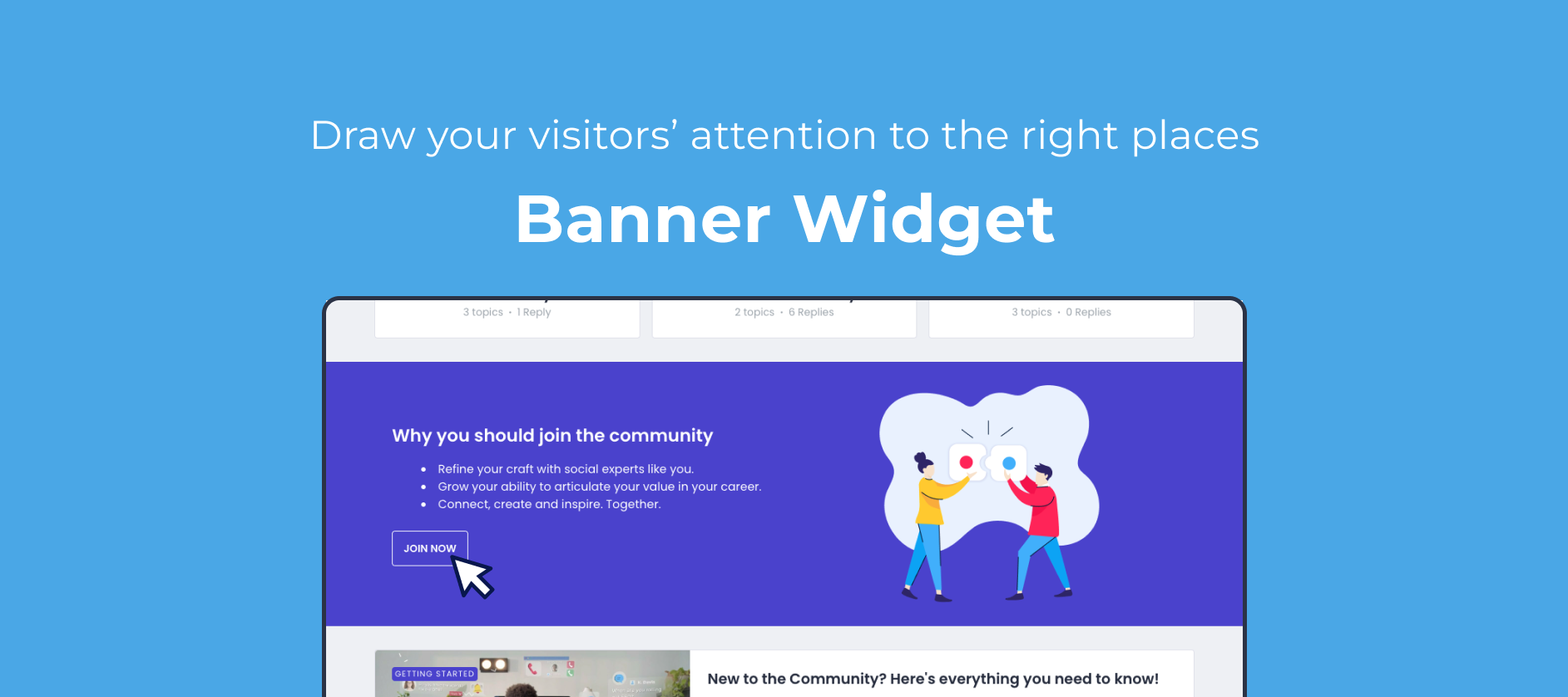
The new Banner widget will offer you a full-width section to better display images, text and buttons and draw your visitor’s attention. We feel this is an essential building block that, for example, allows you to:

  • Build a landing page to highlight 2 or 3 specific aspects of your community, and lead your visitors there

  • Better drive visitors to content that you’d like your audience to engage with

  • Improve conversion by creating a dedicated section with a clear CTA to register

  • Better draw attention to a specific announcement, and link to more details 

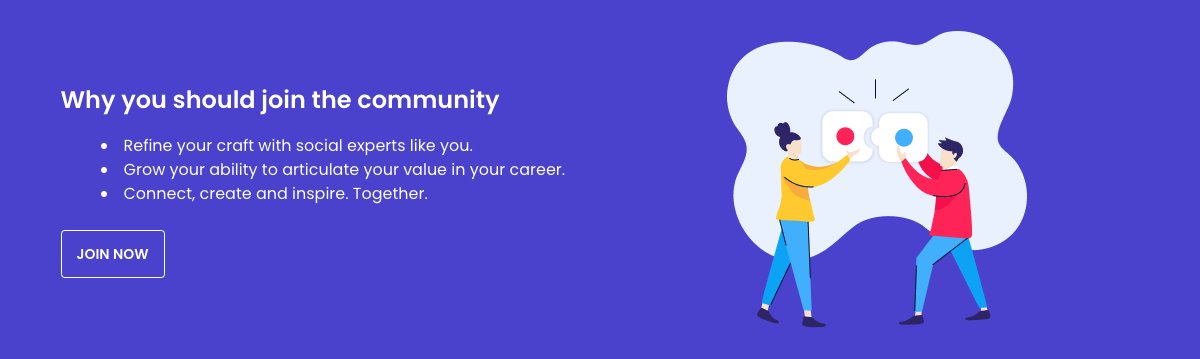
Some visual examples:
_we_En6UtBr8FQp6VbTiVrNRLEriQR9MpESc-g0V9sAkCd0HgI6cRv0eBIle75bfTsnias4QqvHjmssPmeyDeQHlXFtBUGJMyyVhPBxUmiAMUZ0vlqEJkkidIa8Pq1NIcLdzq3f4hIISe2O5BI4nqlJufCTDYqrMPPsHyy9tfxIDlv2wL4H1DS95Ow

rQUf52-p7Nx6-TxNgqaeH1dOgcaj4bPa-ef95ZYBeQjA97biDhMTEPB5xTahBNZaEg4trmTjQpSJ0EPUELbhKnekRUEmcrqWiQN1Ag35Nvd4FE-NqPcte0fkrDObmJRoKWaZe0zEETwuX4asljFA_q3aX2ir3h0lxuG8AYmjfdZs396mW8grzbRSrQy9gc8RpepwwuaLUuQ5wNDwNo2w7hDcsSMiab_9RGaz0SesRjo-H9m-tkineXGzXqxk-ezbpyzYHlGITW651kvJzEbqh2WeGUvSkynk9RUailno57NBH7t2Ru8NxE09ttrbMCZJ4-Wa6rvY9dql5gcbvVB9zTLzpHj-hKblOi3UdhZ9BFXZj6TkBieQ


How do I use it?

Just as with any widget, you can insert it by toggling Customization mode, and clicking the + icon at the line where you want to insert it. You’ll then be able to customize:

  • Header & content (and text alignment)

  • Image (and image alignment)

  • Buttons (primary and secondary)

  • Background color

  • Title color

  • Description color

We’d love to hear from you!

  • What would you be using this widget for specifically? 

  • What would make this widget even more powerful?


25 replies

Paul_
Contributor ⭐️⭐️⭐️⭐️⭐️
October 5, 2022

Can confirm, @Paul_, I don’t see that option either.

Pfew, I thought it would be a dumb question because no one asked it yet. 😅

bjoern_schulze
Helper ⭐️⭐️⭐️
October 5, 2022
  • What would you be using this widget for specifically:

    • Introduction widget: Quick community intro (USPs) that includes a “register now” CTA

    • Promotion widget: Promoting a campaign (competition, product launch, anniversary, etc.)

  • What would make this widget even more powerful:

    • Targeting this widget to certain primary roles, e.g. only show the widget to unregistered / not logged in users

    • Ability to use the image as a full-size wallpaper with the content on top

Paul_
Contributor ⭐️⭐️⭐️⭐️⭐️
October 12, 2022

It works now. Thanks @Sudhanshu & @Nadia Nicolai!

Sudhanshu
SudhanshuAuthor
Gainsight Product Manager
October 12, 2022
  • What would you be using this widget for specifically:

    • Introduction widget: Quick community intro (USPs) that includes a “register now” CTA

    • Promotion widget: Promoting a campaign (competition, product launch, anniversary, etc.)

  • What would make this widget even more powerful:

    • Targeting this widget to certain primary roles, e.g. only show the widget to unregistered / not logged in users

    • Ability to use the image as a full-size wallpaper with the content on top


@bjoern_schulze Very good points! We’ll definitely look into widget visibility settings. Regarding the full-size wallpaper, do you mean a full screen background with content in front?

Also, can you please check color customisations? Should be working now.

bjoern_schulze
Helper ⭐️⭐️⭐️
October 13, 2022

Regarding the full-size wallpaper, do you mean a full screen background with content in front?

Exactly. I was talking in terms of layers, i.e. the wallpaper being the background layer and the text being the top layer. 

Also, can you please check color customisations? Should be working now.

Can confirm.

Contributor ⭐️⭐️⭐️⭐️⭐️
October 21, 2022

@Sudhanshu 

I am unable to see the color customizations. Is this something that yall have to enable for us?


bjoern_schulze
Helper ⭐️⭐️⭐️
October 25, 2022


Also, can you please check color customisations? Should be working now.

Can confirm.

I need to take back my confirmation. I looked at the wrong place. I still can’t see color customization in the Banner Widget. I only have Content”, “Image” and “Buttons” customization available.

Helper ⭐️⭐️
November 2, 2022


Also, can you please check color customisations? Should be working now.

Can confirm.

I need to take back my confirmation. I looked at the wrong place. I still can’t see color customization in the Banner Widget. I only have Content”, “Image” and “Buttons” customization available.

Hi @bjoern_schulze can you please check again if you have the widget style customization available for the banner widget?


@Hannah Bailey I would also kindly ask you to check if this is now working on your community.

bjoern_schulze
Helper ⭐️⭐️⭐️
November 3, 2022

Hi @bjoern_schulze can you please check again if you have the widget style customization available for the banner widget?

Yes, now the “Widget Style” configuration is available on our environment. Thank you!

Contributor ⭐️
November 3, 2022

Is there a way that I can create the banner settings to only show for a specific group of users? For example, if I want to create a banner that prompts someone to login or create their account and only have it trigger for users who are not logged in, how can I do that? 

Thx