Sudhanshu
Gainsight Product Manager
September 12, 2022
Release

Banner Widget

Related products:CC Product Updates
  • September 12, 2022
  • 25 replies
  • 920 views
Banner Widget

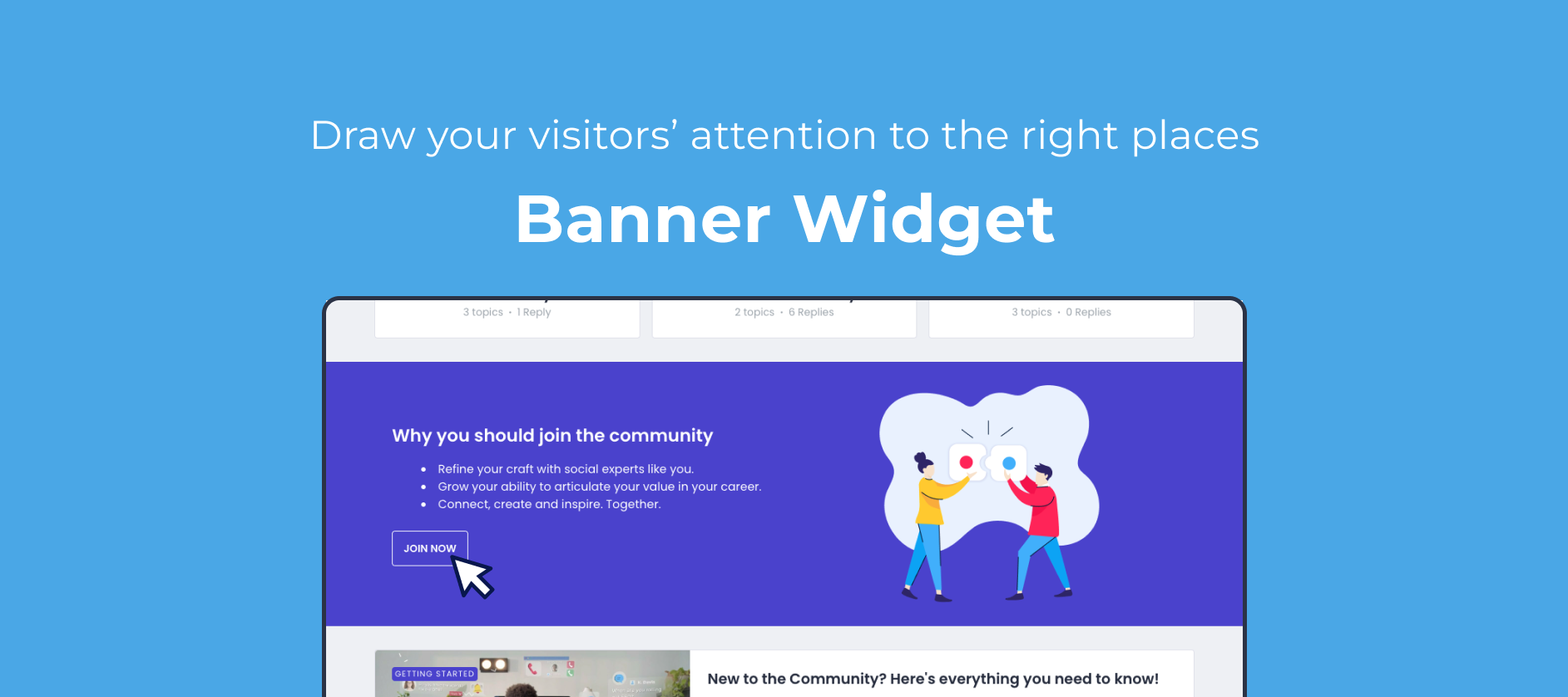
Our goal is to allow our customers to build the community or customer hub that they envision, and to tailor it to their needs. Today, we’re expanding our customization capabilities to better direct your users to specific areas of your community by offering the all new Banner widget.

What can I use it for?

The new Banner widget will offer you a full-width section to better display images, text and buttons and draw your visitor’s attention. We feel this is an essential building block that, for example, allows you to:

  • Build a landing page to highlight 2 or 3 specific aspects of your community, and lead your visitors there

  • Better drive visitors to content that you’d like your audience to engage with

  • Improve conversion by creating a dedicated section with a clear CTA to register

  • Better draw attention to a specific announcement, and link to more details 

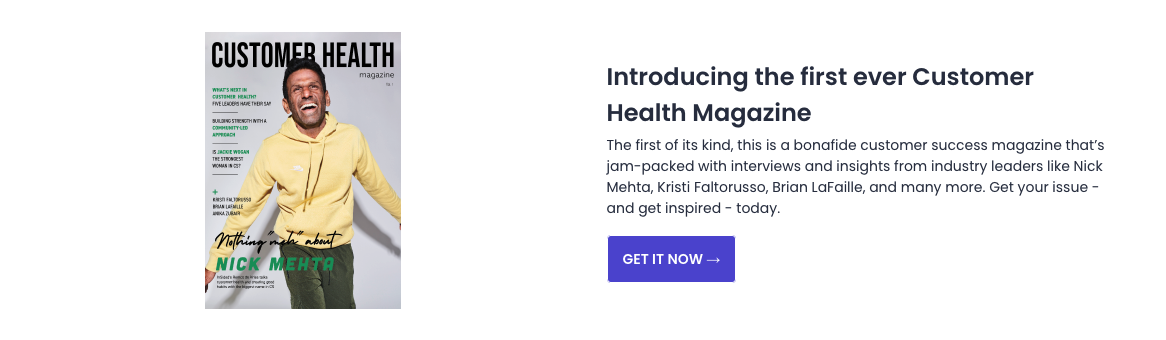
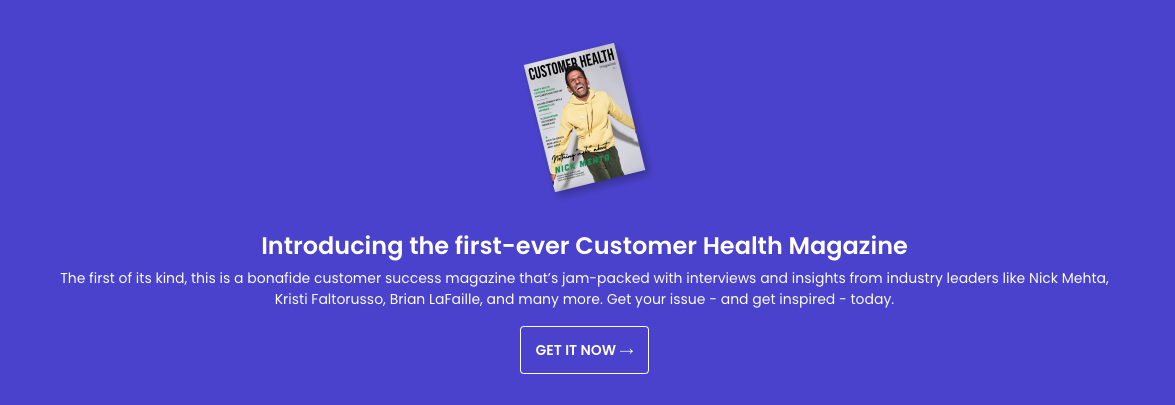
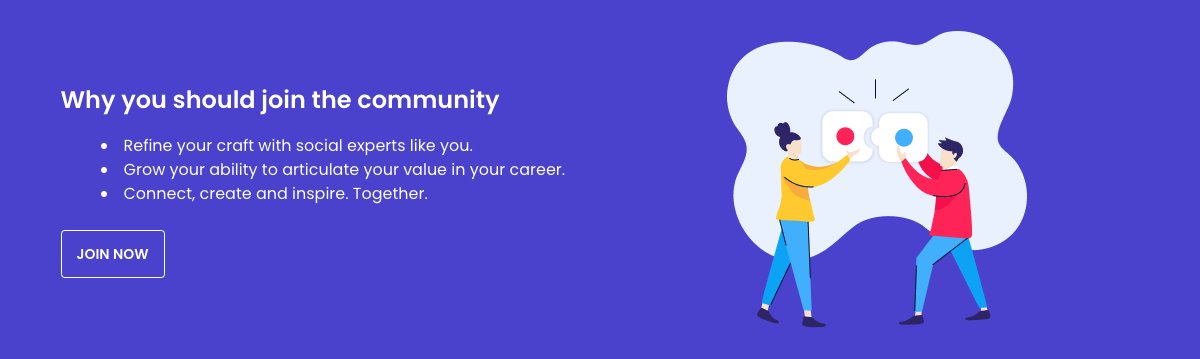
Some visual examples:
_we_En6UtBr8FQp6VbTiVrNRLEriQR9MpESc-g0V9sAkCd0HgI6cRv0eBIle75bfTsnias4QqvHjmssPmeyDeQHlXFtBUGJMyyVhPBxUmiAMUZ0vlqEJkkidIa8Pq1NIcLdzq3f4hIISe2O5BI4nqlJufCTDYqrMPPsHyy9tfxIDlv2wL4H1DS95Ow

rQUf52-p7Nx6-TxNgqaeH1dOgcaj4bPa-ef95ZYBeQjA97biDhMTEPB5xTahBNZaEg4trmTjQpSJ0EPUELbhKnekRUEmcrqWiQN1Ag35Nvd4FE-NqPcte0fkrDObmJRoKWaZe0zEETwuX4asljFA_q3aX2ir3h0lxuG8AYmjfdZs396mW8grzbRSrQy9gc8RpepwwuaLUuQ5wNDwNo2w7hDcsSMiab_9RGaz0SesRjo-H9m-tkineXGzXqxk-ezbpyzYHlGITW651kvJzEbqh2WeGUvSkynk9RUailno57NBH7t2Ru8NxE09ttrbMCZJ4-Wa6rvY9dql5gcbvVB9zTLzpHj-hKblOi3UdhZ9BFXZj6TkBieQ


How do I use it?

Just as with any widget, you can insert it by toggling Customization mode, and clicking the + icon at the line where you want to insert it. You’ll then be able to customize:

  • Header & content (and text alignment)

  • Image (and image alignment)

  • Buttons (primary and secondary)

  • Background color

  • Title color

  • Description color

We’d love to hear from you!

  • What would you be using this widget for specifically? 

  • What would make this widget even more powerful?


25 replies

November 20, 2022

I’m not seeing any of these customization options either in the banner widget.

November 24, 2022

@Sudhanshu any chance you can help us resolve the above noted issue with the banner widget? It has both a primary and secondary button but none of us are seeing the options to customize colours. Is there a way to have the secondary button not appear the same as the primary?

olimarrio
Gainsight Employee ⭐️
November 25, 2022

Hi @Scott Baldwin 👋,

I’ve enabled this on your community now so you should now be able to see the “Widget Style” dropdown as well.

Buttons will appear as the same colour as configured for the rest of your community but this can be changed using custom CSS. Just let our support team know if you need any help.

November 25, 2022

Thanks @olimarrio 

December 2, 2022

One more thing that would make this widget more powerful is the ability to target who sees it. Right now with a public community everyone sees it. It would be better to be able to control what types of users (registered, etc. ) can view and engage with it.