

Gainsight CC and Skilljar: One Login, One Search, and One Connected Experience Across Both Products
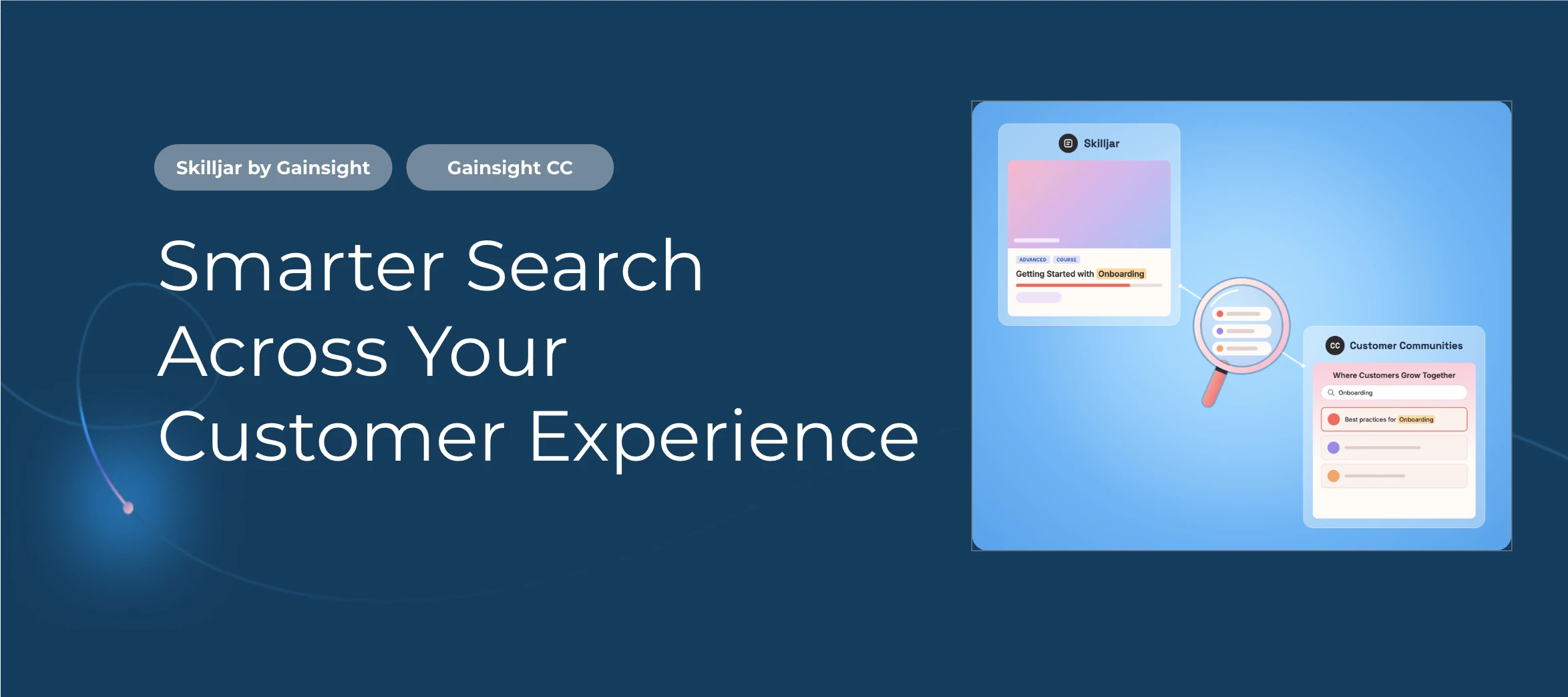
If you use Gainsight Customer Communities with Skilljar, your members can now sign in and search across your Digital Customer Hub from one place.
Using only one of these products? Most of this update does not apply to you. The one exception is Community-only customers will get new filters and sort options for search. See the table below.
TL;DR What’s New, By Product
| You Use | What You Get | Requirements |
|---|---|---|
| CC Only |
|
|
| CC + |
|
|
CC Only
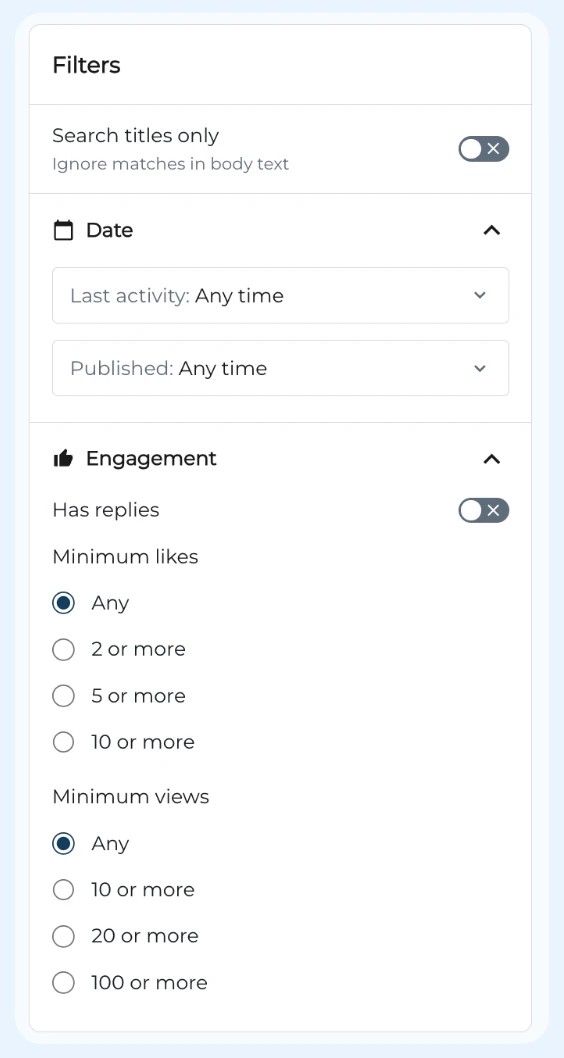
New Search Filters: Community members have new filters and sort options in search. Four new filters have been added:
-
Search titles only: toggle that ignores matches in body text
-
Date: two new dropdowns, Last activity and Published, both default to “Any time”
-
Author: searchable author list with checkboxes and counts
-
Engagement: Has replies toggle, Minimum likes (Any, 1 or more), and Minimum views (Any, 1 or more, 2 or more, 5 or more)
CC + Skilljar
-
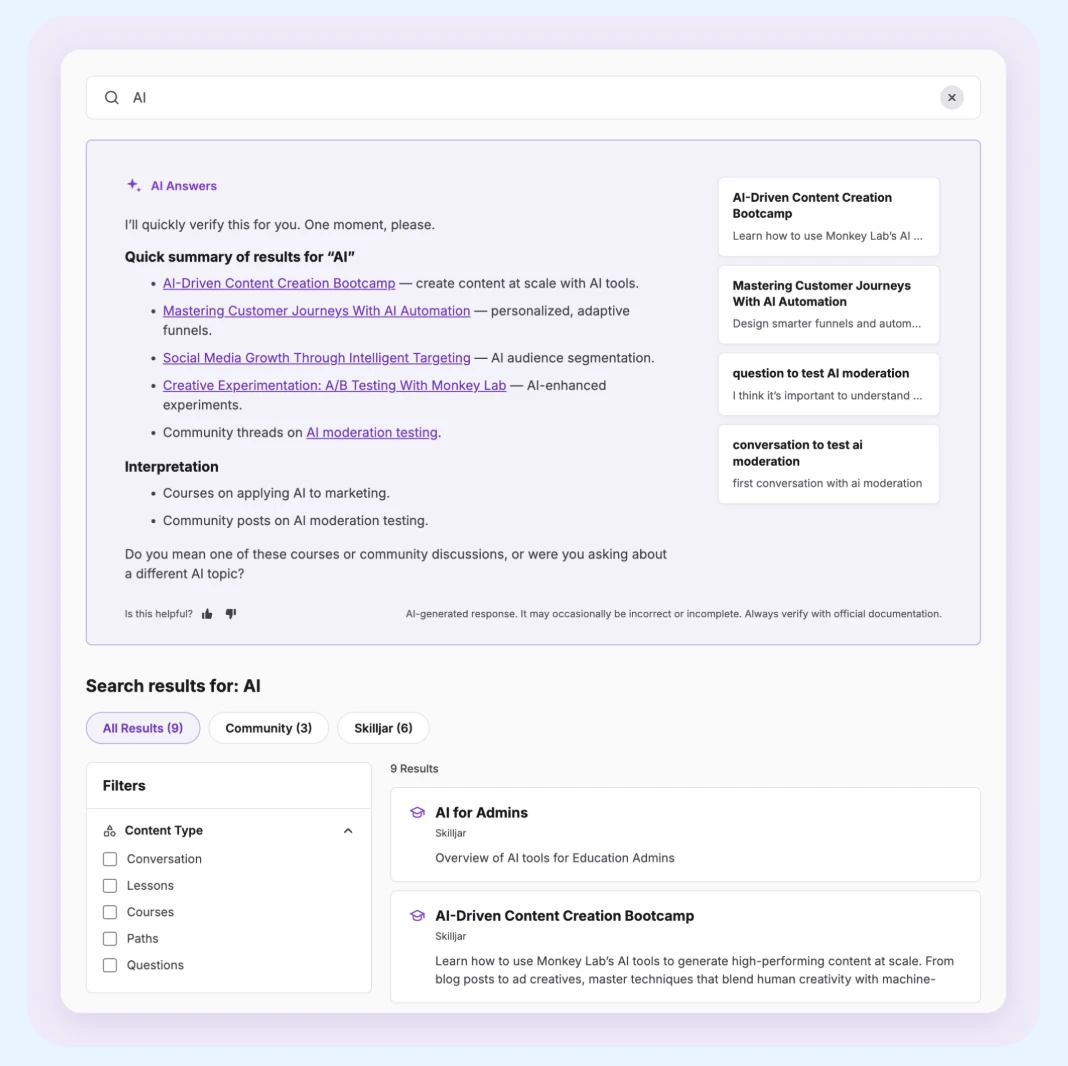
Federated Search Now with AI Answers: Members search Community and Academy together and see AI-generated answers with sources. Answers draw on Skilljar lessons, courses, and paths alongside community content, and always respect each member's permissions. Existing integrated hub pages must enable AI Answers to gain access to this feature.
-
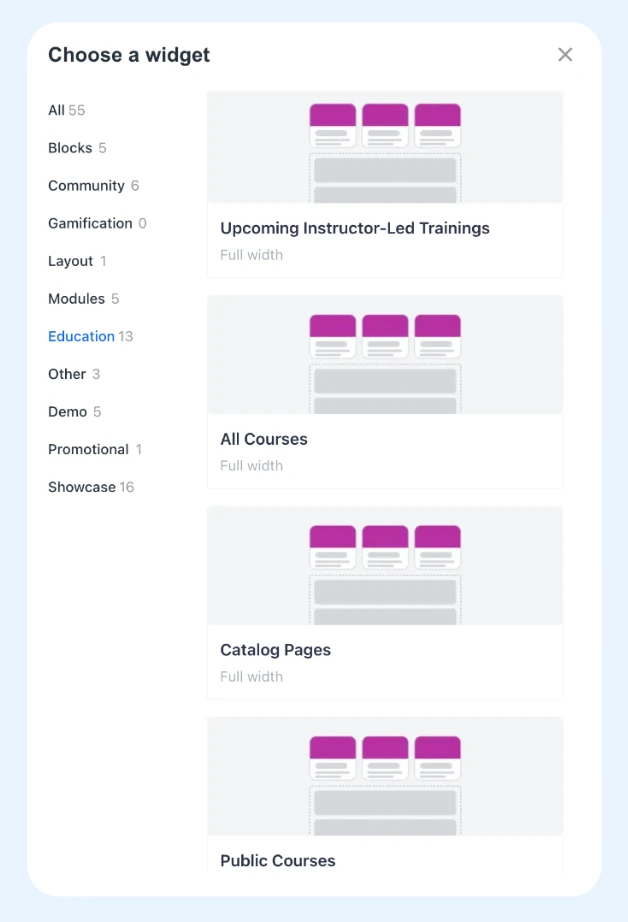
All Courses Widget: Display all of your Skilljar courses on any Community page.
-
Catalog Pages Widget: Add tiles that link members to the Skilljar catalog pages you choose.
-
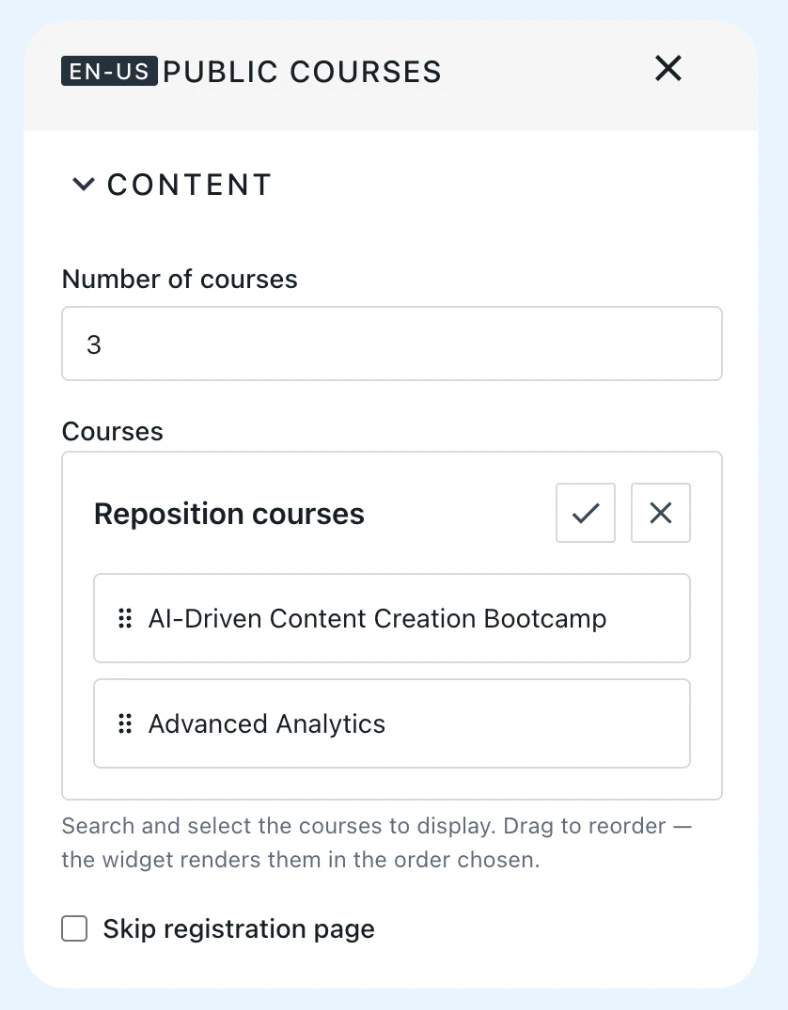
Improvements to Education Widgets Settings: Settings now live in collapsible sections: Content, Headings, Style, Course Tiles, and Personalization. You can reorder content, skip the registration confirmation page for public content, choose which details appear on course, learning path, and VILT tiles, and switch between Grid and List layouts.
-
New search filters. Filters and sort options for date, author, and engagement.
Getting Started
Release Notes
Help Articles
💬 Have questions or feedback? Drop a comment below!