


Gainsight CC: Configure Segment-Based Visibility and Dropdowns in Mega Menu
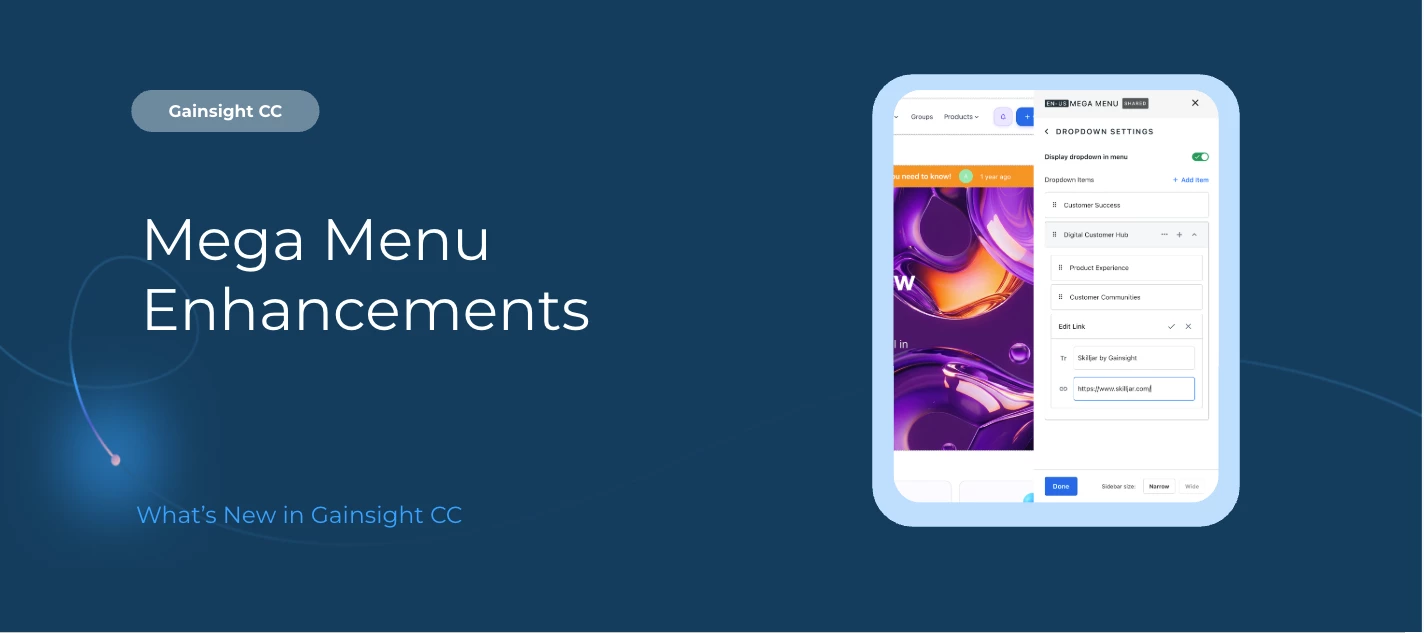
Enhance your community navigation with greater control and flexibility in the Mega Menu.
You can now configure Segment-Based Visibility and add Dropdown Lists under Custom Navigation Items, giving admins more power to personalize navigation and create structured menu experiences.
This means you can tailor what users see based on who they are. Build cleaner, more intuitive navigation paths that drive engagement and reduce clutter.
Here’s What’s New
Control navigation visibility by segment
Show or hide Mega Menu navigation items based on user segments, including roles, behaviors, or guest access.
Deliver personalized navigation experiences
Ensure users see only the most relevant pages, improving discoverability and engagement.
Reduce menu clutter
Simplify navigation by limiting unnecessary links for specific audiences.
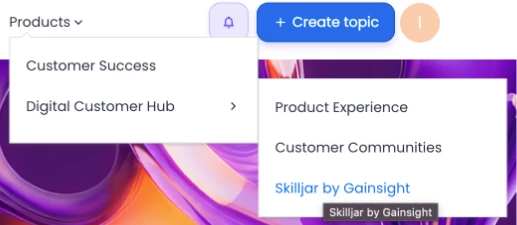
Add dropdown lists under custom navigation items
Create parent-child navigation structures directly within the Mega Menu.
Build structured navigation models
For example:
Products (Parent Navigation Item)
-
Product A
-
Product B
-
Product C
Each sub-item links to its own product-specific page.
Segment Visibility
Admins can now control which navigation items are visible to specific user segments, allowing for more personalized experiences based on user roles, behaviors, or access type.
Important: To control user visibility, admins must first create segments and then assign pages to those segments. For more information on creating segments, refer to the Segments article.
Dropdown Lists
Admins and Community Managers can now add dropdown lists under custom navigation items in the Mega Menu.
This allows you to create structured hierarchies within your navigation, perfect for organizing products, services, resources, or other grouped content areas.
Available in Customer Communities Mega Menu Widget
Mega Menu configuration is available in the layout editor in destination.
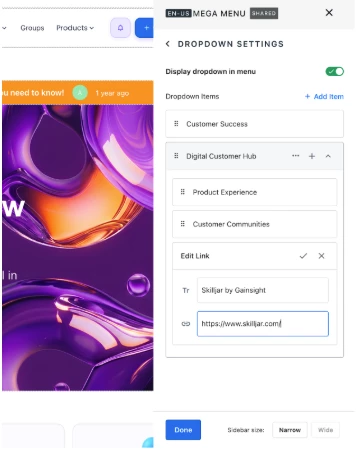
For more information on setting up and configuring the Mega Menu, refer to the Configure Mega Menu Widget in Destination article.
👉 Check out the Release Notes for more information.
💬 Have a question for our team? Drop a comment below!