


Gainsight CC: Connect Your Community and Advocacy Programs with the Champion Integration
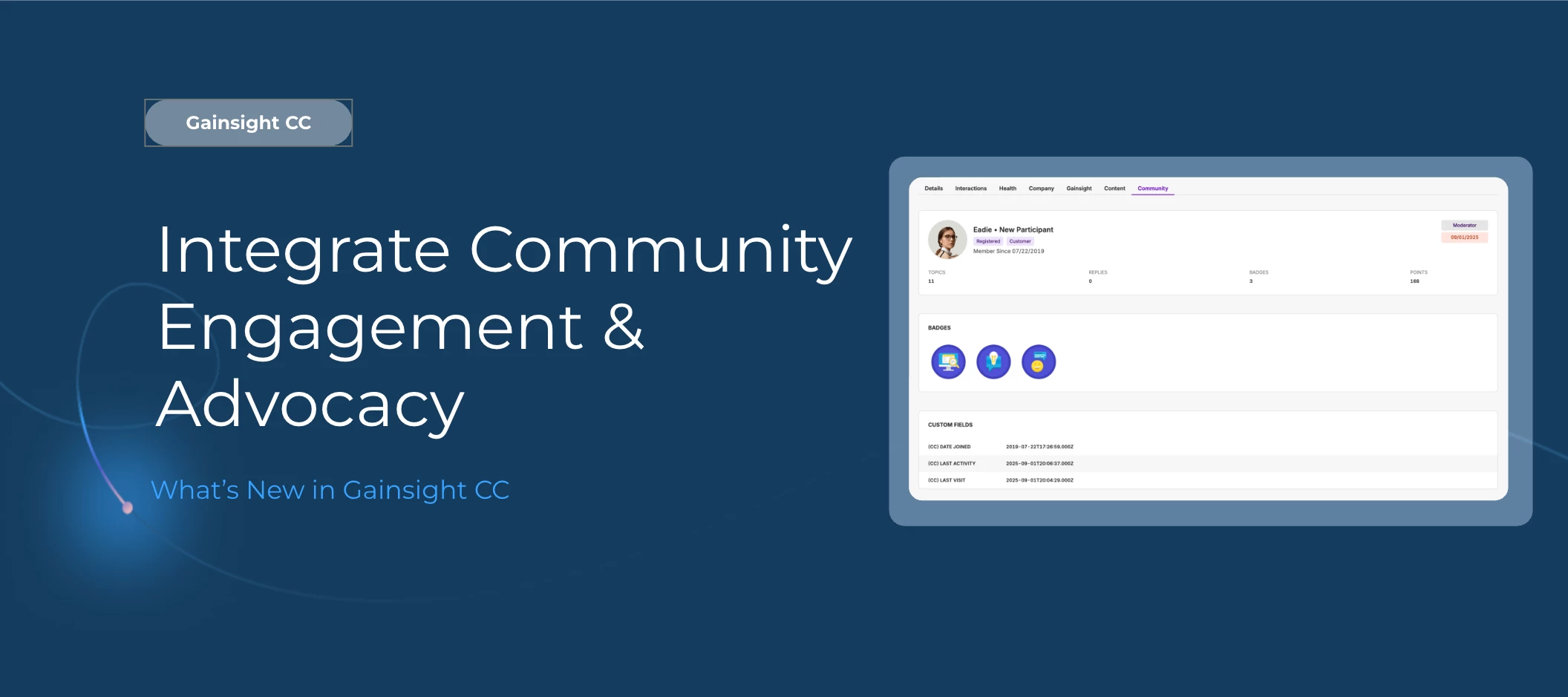
Your most engaged community members are often your best advocates. Now you can connect Gainsight Community directly to Champion, giving your team a unified view of community engagement and advocacy activity across both platforms.
Here’s What’s New
Pull community data into Champion profiles
Once connected, the Community tab on each Champion profile shows membership date, rank, roles, moderator status, last activity date, topic and reply counts, badges earned, and community points. Color-coded activity dates give your team an at-a-glance signal of who's active and who needs re-engagement.
Community activity contributes to Champion Health Scores
Reply counts, likes received, badge totals, moderator status, and last activity date all feed into the Community category of the Champion Health Score. When a member posts an article, conversation, idea, or question in Gainsight Community, Champion automatically logs it as a User Generated Content interaction, which counts toward the Advocacy category as well.
Push advocate roles and portal URLs back to the community
Enable the Champion Advocate toggle to automatically assign a community role to opted-in advocates and sync each member's personalized Champion Portal URL to their community profile. The role is removed if a member's advocate status is revoked in Champion.
Sync Champion interaction points to community totals
Map Champion interaction types and subtypes to your community points system. When a qualifying interaction is logged in Champion, the corresponding points are added to the member's community point balance.
Automate badge awards based on advocacy milestones
Define badge auto-assignment rules that tie community badges to real advocacy thresholds. When a Champion meets the minimum interaction count for a rule, the badge is awarded automatically in the community. Badges can also be assigned manually one at a time from a Champion profile, or in bulk from the Champion grid.
Surface the Champion Portal directly in community profiles
A lightweight script adds a Champion Portal link widget to an advocate's community profile sidebar, visible only to the advocate on their own profile page.
How to Get Started
Setting up the integration takes two steps:
- Create an OAuth2 client in Gainsight Community: go to Control > Integrations > API and generate a new OAuth2 client. Copy your Client ID, Client Secret, and Region.
- In Champion, navigate to Settings > Integrations, find the Gainsight CC tile, and enter your credentials to connect.
The initial sync may take 24 to 48 hours. Once connected, configure the Champion Advocate, Points Sync, and Badge Auto-Assignment settings from the Community settings page in Champion.
Note: Badges must be tagged with "Champion Advocacy Badge" in their description to appear in Champion for assignment.
👉 Check out the Release Notes for more details.
💬 Have a question for our team? Drop a comment below!