


Gainsight CC: Richer Discussions, Smarter Navigation, and More Developer Flexibility
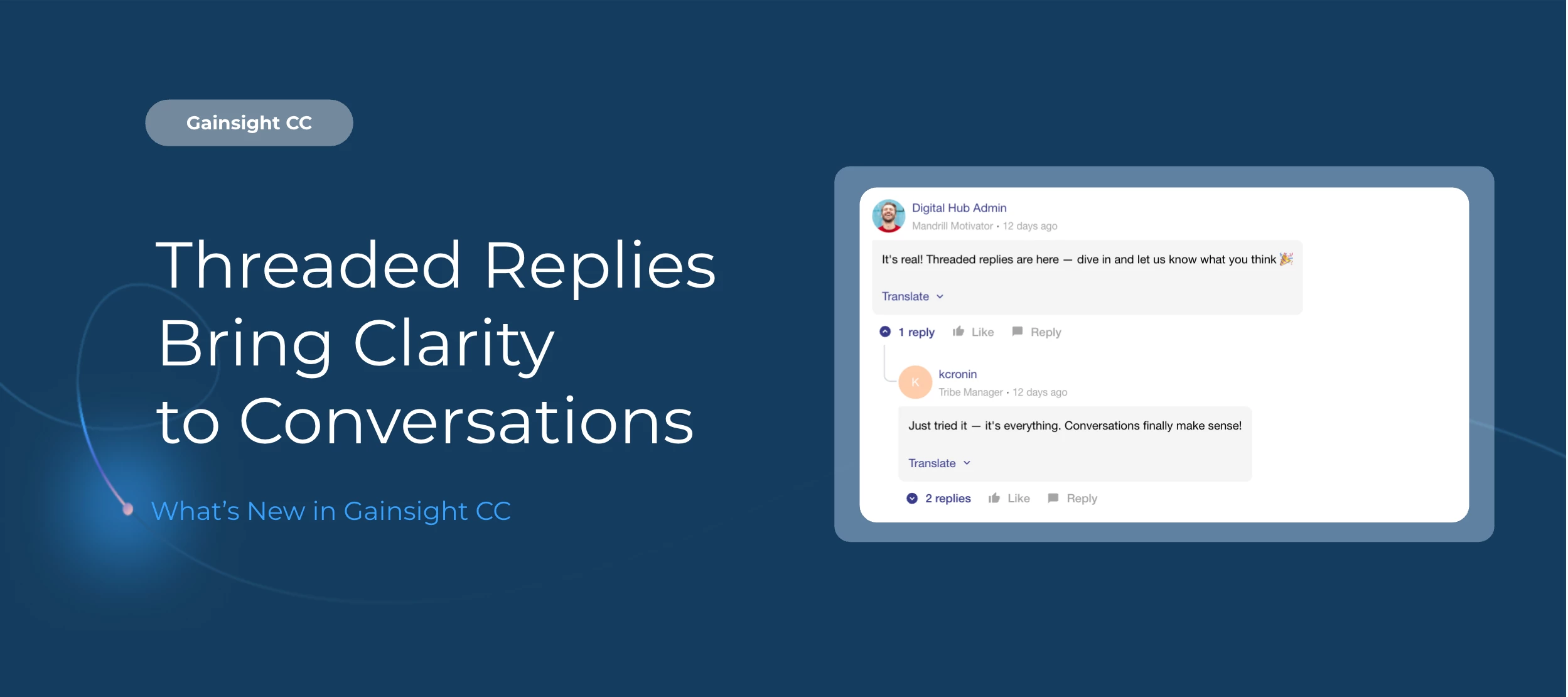
This release brings four enhancements that make community conversations easier to follow, give admins more control over moderation, who sees what, and give developers more flexibility in how they configure connectors in Developer Studio.
Here's What's New
Threaded Replies
Topic pages now support threaded replies, so related exchanges stay together and multi-thread discussions are easier to follow. Users can reply directly to any L1 or L2 reply, up to three levels deep. Key capabilities include:
-
Dual reply editors that appear at the top of the thread and inline as users scroll
-
Expandable reply input that grows as you type
-
Paginated nested replies with a "Show more replies" option (up to 20 per page)
-
Fixed oldest-first sort order for L2 and L3 replies
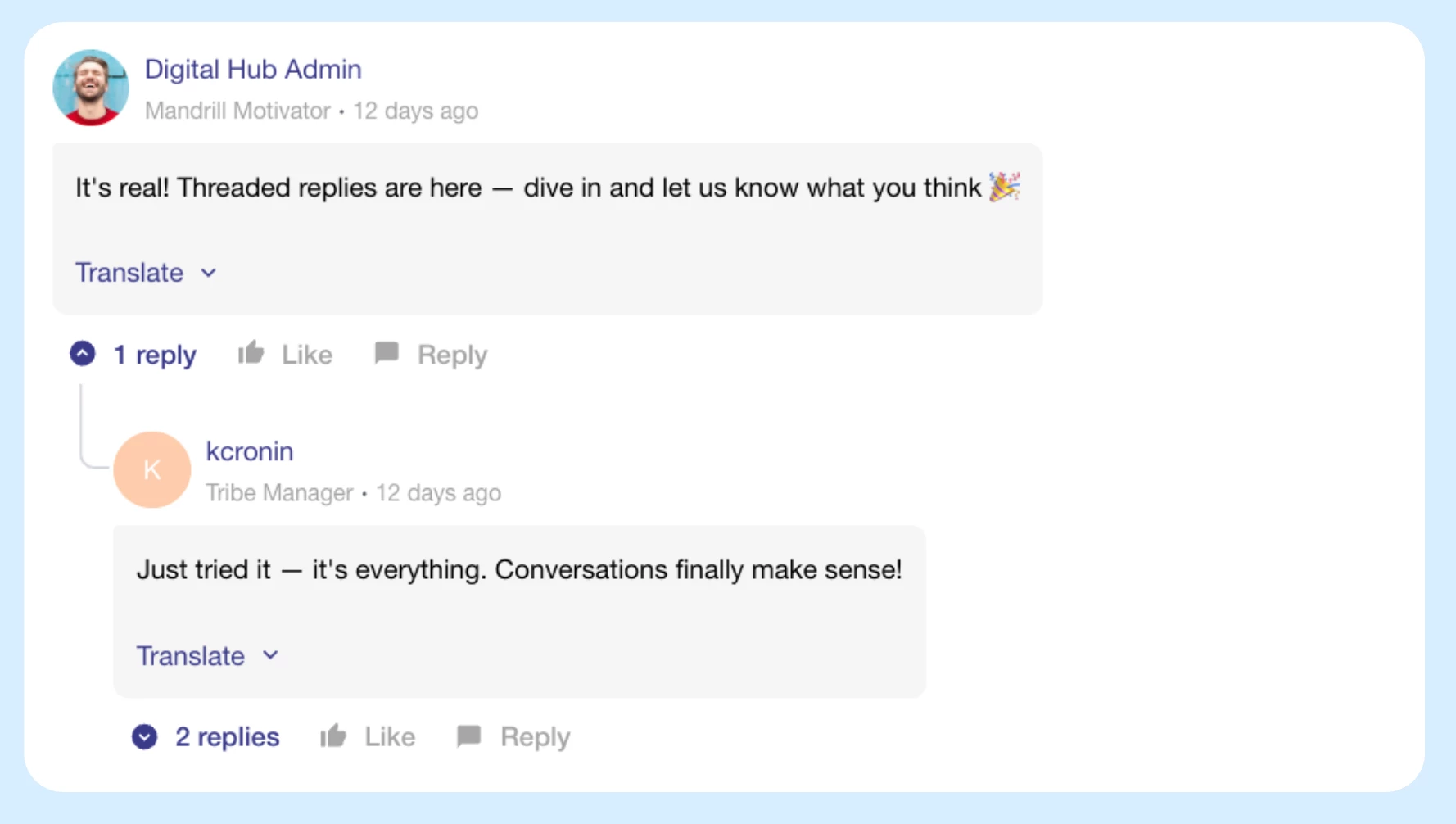
The Control view has also been updated to mirror the destination view, with topic metadata and moderation controls moved to a sidebar for easier cross-referencing.
Threaded Replies are optional. To enable them, turn on the toggle in Customer Communities Control.
For more information, refer to the Threaded Replies article.
Moderate Directly from the Topic Page
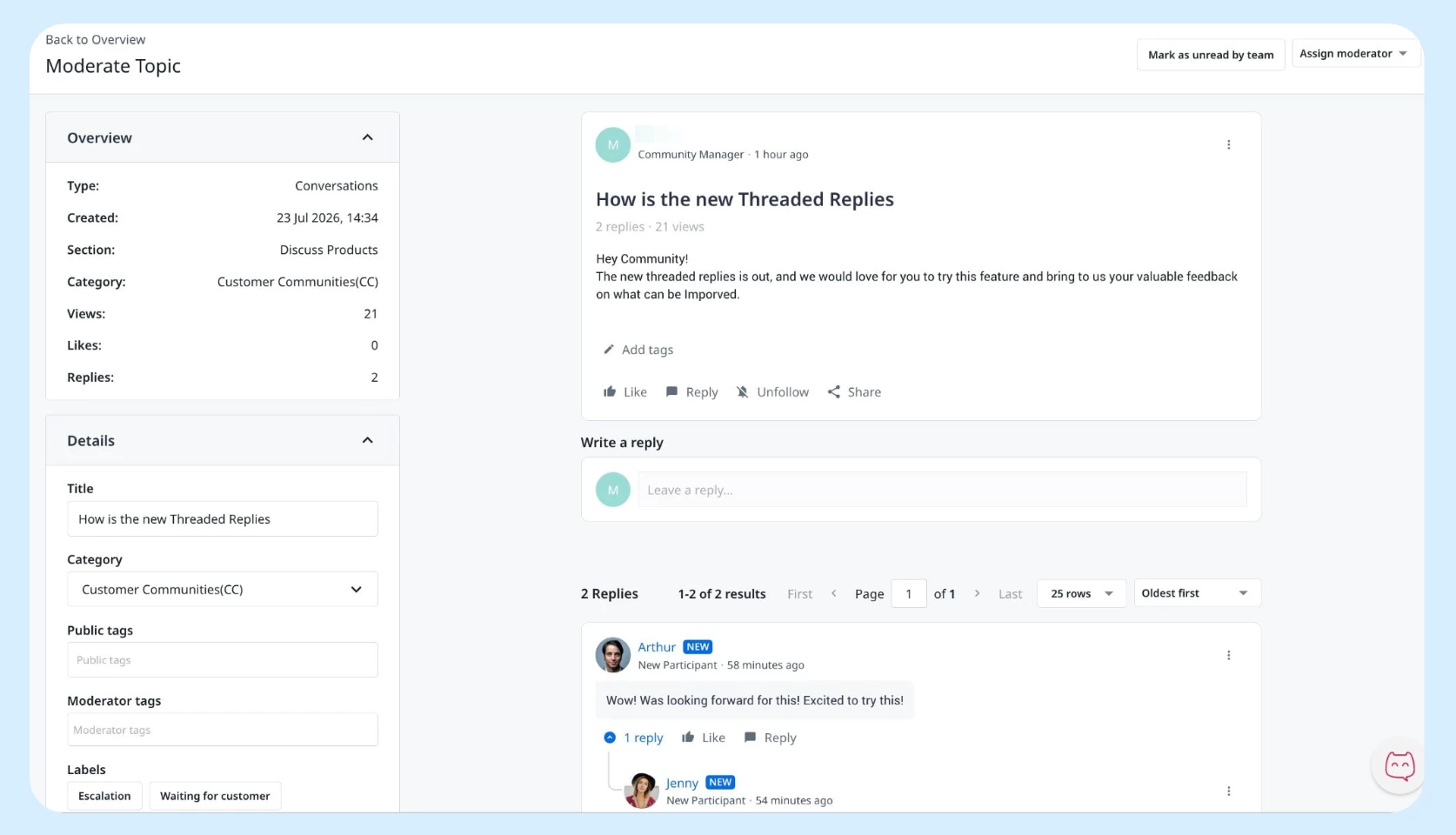
Admins can now moderate directly in the community, without switching to Control. Actions include closing a topic, marking a reply as spam, trashing a reply, highlighting a reply, and sending a Moderation Notice.
For more information, refer to the Moderation article.
Widget Personalization: Renamed and Refreshed
The Widget Visibility setting in Destination has been renamed to Personalization, with updated audience options that more clearly reflect how widget display works. The options are now:
-
Everyone: Visible to all users
-
Selected Segments: Visible to specific segment users
-
Guest Users: Visible to users who are not signed in
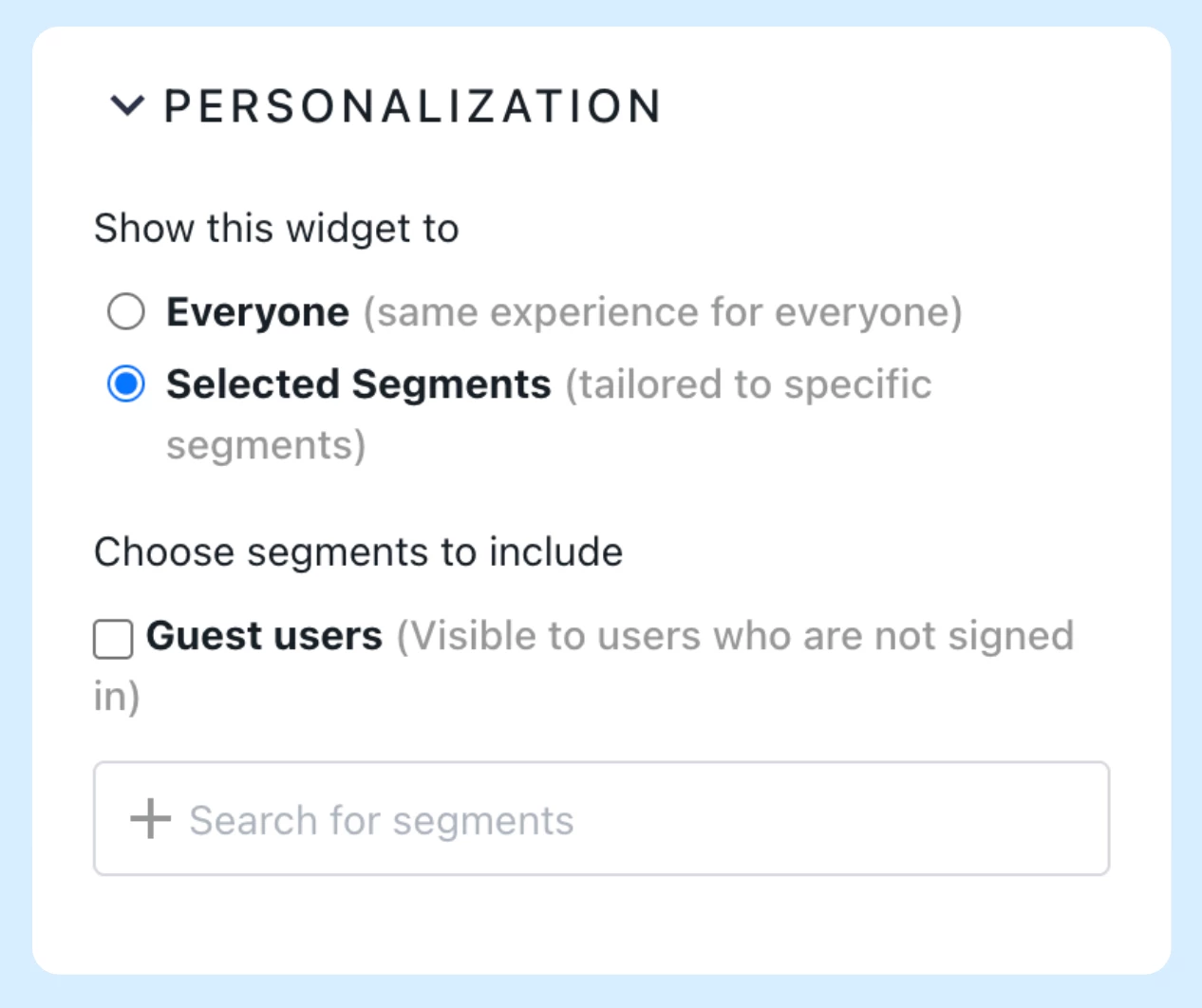
For more information on how to configure widget personalization, refer to the Widget Visibility article.
Secrets and Variables in Developer Studio
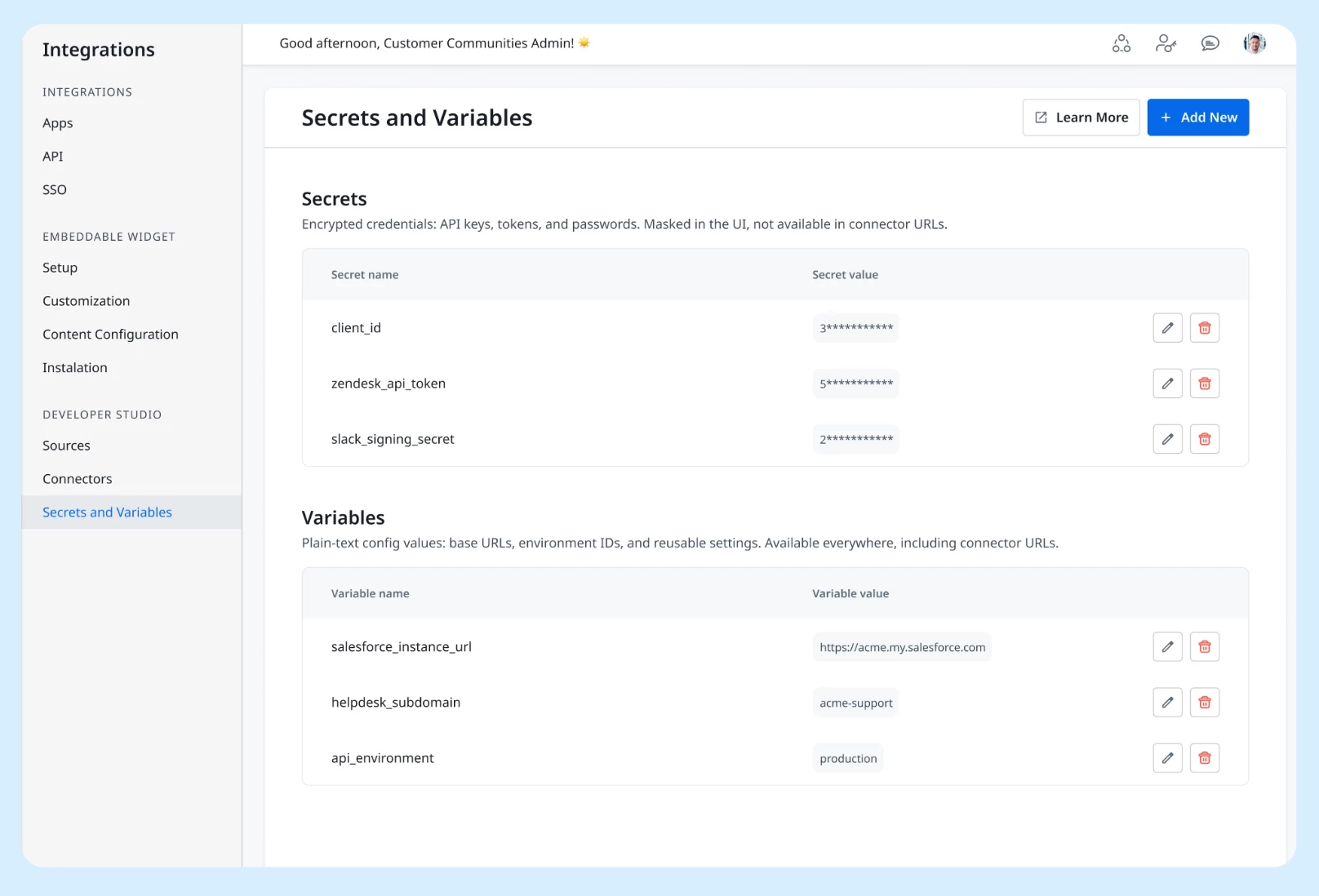
The Secrets and Variables page under Integrations > Developer Studio now supports two distinct value types for connector configuration:
-
Secrets store encrypted credentials such as API keys, tokens, and passwords. They are masked and restricted to headers and authentication fields.
-
Variables store plain-text config values such as base URLs, environment IDs, and reusable settings. They stay fully visible and editable, and can be referenced anywhere a connector accepts input, including in the connector URL itself.
For more information, refer to the Developer Portal documentation.
Getting Started
All four updates are available in your CC instance now. To enable or disable Threaded Replies, check your community settings. For Personalization settings, open any customizable page in Destination and look for the updated Personalization controls. Frontend moderation actions are available on any topic page with no configuration required. For Secrets and Variables, navigate to Integrations > Developer Studio in Customer Communities Control.
👉 Check out the Release Notes for more details.
💬 Have a question for our