


Gainsight CC: Smarter Moderation and Tagging, Powered by AI
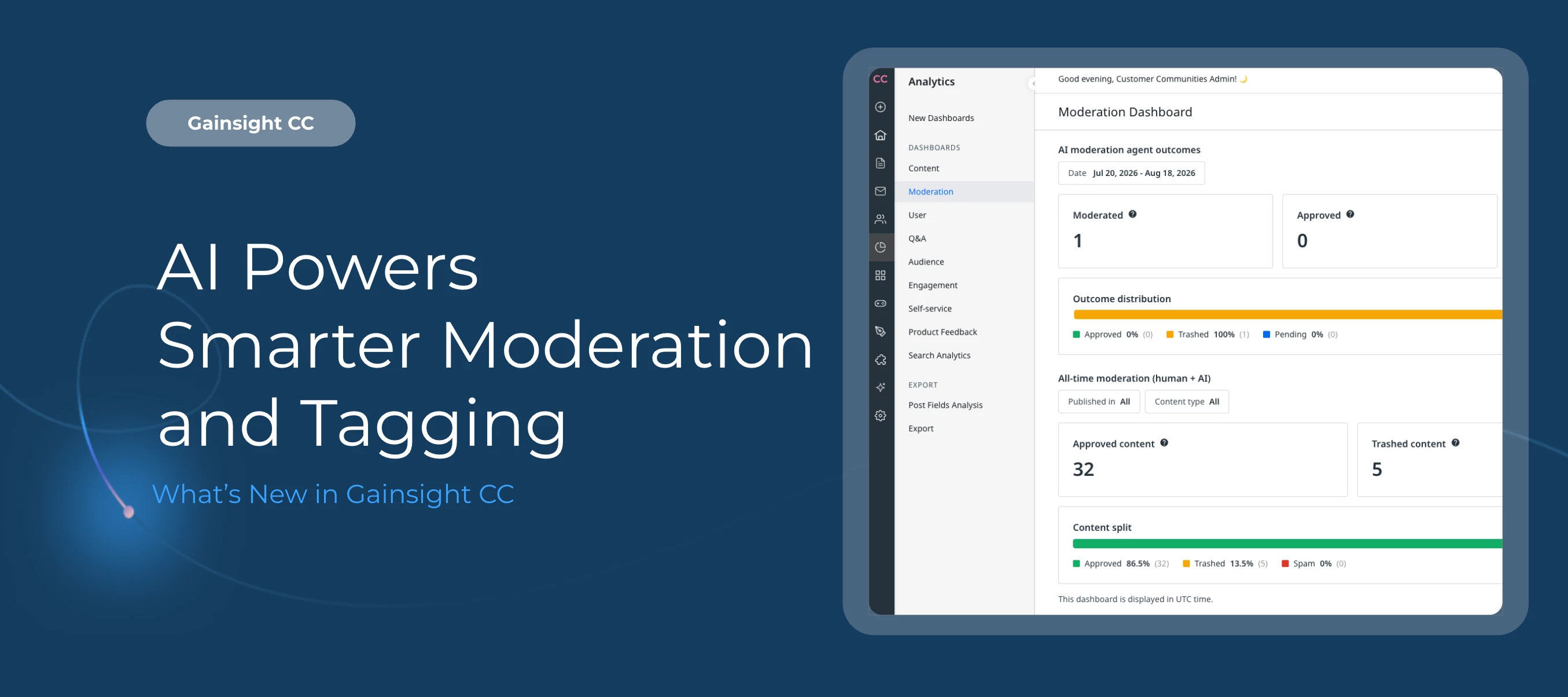
Two new features give community managers better visibility into moderation activity and help members tag content accurately with less effort.
Here's What's New
View Moderation Activity in the New Moderation Dashboard
The Moderation Dashboard gives community managers a dedicated place to review moderation activity across their community, covering both human moderator actions and decisions made by the AI Moderation Agent.
The dashboard surfaces two distinct sets of data:
-
AI Moderation Agent outcomes: Counts of content Moderated, Approved, Trashed, and Pending within your selected date range. These figures reflect AI agent decisions only and require the AI Moderation Agent to be enabled.
-
All-Time Moderation Totals: Cumulative counts since your community launched, across all moderators (human and AI combined). These totals are not affected by the date range filter.
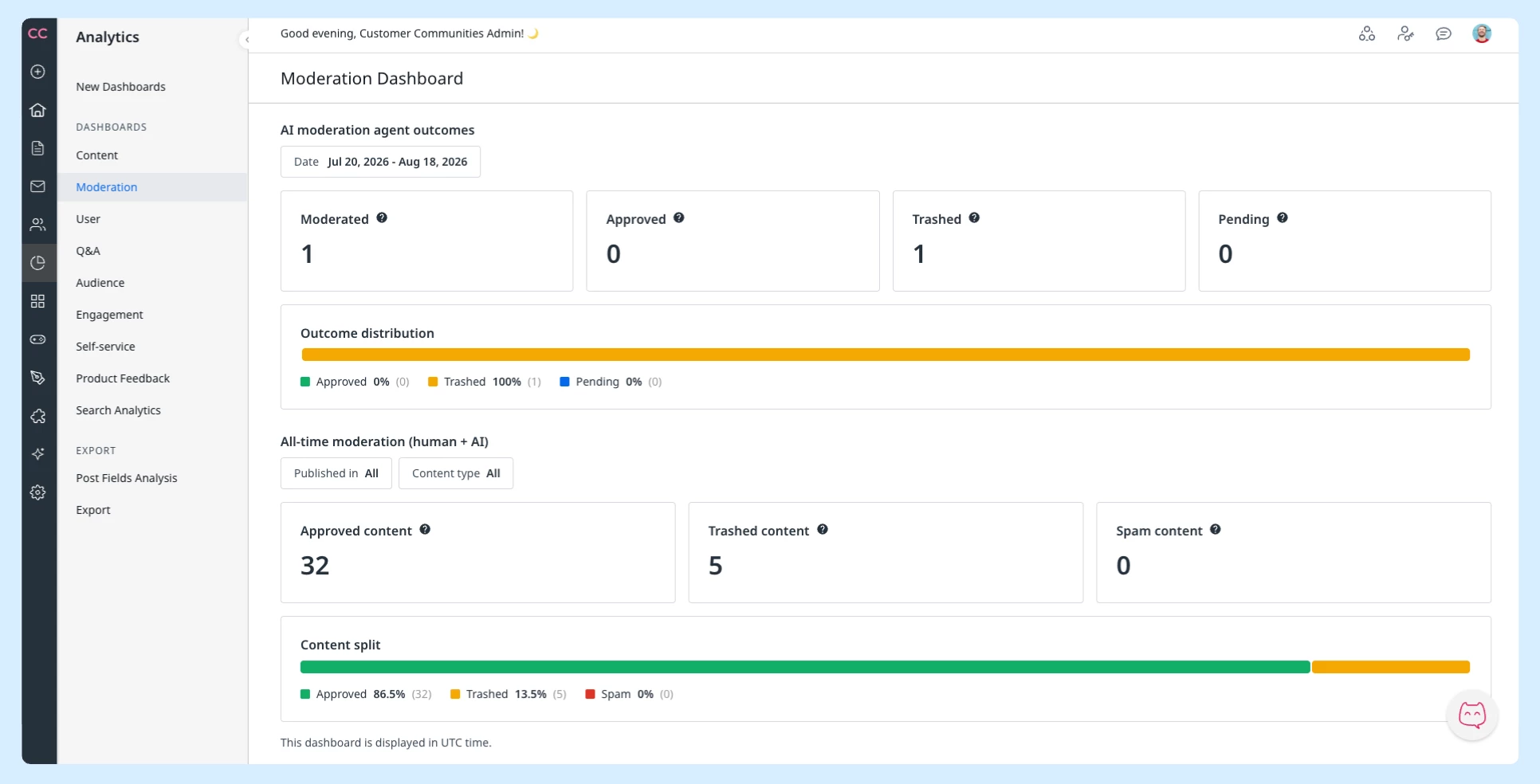
For more information, refer to the Moderation Dashboard article.
Improve Content Discoverability with AI-Assisted Tagging
Tag Assist uses AI to recommend relevant tags as members create posts, reducing the effort required to tag content accurately and keeping your tag taxonomy consistent over time.
As a member drafts a post, Tag Assist analyzes the content and surfaces suggestions inline, drawn from your community's existing tag library. Members stay in full control: suggested tags can be accepted, ignored, or replaced with their own.
For more information, refer to the Configure AI Tags article.
A Note on Recent Label Changes
As part of the Threaded Replies update released earlier, you may notice two small label changes in the community interface. The functionality behind both is unchanged:
-
Upvote on ideas now appears at the bottom of a post alongside other actions, rather than at the top.
-
Subscribe has been renamed to Follow on posts and ideas.
These are intentional UI updates that shipped with Threaded Replies. No action is needed on your end.
Getting Started
Both features are available in your community now.
-
To access the Moderation Dashboard, navigate to Analytics in Customer Communities Control and selection Moderation. Note: AI outcome data is only visible when the AI Moderation Agent is enabled.
-
Tag Assist works automatically when members create posts. No additional configuration is required to surface suggestions.
👉 Check out the Release Notes for more details.
💬 Have questions or feedback for