


Gainsight CS Q4 Release: JO Program Testing, Extended Group Send Access, and Copilot Usage Reports
Execution in customer success can be complex. Digital orchestration programs need to run as expected. Communication needs to scale without losing control. And insights need to translate into action before momentum is lost.
The Q4 (January) release for Gainsight CS helps you simplify that execution by giving you the tools to test and refine Journey Orchestrator (JO) programs before launch, extend Group Send access (with guardrails), and act on Copilot insights without ever leaving your workflow.
Let’s dive in.
Launch Journey Orchestrator Programs with More Confidence
Building JO programs can mean juggling branches, conditions, and personalization. But until now, validating all that logic pre-launch meant cloning the program or hoping it all worked after launch. That introduced internal risk, but also opened the door to subpar customer experiences if the journey didn’t go as planned.
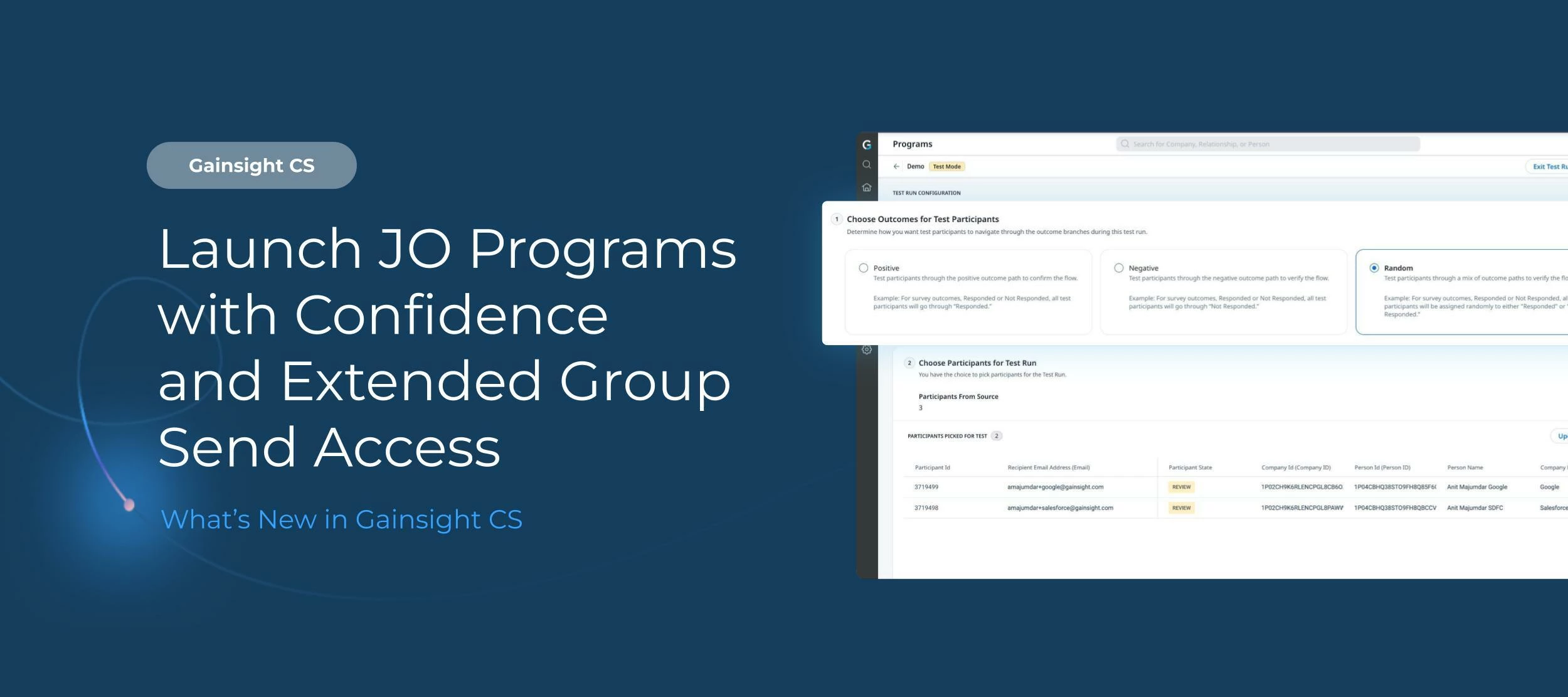
Now, you can test draft Journey Orchestrator programs with up to 30 participants using real data. Preview branching conditions, verify tokens, and confirm email versions before going live. For complex journeys, this removes the guesswork and cuts down on post-launch rework.
Extended Group Send Access Without Sacrificing Control
Group Send, which allows users to send personalized emails—newsletters, invites, product updates—to hundreds of customers in just a few clicks, was previously only available to CSMs.
That’s changing with this release. Admins can now extend Group Send access to any user persona or user group using a flexible, rule-based permissions framework. Control access by role (e.g., Account Manager) or criteria (e.g., companies under $100K ARR), and define exactly who can send to which accounts. Said another way, you can now scale communication across more teams without compromising control.
Community Callout: This enhancement was shaped in close partnership with our 2025 Product Council. Their hands-on feedback from our dedicated session last year directly influenced the improvements you see in Group Send today, which make it more flexible and impactful at scale.
Send Copilot Responses From C360 and Track Usage Across Your Org
You can now send Copilot responses directly from C360 into an email. Content is prefilled, editable, and automatically logged to Timeline, which shortens the gap between insight and follow-up, so teams can respond while context is fresh.
Additionally, the new Copilot Usage Report shows who’s engaging with the AI (including Slack workflows), how often, and where adoption might need a boost. It’s a simple way to track usage, spot gaps, and focus enablement where it matters most.
Better Visibility with Multi-Select Field Reporting
You can now group reports by individual values within multi-select picklists, giving you a clearer view of how each value appears across your dataset—even when multiple options are selected in a single record.
This update makes it easier to analyze trends, segment data accurately, and build more meaningful dashboards without additional configuration.
Community Callout: Real customer feedback made this possible. Thank you for continuing to shape the future of Gainsight.
Note: Multi-select field enhancements will be available beginning on Tuesday, February 3, 2026.
New Salesforce UI Managed Package and Connector Security Enhancements
Your Customer Success workflows don’t stop at Gainsight. They rely on seamless and secure integrations with tools like Salesforce. This release includes a new Salesforce UI Managed Package that gives you more flexibility in how you can bring Gainsight into your Salesforce experience.
Additional Resource: Learn more about the new UI Managed Package
We’ve also rolled out several key security enhancements to further protect your data across systems. That includes:
- Shorter Refresh Token Lifespans: Refresh tokens now expire faster to limit the risk window if a token is ever compromised.
- Refresh Token Rotation (RTR): Each refresh token is now single-use, so every time one’s exchanged, it’s replaced immediately.
- OAuth Proof Key for Code Exchange (PKCE): PKCE strengthens the OAuth flow by ensuring that only the app that starts authentication can complete it.
- Trusted IP Ranges: Token exchanges now only work when requests come from trusted infrastructure.
Additional Resource: What Can I Do Today? A CEO’s Guide to Salesforce Integration Security by Gainsight CEO Chuck Ganapathi.
What Else Is New in Gainsight CS
Beyond JO testing, Copilot usage reports, and Group Send access updates, our Q4 release includes several enhancements to streamline reporting, improve AI precision, and simplify admin workflows:
- Row Groupings with Pivots: Analyze data across row levels while pivoting in the same report, so you can spot insights in one view.
- Import Reports to Create Key Definitions: Admins can now create Data Key Definitions by importing existing reports. Filters, columns, and logic carry over automatically to save time and improve consistency in Copilot responses.
- Tag Companies Using “#” in Copilot Prompts: Tag companies directly in Copilot prompts using “#” to specify exactly which company you’re referencing. This improves response precision and reduces ambiguity when working across multiple accounts.
Want the full breakdown of what’s new? Check out the full release notes here. And if you're using Insight Agent (powered by Staircase AI) alongside Gainsight, read the release notes or our January newsletter.
Didn’t catch our Q4 release webinar live? Check out the on-demand recording: