


Gainsight Digital Customer Hub: Skilljar, CC, and PX MCP Servers Now Generally Available
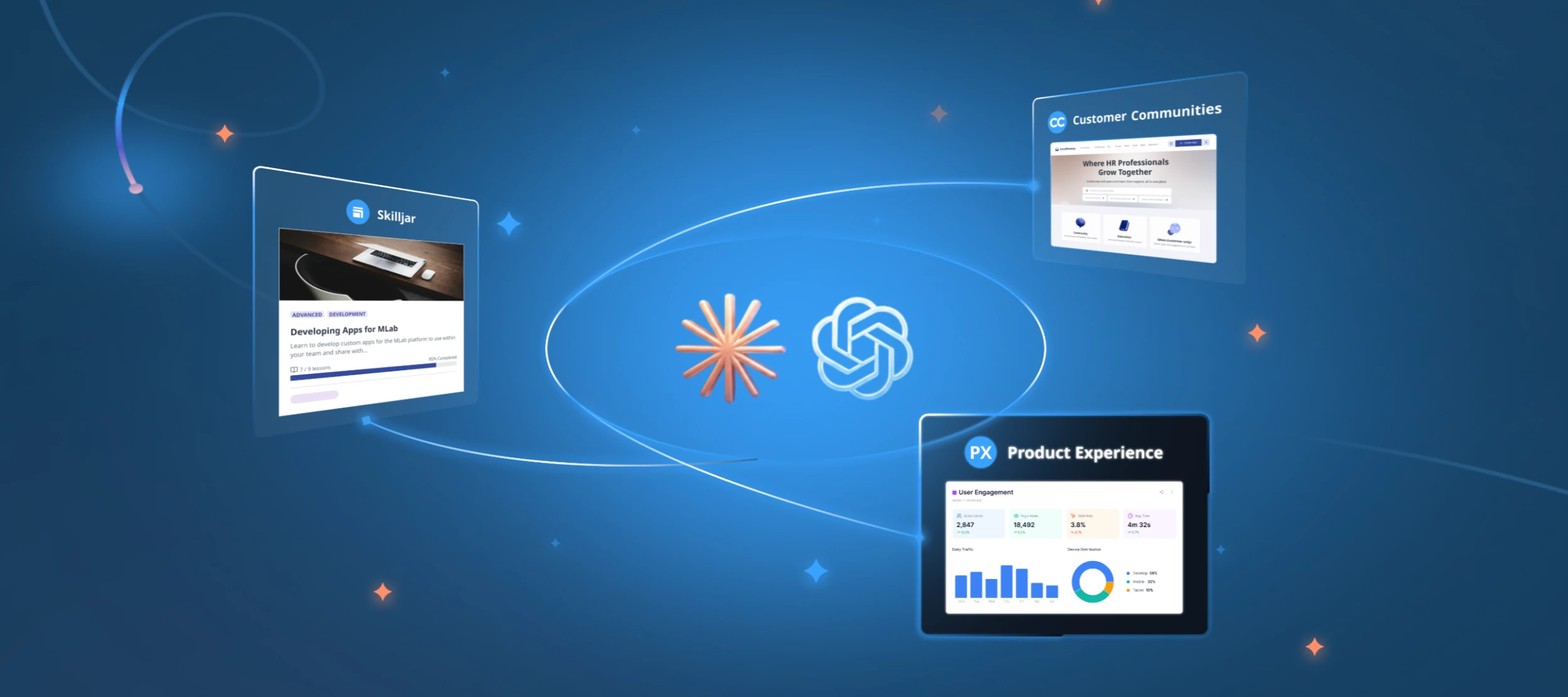
Manage courses, run your community, and query product data from your AI tools of choice, all in one conversation. The Skilljar, Customer Communities, and Product Experience MCP servers are now generally available. They're easier to connect and come with new tools that let your AI assistant take more action, conversationally.
Every Learner, Conversation, & Click. One Prompt Away.
Each MCP saves time on its own. Together, they change how you work. You ask once, and the answer already knows about the courses your users completed, the thread they posted, and the feature they got stuck on.
Build a course in Skilljar, check adoption in PX, pull community sentiment from CC, and pull a product usage report, all in one chat. Need ideas? Browse our Prompt Library to get started with MCP across all of our products.
All three MCPs are included in your existing plans at no additional cost. The also work alongside the Gainsight CS and Staircase AI MCPs.
Skilljar MCP
The Skilljar MCP has grown from about 18 tools to more than 70 since its initial beta release. The beta covered courses, lessons, students, groups, and enrollments. New capabilities include:
- OAuth Sign-In: No API keys required to set up. OAuth allows you to authenticate directly by signing into the Skilljar dashboard.
- Content Management: Create, review, update, and delete (CRUD) courses, lessons, groups, and enrollments in plain language, and work through larger result sets with improved pagination.
- Note: You can only create, review, and update Students. You can't delete students through the MCP. Anonymize them instead. Listing a group's students, or a student's groups, is coming after GA.
- Quizzes: Create a quiz, write its questions, and build and attach Question Banks.
- Lessons: Lessons are no longer HTML only. Mix text, video, audio, and course ratings, or point a lesson at a quiz.
- Media Uploads: Upload video and audio files and add them to a lesson without opening the dashboard.
- Publishing: Publish a course to a domain, set its URL slug and catalog visibility, and unpublish or republish it.
- Reporting: Filter enrollments by course, progress, date, or domain, and pull analytics, course ratings with written feedback, and certificates.
- Multi-Domain Student Access: See which domains each student can access, grant or restore access, and remove it without deleting the student.
- Audit Log: Ask "Who changed this, and when?" to see up to 90 days of changes, filtered by person, action, change type, or date. Requires the audit:read permission within your API V2 connection.
Track updates from our Skilljar MCP Release Log and view every endpoint the Skilljar MCP calls in our API V2 documentation.
🎓Learn Skilljar MCP, on Skilljar: Take our beginner course in Gainsight University. And for even deeper learning, the Skilljar Developer Center adds lessons on building a full course end to end.
Customer Communities MCP
General availability adds new write tools for moderators, plus other updates:
- Content Publishing: Publish articles and product updates, start and reply to conversations, close or reopen topics, and assign moderators.
- Idea Management: Set statuses, update tags and product areas, merge votes, and close ideas.
- Bulk Operations: Change or publish topics, category pages, and apply tags in bulk instead of one at a time.
- Streamlined Replies: Find unanswered threads and publish replies after a moderator reviews them.
Important Note: Customers already connected in Claude need to refresh their tool list or reconnect to see them.
🎓 Learn More: Take CC: Put AI to Work in Your Gainsight Community Using the CC MCP in Gainsight University.
Product Experience MCP
Since its beta release in May, it’s now easier to get answers from your product data without building a report first. New capabilities include:
- Query Builder: Ask about feature usage, events, and trends in plain English, and get answers without building a report.
- Engagement Analytics: See how your dialogs, guides, and surveys perform, from views and CTA clicks to survey responses.
- Audience and Account Explorer: Find the users and accounts that match your criteria, along with Product Score, active users, and stickiness.
- Data Sets: Group results more ways, page through large data sets, and download any result as a CSV.
- Permissioning: The permissions and PII restrictions you set in PX still apply.
Try: "Show me users who responded 3 or more stars to any rating survey in the last 30 days in product X” and other suggested prompts here.
🎓 Learn more: New to MCP? Start with Introduction to Model Context Protocol (MCP) for Everyday AI Use in Gainsight University.
Getting Started
- Find the Gainsight connector in your AI tool's directory, or add the server URL to any MCP client.
- Sign in with your Gainsight credentials and authorize.
- Repeat for each MCP.
A workspace admin may need to approve the connector first.
We can’t wait to see what you build with Gainsight MCP. Have questions or feedback? Drop a comment below.