

Yoeri
Gainsight Employee ⭐️⭐️⭐️
February 5, 2020
Release

Now available: Instant search and search filters
  • February 5, 2020
  • 14 replies
  • 463 views
Now available: Instant search and search filters

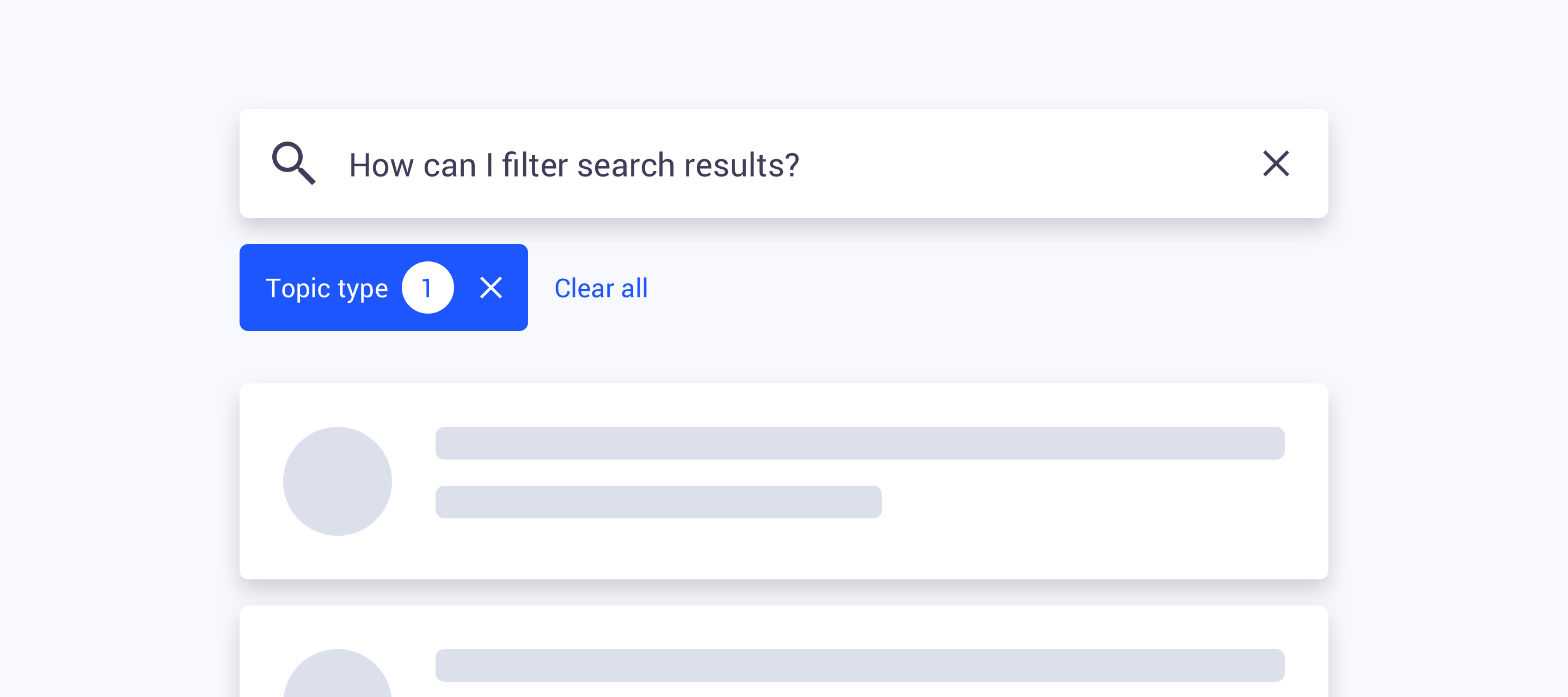
Instant search and search filters are now available on your communities! As of now you will be able to narrow down search results and perform more specific search queries with the help of filters. We replaced the old search result page with a new page that includes a bunch of new and improved functionality. Can’t wait to see how it looks like and works?

View the new search page: https://community.insided.com/search

⚠️ In some edge cases the total topic counter may not reflect the counter in the filters, we are aware and are looking into these inconsistencies

What’s new

  • Category search - searching in a category page will only show results from that specific category

  • Instant search - the list of search results will automatically refresh after some time as you type in a search result page

  • Endless scroll - when you reach the bottom of the list of result we’ll automatically load a new set of results

  • Search filters - we added search filters to the search result pages that will allow you to filter on:

    • Source

      • Community (shows all topics posted to community categories)

      • inSided Knowledge base (shows all topics posted to inSided knowledge base categories)

      • External Knowledge base* (shows all topics from an external Knowledge base like Zendesk or Salesforce)

    • Knowledge base categories

      • Filter topics by knowledge base parent- and child categories

    • Community categories

      • Filter topics by community parent- and child categories

    • Topic type

      • Filter topics by article, idea, conversation, question

    • Public tag

      • Filter topics by one or more public tags

*Only visible when you have set up a Federated search integration with an external knowledge base

Thank you;

We’d like to thank everybody who helped us testing and providing feedback. We were able to include some of your feedback and fix inconsistencies. Thanks! 

14 replies

Hiewwaiy
Contributor ⭐️⭐️⭐️⭐️
February 6, 2020

Hi, 


The new seach is not visible at our community yet… or am I doing something wrong? :) 

Gr Hiewwaiy
Yoeri
YoeriAuthor
Gainsight Employee ⭐️⭐️⭐️
February 6, 2020

Hi,

The new search page is visible for me in your community, check: https://community.infoland.nl/search?q=infoland :)

Group Product Manager, Customer Communities
Paul_
Contributor ⭐️⭐️⭐️⭐️⭐️
February 6, 2020

Looking good. Will it be possible to sort the results by date? That would be neat...

Yoeri
YoeriAuthor
Gainsight Employee ⭐️⭐️⭐️
February 6, 2020

Thanks Paul, in this release it’s not possible to sort results by date. We’re planning to add sorting options and additional filters over time

Group Product Manager, Customer Communities
freydrew
Contributor ⭐️⭐️⭐️⭐️
February 6, 2020

This is the best update ever! Thanks team. 

Drew -- Senior Communications Manager
lila_meyer
Gainsight Employee ⭐️⭐️⭐️
February 27, 2020

I noticed in your email announcement that the screenshot shows filter options for questions that have best answers marked. Did this get rolled out? I don't see it in inSided. 

I'm also not seeing category specific search results on our community site. For example, if I navigate to our PX discussion category, and search for reporting, I still see results from across all of the categories.

Lila Krutel, Dir. Global Education Services
Yoeri
YoeriAuthor
Gainsight Employee ⭐️⭐️⭐️
February 28, 2020

Good catch Lila! ‘Questions with best answer’ hasn’t been rolled out, it’s on the backlog, together with more filter- and sort options. 

When you are in a category and start searching only the live-search dropdown will show results from that specific category. When you click the ‘View all’ it will bring you to the search result page showing results from the entire community.

Group Product Manager, Customer Communities
lila_meyer
Gainsight Employee ⭐️⭐️⭐️
March 5, 2020

Are you still considering or developing support for search by author? I noticed other customers have asked for it to be added to adv. filters, and a super user asked me about it today. 

Lila Krutel, Dir. Global Education Services
Yoeri
YoeriAuthor
Gainsight Employee ⭐️⭐️⭐️
March 9, 2020

We still have plans to add more filters – not sure if we will allow search by author. We’re thinking about adding a filter for ‘Show my contributions’ only, allowing the (super)user to search his own contents 

Group Product Manager, Customer Communities
lila_meyer
Gainsight Employee ⭐️⭐️⭐️
March 9, 2020

Users definitely want to see the complete list of topics they authored. But it also would be nice as a moderator to quickly find a post if I know the author, but not the title or subject necessarily. And I think end users also want to quickly locate articles written by a specific author. For example, we have an internal CSM, and people in our professional services team, who frequently write up “Tip of the week” type articles. Users may come to know their names and want to see everything they’ve authored.

Lila Krutel, Dir. Global Education Services