

Yoeri
Gainsight Employee ⭐️⭐️⭐️
December 14, 2018
Release

Quick links are here!
  • December 14, 2018
  • 28 replies
  • 1022 views
Quick links are here!
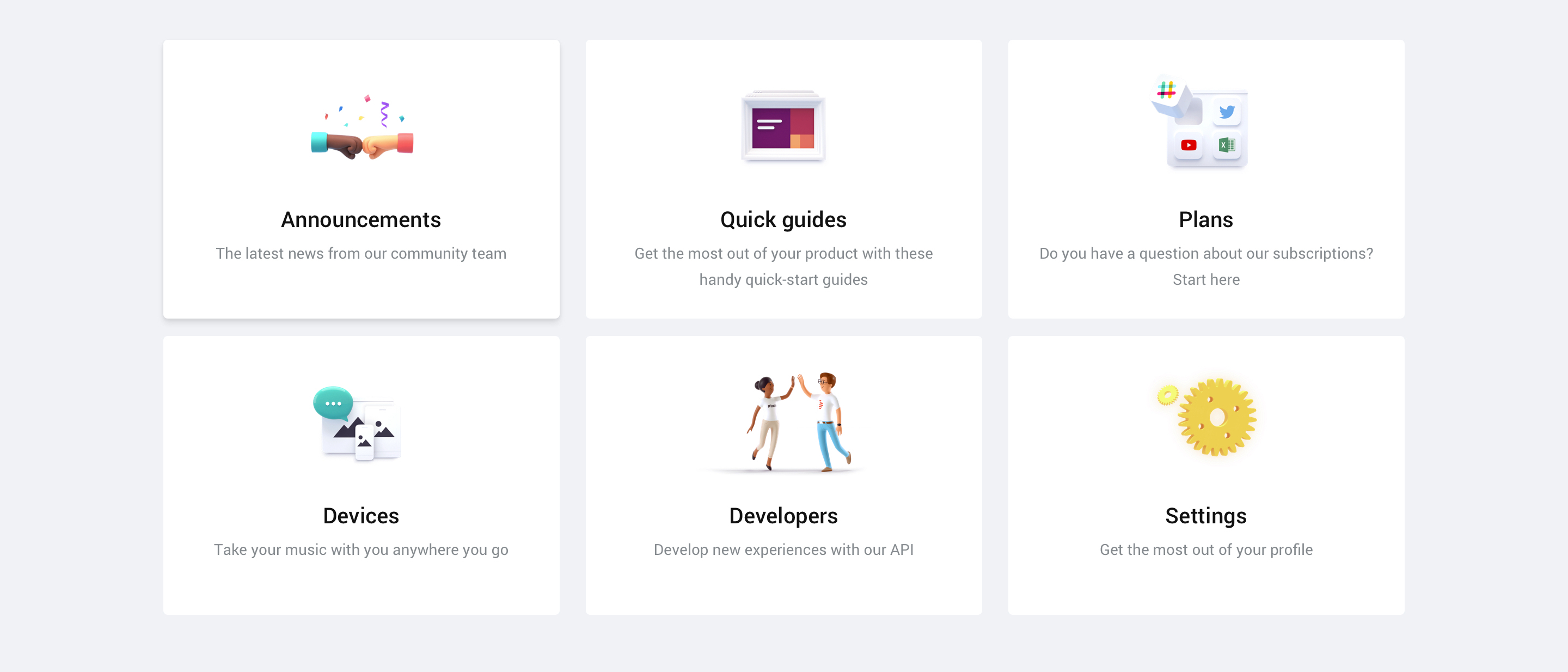
We're excited to announce that the quick links feature that we recently posted about are now available in your community.

Quick links can be added to your homepage and are there to guide your users to virtually wherever you want your users to be: a FAQ article, an important category, a list of topics with a specific tag and more. You can point to everything that has an URL.

Setting up quick links is easy as pie and gives you direct visual feedback on how the quick links will appear on your community. You can find more information on setting up quick links in the guide below:

How To Set Up Quick Links On Your Homepage

A list of specifications
  • Quick links will be shown on the Homepage
  • Quick links can point to both an internal and external URL
  • Quick links are responsive and will evolve into a horizontal scroll list on small devices
  • You can set up as many quick links as you like
  • You can choose between 3 different types of quick links: plain text, icon or image
We hope you like this new feature. If you have any feedback drop us a comment below 👇

28 replies

Pascal
Gainsight Employee ⭐️
December 14, 2018
@Denisevdo Just I like I showed you this afternoon!
Contributor ⭐️⭐️
December 17, 2018
@chrishottentot en @Emile
De quick links zijn nu beschikbaar, dus jullie kunnen er mee aan de slag!
Jurgen
Helper ⭐️
December 18, 2018
Can you combine featured topics and quick links? Or are you supposed to replace your featured topics with quick links?
Yoeri
YoeriAuthor
Gainsight Employee ⭐️⭐️⭐️
December 18, 2018
We did not change the featured topics, they can still be used but will be displayed below the quick links card. It is up to you if you want to replace the featured topics or use them side by side with the quick links. :)

We believe the quick links are a powerful navigation tool that can point your visitors to the right direction (mostly an overview or a link to somewhere outside the community) whereas featured topics are more aimed at highlighting one specific subject.
Group Product Manager, Customer Communities
Moller Toma
Helper ⭐️
January 3, 2019
The feature Quick links (Forum Settings / Homepage / Quick links) doesn't have the option 'open in a new tab'.

The option 'open in a new tab' provides community owners the ability to integrate with other platforms while they can provide members the ability to preserve what’s on the active tab and open a new tab. Hence, this gives a better User Experience.
Yoeri
YoeriAuthor
Gainsight Employee ⭐️⭐️⭐️
January 4, 2019
We respected default URL behaviour for URL's that are setup within the platform (click on a topic, category, username etc.) If a user wants to open a quick-link in a new tab he can do so by 'CTRL/CMD' + Click on a quick link card 🙂
Group Product Manager, Customer Communities
Moller Toma
Helper ⭐️
January 4, 2019
I can relate to the given answer, but it should not be assumed that every community member knows CTRL/CMD' + Click on a quick link card.

The option 'open in a new tab' gives the community manager the opportunity to decide whether he wants it or not.
Yoeri
YoeriAuthor
Gainsight Employee ⭐️⭐️⭐️
January 4, 2019
Correct, assumptions are not a good measurement 😉 Let us investigate this 🙂 To be on the same level: this option should apply to all quick-links, and not individual quick-links right? It would be strange that some quick links open in a new tab and others open in the same tab.

I like the quick links on your community by the way. Good job 😃
Group Product Manager, Customer Communities
Moller Toma
Helper ⭐️
January 4, 2019
Why do you find it strange that some quick-links open in a new tab and others on the same tab? It depends on the content, doesn't it?

Thank you!
Florian
Contributor ⭐️⭐️⭐️⭐️
January 4, 2019
We believe the quick links are a powerful navigation tool that can point your visitors to the right direction (mostly an overview or a link to somewhere outside the community) whereas featured topics are more aimed at highlighting one specific subject.

As naviational elements I do think they could be helpful, especially for guiding infrequent users and giving the community manager more choice in designing the community for his/her audience. But IMO the potential is not

Startpage:
  • having quick-link navigation plus current startpage for large communities is overwhelming and will create an inconsistent experience for users.
  • Therefore, I would suggest to enable for the startpage a choice
  • a) either a graphical navigation (as you intend above) or
  • b) the current text-oriented startpage
  • c) enable both and users can choose in their profile (depending on their maturity)
Subforum:
  • for consistency of the navigational experience, quick links need to be enabled for sub-forums as well as quoted several times above
  • Within the sub-forums there usually are several sub-topics (identified by tags); quick-linking to these tags can help users navigate to the content they are interested in.
Ideally, when really using a quick-link navigation, the order of the quick-links would be depending on the users' behavior and preferences, e.g. when a user is mainly active in forums a & b but not on c and only a few times in d, the order would be a, b, d, c. The same principle applies to tag-based quick-links.
This personalization would have an immediate benefit for the users as they can navigate directly quickly to the content they are interested in.

Cheers,
Florian