

Yoeri
Gainsight Employee ⭐️⭐️⭐️
December 14, 2018
Release

Quick links are here!
  • December 14, 2018
  • 28 replies
  • 1022 views
Quick links are here!
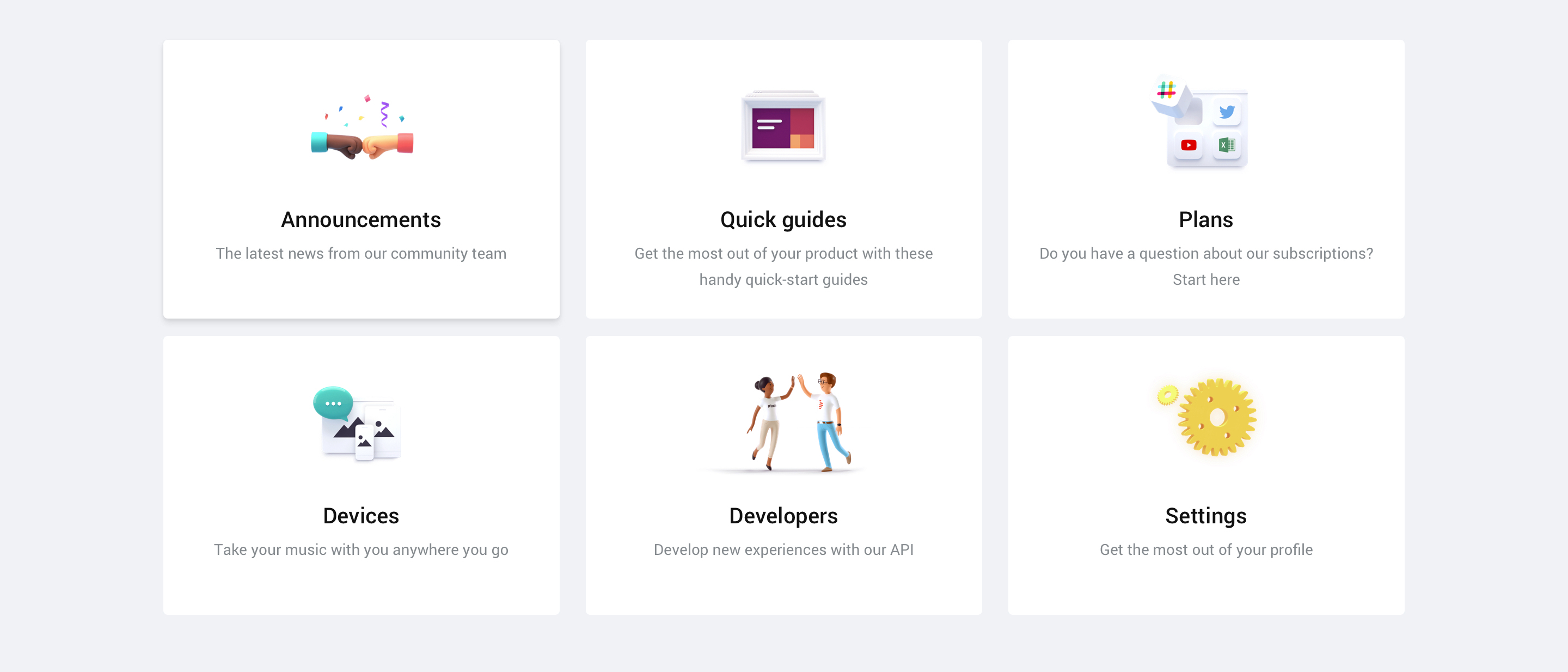
We're excited to announce that the quick links feature that we recently posted about are now available in your community.

Quick links can be added to your homepage and are there to guide your users to virtually wherever you want your users to be: a FAQ article, an important category, a list of topics with a specific tag and more. You can point to everything that has an URL.

Setting up quick links is easy as pie and gives you direct visual feedback on how the quick links will appear on your community. You can find more information on setting up quick links in the guide below:

How To Set Up Quick Links On Your Homepage

A list of specifications
  • Quick links will be shown on the Homepage
  • Quick links can point to both an internal and external URL
  • Quick links are responsive and will evolve into a horizontal scroll list on small devices
  • You can set up as many quick links as you like
  • You can choose between 3 different types of quick links: plain text, icon or image
We hope you like this new feature. If you have any feedback drop us a comment below 👇

28 replies

Yoeri
YoeriAuthor
Gainsight Employee ⭐️⭐️⭐️
May 20, 2019
No, we don't have plans for this Florian. For what purposes would you like to use quick-links in (paren) category pages, where would you link to?
Group Product Manager, Customer Communities
bjoern_schulze
Helper ⭐️⭐️⭐️
May 22, 2019
Quick Links for categories can serve a very important role in customer support. But as it is limited to the home page, we don't have a practical use for it now.

Currently Quick Links is the only function that enables us to directly link to external sources. Our community isn't the only place to provide customer support, it is a part of a whole set of channels and support sources.

Example: We have a community category about billings for mobile contracts. Outside our community, in the customer area, there is a service section regarding billings - containing FAQs, personalized information and other useful features. Right now it is not possible to provide our customers direct links from our category page to the customer area - Quick Links would be the ideal solution to do that. This way we could enrich every category page as a full scale landing page for all questions and issues revolving billings for mobile contracts (or whatever the category is about, like DSL, Network issues, and so on).

We really like Quick Links and we want to use them. But it is no use for us on the homepage as we couldn't properly target to our customers' needs on the homepage. Yes, we could link to the service section regarding billing for mobile contracts from the Quick Links on our homepage, but only a minor percentage of users would have a use for it there. Most of them have a use for it on the category page.
MaryJ
Contributor ⭐️⭐️
July 9, 2019
We just implemented the Quick links. I think it's unclear that the mobile version is a carrousel with the possibility to swipe, despite the small view of the third tile.

Vision carrousel
At mobile, you only see the first 2 tiles. There is a progress bar the first time, but it disappears to quickly and you don't see it when you haven't tapped the screen yet.

I'm curious about the CTR per tile of other Communities! Feel free to share your results 🙂

Is there a possibility to implement a better progress bar or use another navigational element?

Yoeri
YoeriAuthor
Gainsight Employee ⭐️⭐️⭐️
July 10, 2019
We're planning to increase the width of a single card to make it more readable:


We're keen on the carrousel interaction as we believe it's a common mobile UI browsing and scrolling pattern. We may want to make it more visible how many quick-links there are, we've received more feedback on this 🙂
Group Product Manager, Customer Communities
Yoeri
YoeriAuthor
Gainsight Employee ⭐️⭐️⭐️
September 17, 2019
@MaryJ We implemented a visual improvement to make the quick links more readable on smaller viewports 🙂
Group Product Manager, Customer Communities
MaryJ
Contributor ⭐️⭐️
September 17, 2019
Thnx for the update. The dimensions are better like this 😉
OVOdarran
Helper ⭐️
September 19, 2019


We've implemented Quick links on the homepage to try it out.
Community Manager // OVO Energy / Boost Power
Julian
Gainsight Employee ⭐️⭐️⭐️
September 19, 2019
Well, that looks awesome! Thanks for sharing it here with us! 🕺🏻

A small tip: If you're using Google Analytics, keep an eye on the click rates on the differen Quick links to track performance and evaluate changes.
I follow my nose, it always knows