


Skilljar by Gainsight: AI Tutor is Now Generally Available
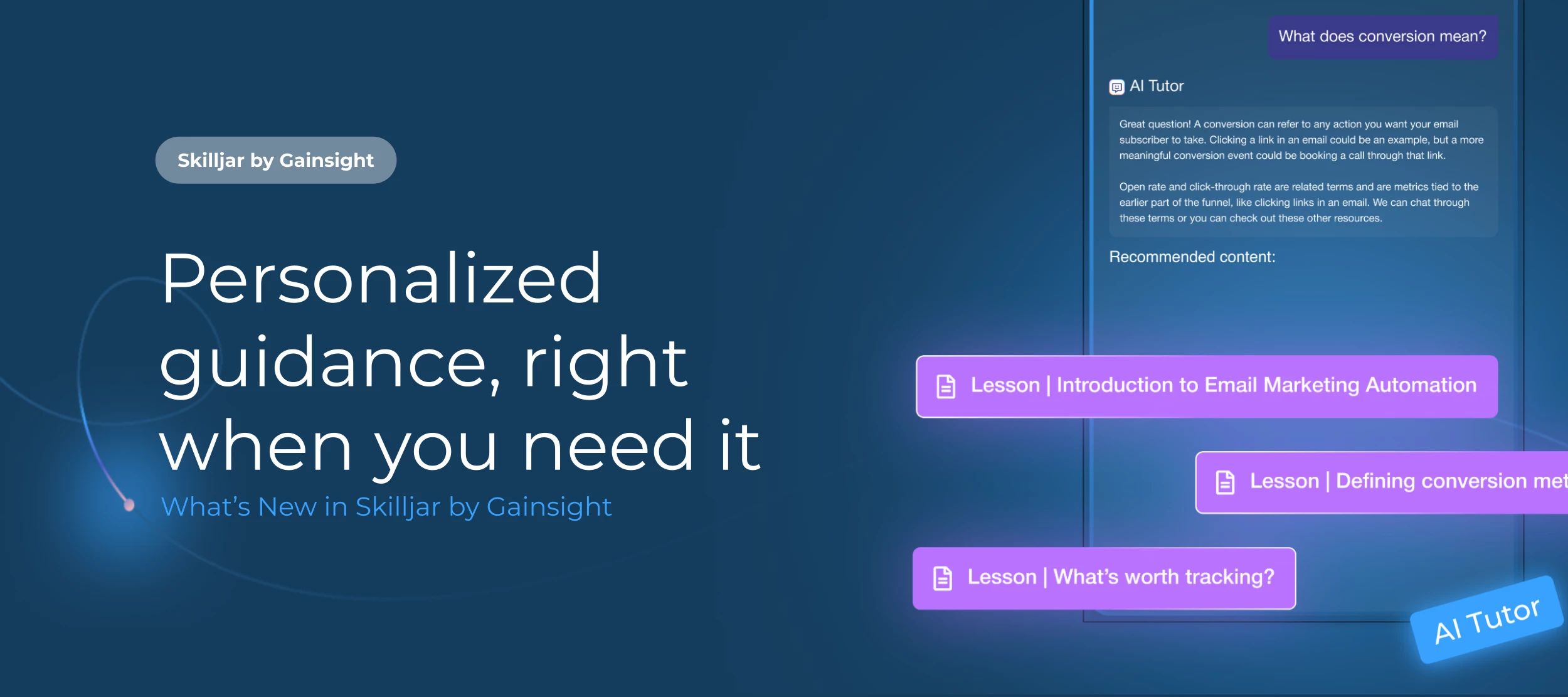
A learner gets stuck halfway through a course. The answer they need is in a video they watched earlier or somewhere in the five lessons they’ve taken. Until now, that meant rewatching, guessing, or leaving the lesson to find help elsewhere. That's the gap AI Tutor closes: learners who disengage when they can't get timely help, and Support and Education teams buried in repetitive questions.
Today, AI Tutor is Generally Available on all Skilljar packages at no additional cost, and it ships with two enhancements: it understands your Wistia videos, and it knows where each learner stands in their learning path. This follows earlier updates that added SCORM and PDF support and a Claude Sonnet 4.6 model option. AI Tutor is a key part of our investment in agentic learning, where help is proactive, personalized, and built into the learner's experience.
What's New
📹 Wistia Video Support
- Answers from video content: AI Tutor reads Wistia captions and uses what's said in your videos to answer learner questions, just as it does for native lessons, SCORM packages, and PDFs.
- Video-only lessons covered: AI Tutor now appears in lessons whose only content is a Wistia video.
- Your existing library included: Once you connect Wistia, videos already in your courses are processed automatically. New videos are processed after publishing.
- Multilingual captions: AI Tutor uses English captions when available, otherwise the first available language.
📚 Learning Path Awareness
With Learning Paths now supported, learners can ask AI Tutor questions like:
- "How far am I?": Learners see how much they've completed, such as course 2 of 5. Progress answers come straight from the learner's actual completion records, so AI Tutor won't guess or round a learner's progress up.
- "What's next?" and "What's coming up?": AI Tutor points to the next unfinished course and lists what's ahead.
- "Should I review anything first?": For ordered paths, AI Tutor points learners back to earlier courses.
🐛 Bug Fixes and Reliability Improvements
We’ve also patched a number of bug fixes around SCORM reliability. Your SCORM files should now be more accurately processed by the AI Tutor.
How to Get Started
First, make sure AI Tutor is enabled on your domain in Domain Settings. Help Article
Want to see AI Tutor in action? Take our new Gainsight University course to learn how to set it up and get the most out of it in your Academy
Wistia Integration:
- Connect Wistia: Go to dashboard.skilljar.com/integrations/wistia and add your Wistia API token. This page is admin-only and isn't in the dashboard menu, so use the direct link. Your token is validated on save and stored securely.
- Add captions: Each video needs at least one published caption track. Captions aren't on by default in Wistia, so generate a transcript or upload a caption file there.
- Check readiness (optional): Open a video in the Assets library to view its AI Tutor card. Click Reindex after updating captions.
Learning Paths:
Nothing to set up. Learners enrolled in a path get path-aware answers automatically when they open AI Tutor on any lesson page within the path's courses.