deborahcreekmore
Contributor ⭐️
December 23, 2021
Solved

Quick Links on Homepage

  • December 23, 2021
  • 15 replies
  • 466 views

Is there a guide on how to set up quick links similar to the Insided integrations icons on the homepage (shown below)?


Best answer by SmartlyGreg

@Hannah Bailey @deborahcreekmore I was revisiting this question and noticed that when I tried the maximum number of quick links I could get on 1 line was capped to 2.

So I played around, and there are a few ways to achieve this:

  1. Using CSS
    .featured-topic.quicklink__box.card-widget-wrapper.quicklink-icon {
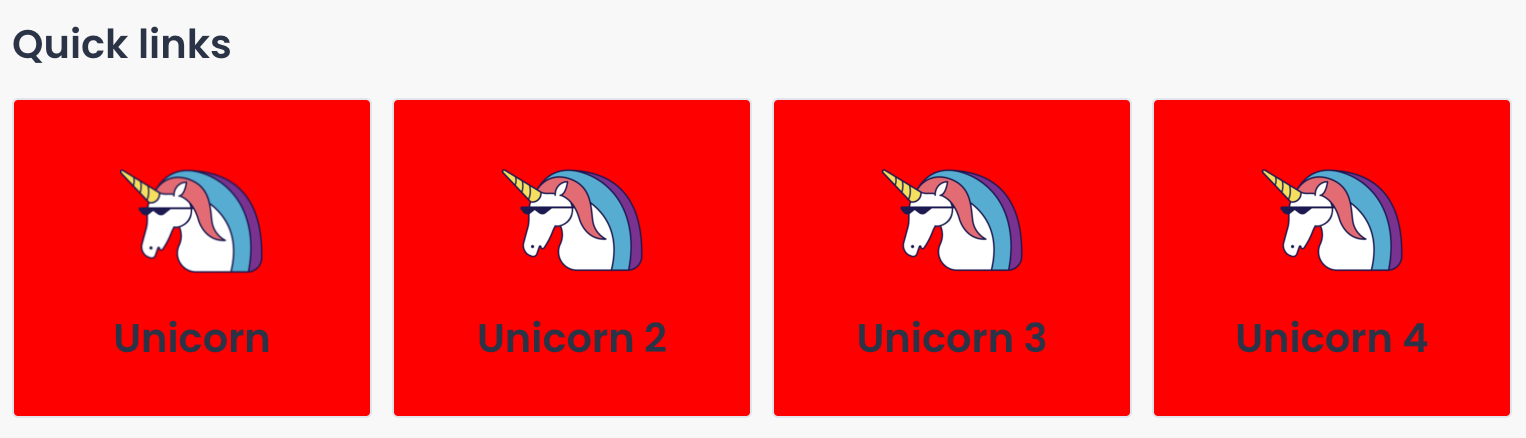
    background-color: red;
    max-width:20%;
    margin: 0px 2%;
    }
    Resulting in this:


  2. Using custom HTML
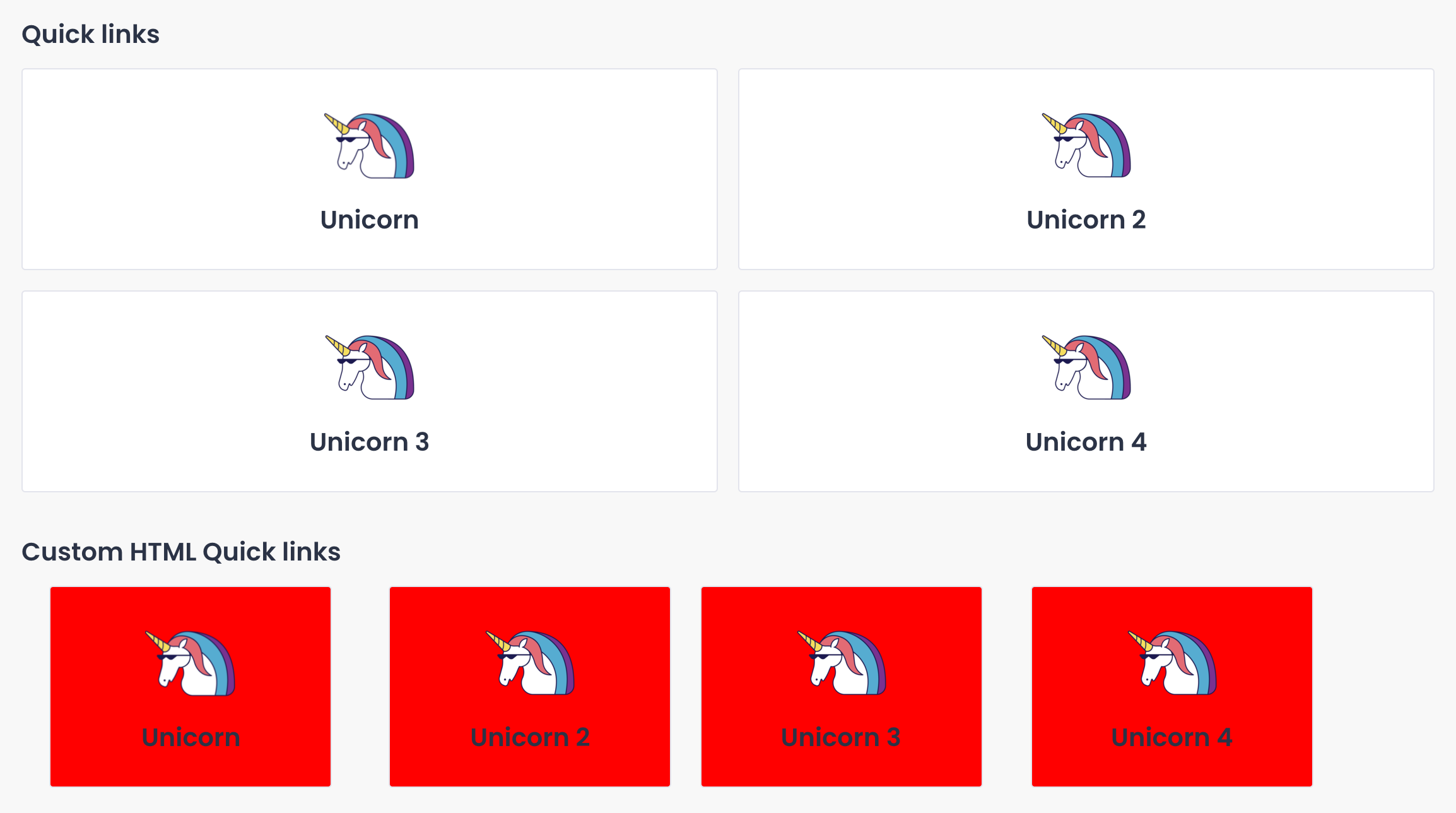
    If you are using quick links in other places that should not have this custom CSS applied, you can “steal” the code for the quick links in InSided and add a special class that will have the same CSS as above. (Note: 20% and 2% margin works well for 4 links.)
    .customQuickLinksClass {
    background-color: red;
    max-width:20%;
    margin: 0px 2%;
    }

    And the HTML for the quick links “stolen” by cmd+shift+C in Chrome to find the code for the desired section… (And adding the “CustomQuickLinksClass” class to each entry).

    <div class="widget-container widget-container--quick_links widget-container--index-7" data-idx="7">
    <div class="widget-placeholder">
    <div data-preact="quick-links/QuickLinksContainer" class="" ><section class="full-width Template-brand-featured qa-quicklinks-container quicklinks-wrapper homepage-widget-wrapper custom-quicklink"><div class="sitewidth"><div class="col"><h3 class="widget__heading">Custom HTML Quick links</h3><div class="content--centered quicklink__container"><article class="featured-topic quicklink__box card-widget-wrapper quicklink-icon customQuickLinksClass" style="border-radius: 3px;"><a href="http://www.google.com" class="quicklink__url" target="" tabindex="0"><figure class="figure-padding__icon"><div role="img" aria-label="Quicklink image 1" class="padding__icon quicklink__hero" style="background-image: url(&quot;https://uploads-eu-west-1.almostinsided.com/smartly-en/attachment/e913a6b2-854e-4825-b65a-111ac62a494a_thumb.png&quot;);"></div></figure><div class="quicklink__title"><header><h3 class="card-widget-title">Unicorn</h3></header><p class="text--meta card-widget-text"></p></div></a></article><article class="featured-topic quicklink__box card-widget-wrapper quicklink-icon customQuickLinksClass" style="border-radius: 3px;"><a href="http://www.google.com" class="quicklink__url" target="" tabindex="0"><figure class="figure-padding__icon"><div role="img" aria-label="Quicklink image 2" class="padding__icon quicklink__hero" style="background-image: url(&quot;https://uploads-eu-west-1.almostinsided.com/smartly-en/attachment/bfff5592-e9b4-4dfb-bbbb-664abccb1fe4_thumb.png&quot;);"></div></figure><div class="quicklink__title"><header><h3 class="card-widget-title">Unicorn 2</h3></header><p class="text--meta card-widget-text"></p></div></a></article><article class="featured-topic quicklink__box card-widget-wrapper quicklink-icon customQuickLinksClass" style="border-radius: 3px;"><a href="http://www.google.com" class="quicklink__url" target="" tabindex="0"><figure class="figure-padding__icon"><div role="img" aria-label="Quicklink image 3" class="padding__icon quicklink__hero" style="background-image: url(&quot;https://uploads-eu-west-1.almostinsided.com/smartly-en/attachment/f1fb3552-f7f4-4575-88b3-a4d7db7cbd6f_thumb.png&quot;);"></div></figure><div class="quicklink__title"><header><h3 class="card-widget-title">Unicorn 3</h3></header><p class="text--meta card-widget-text"></p></div></a></article><article class="featured-topic quicklink__box card-widget-wrapper quicklink-icon customQuickLinksClass" style="border-radius: 3px;"><a href="http://www.google.com" class="quicklink__url" target="" tabindex="0"><figure class="figure-padding__icon"><div role="img" aria-label="Quicklink image 4" class="padding__icon quicklink__hero" style="background-image: url(&quot;https://uploads-eu-west-1.almostinsided.com/smartly-en/attachment/d6ca3fe5-0b41-41cb-b348-e01457d07a15_thumb.png&quot;);"></div></figure><div class="quicklink__title"><header><h3 class="card-widget-title">Unicorn 4</h3></header><p class="text--meta card-widget-text"></p></div></a></article></div></div></div></section></div> </div>
    </div>

    Resulting in standard quick links being spared by the new style:


    Hope this helps!

15 replies

timcavey
Helper ⭐️⭐️
June 21, 2022

After my best attempt, using my limited but improving CSS, I couldn’t get the appearance right. I’m thinking custom CSS targeting the hero banner may be the cause:


No matter what max width they had, they never fitted on one row. Has anyone ever used CSS Grid on Insided’s custom CSS function? 

learning, sharing and repeat
Catalina
Contributor ⭐️⭐️
June 21, 2022

Thank you @timcavey and @SmartlyGreg  for your answer! I did use the “featured_home” tag and it worked like a charm. I love playing around with CSS but it’s also great when there is a simple solution. Thank you again 🤓

English
SmartlyGreg
Helper ⭐️⭐️⭐️
June 30, 2022

@timcavey just wanted to check that you re using the CSS code I shared in the custom CSS and not the HTML. Additionally, if it does not work you might want to try putting that code at the very top of the CSS sheet. Some other custom CSS might be overriding it if it did not work at first. Or perhaps changes might have occurred on the platform…

Sadly I no longer have access to the backend having left Smartly, so I won’t be able to help you troubleshoot this one. So best of luck!

timcavey
Helper ⭐️⭐️
June 30, 2022

Thanks @SmartlyGreg 


I get the same results from this code when it’s placed at the top of bottom of our custom-CSS section:


.featured-topic.quicklink__box.card-widget-wrapper.quicklink-icon { background-color: red; max-width:20%; margin: 0px 2%; }


My understanding of CSS is that a declaration that’s lower (after) than another declaration will override a competing declaration targeting the same selector. 


I notice that Inspired have used CSS display: grid for this widget. Something to consider? 


learning, sharing and repeat
SmartlyGreg
Helper ⭐️⭐️⭐️
June 30, 2022

@timcavey yes you are absolutely right. I meant bottom. The alternative being using the « important » after an item. 
After that I think its always safe to use the same code as InSided themselves of course. Hope it helps, sorry for confusion.