


CS Newsletter April 2026
Customer Success April 2026
This month, Gainsight MCP is here — bringing your customer context directly into your AI workflows. JO Programs just got more flexible with the ability to add or skip steps on the fly. And the community is buzzing with real conversations around automating email logging and connecting Gong Smart Trackers to Gainsight.
Plus, Pulse is right around the corner — and there's a lot happening before the main stage even begins.
Let’s dive in!😀

Gainsight MCP: Bring Customer Context Into Your AI Workflows
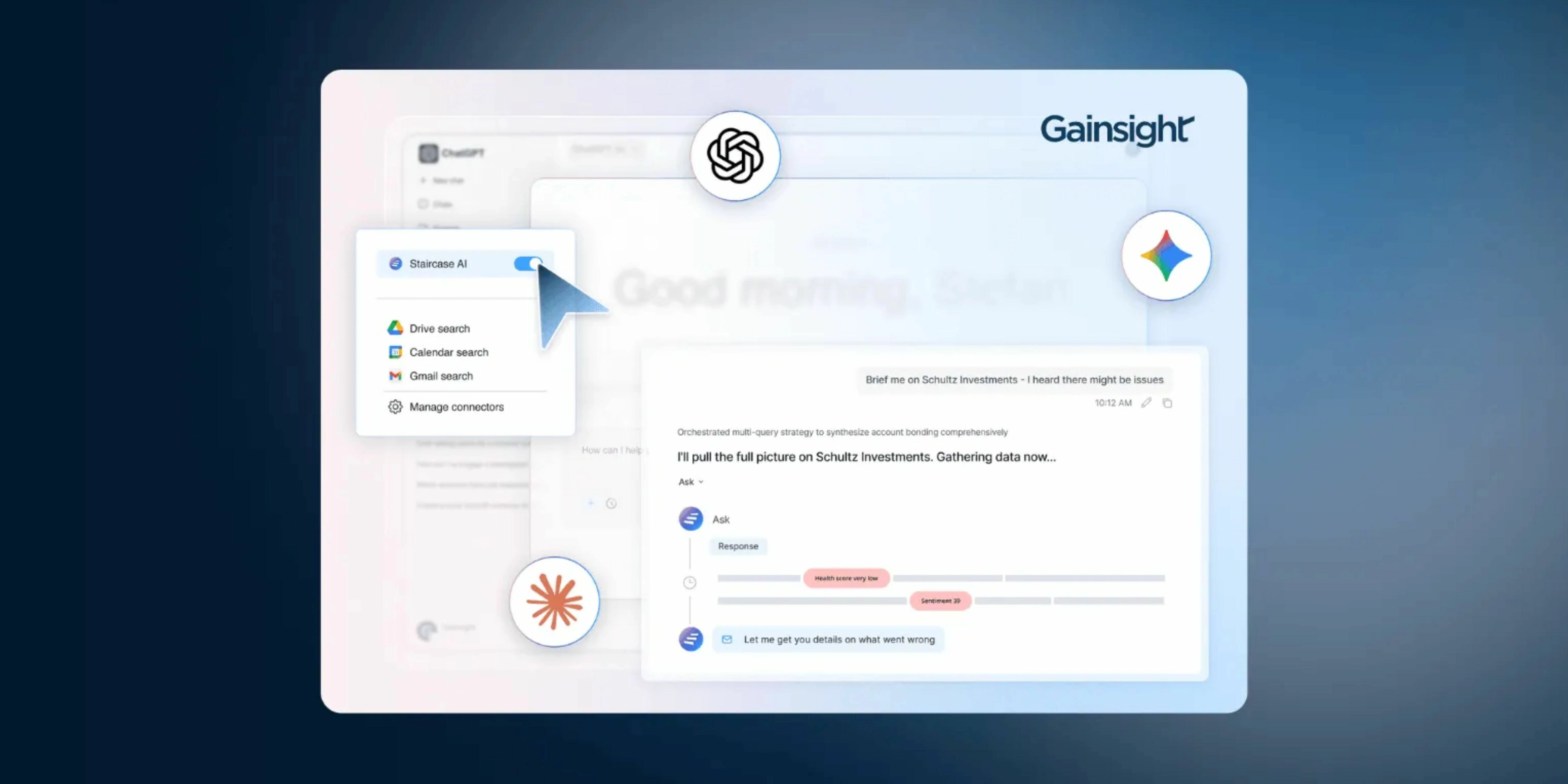
Your team is likely already using LLMs to brainstorm, summarize, and write faster—and increasingly to prepare for calls, triage their book, and draft success plans. But until now, Gainsight data sat outside of that flow, meaning outputs lacked critical customer context, and getting it required copying data, switching tabs, and losing momentum.
With Gainsight MCP, external LLMs like ChatGPT and Claude can now connect directly to your Gainsight instance. Teams can pull account context, review Timeline activity, check health scores, and take action, like updating CTAs or Success Plans, without ever leaving their AI workflow.
Learn More About MCP
Add or Skip Steps in Active JO Programs
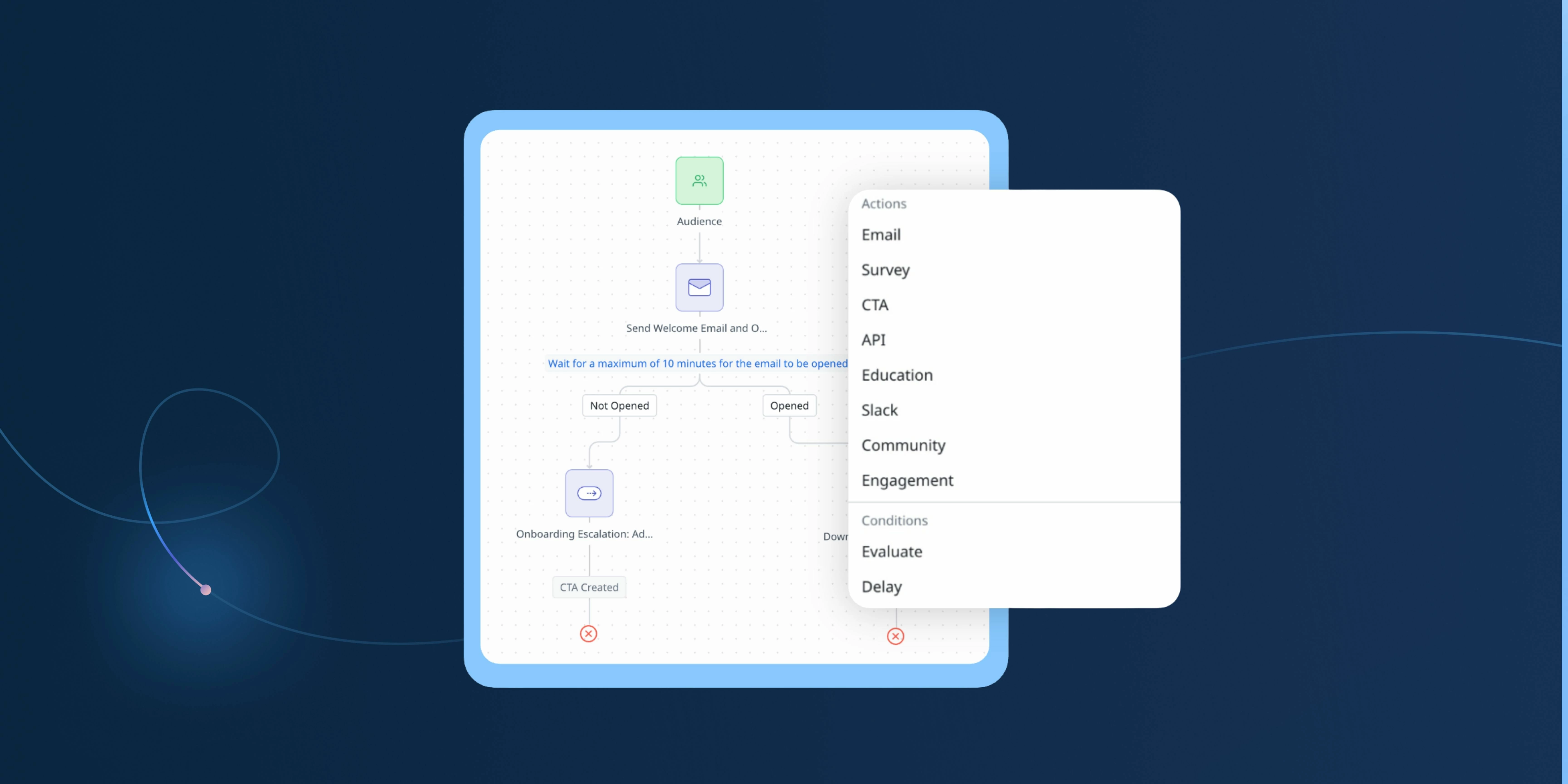
With the refreshed Program Editor, you can now add a new step exactly where you need it, update existing steps like delay timing or Evaluate logic, and skip steps instead of deleting them.
There’s also more flexibility in how often participants sync. Instead of waiting for a once-a-day update, you can schedule multiple syncs throughout the day. That means programs like onboarding or risk response can react to what’s actually happening in near real time, not yesterday’s data.
Learn More

Make the Most of Gainsight MCP: Ready-to-Use Prompts
MCP isn’t about doing tasks faster. It also changes where and how CS work actually happens. Instead of operating inside dashboards and workflows, teams can start with a question, get grounded in real customer context, and move straight into action—and that shift shows up in a few high-impact areas:
- Meeting prep without the manual lift: Generate a full account brief—health, risks, stakeholder context, recent activity—without pulling from Timeline, C360, and notes manually.
- QBR and executive readouts: Pull usage trends, sentiment, and outcomes into a structured QBR outline instead of starting from scratch every quarter.
- Risk identification and escalation: Ask what’s changed across engagement, sentiment, or usage—and trigger the right follow-ups or escalation workflows directly.
- Renewal and expansion planning: Query renewal timelines, account health, and opportunity signals, then build or update success plans and plays without leaving your workflow.
- Seamless account handoffs: Automatically generate a full account summary for a new owner, pulling together history, risks, and priorities in one step.
- Managing and updating work in real time: Create or update CTAs, log activities, and adjust success plans directly from AI—no need to switch back into Gainsight
Explore MCP Use Cases & Best Practices
Read the full story here

Displaying Success Plan CTAs in Cockpit
Naoya raised a practical question around managing CTAs created within Success Plans — specifically whether they can be displayed directly in the Cockpit section for easier day-to-day management, rather than having to click into each Success Plan individually.
The community had a quick answer: make sure the Success Plan status is set to Active — only then will the linked CTAs appear in Cockpit.
A handy tip for anyone managing actions across multiple Success Plans!
Read the full discussion here
Connecting Gong Smart Trackers to Gainsight via API
Britni Sandberg and her team hit a roadblock while setting up the Gong-Gainsight integration — and it's a nuanced one worth knowing about.
Following the official configuration guide, they ran into an early blocker: the API access setup required for keyword trackers isn't available for smart trackers, which is what their team primarily uses. Britni is now looking for advice on whether Gong's smart trackers can be fed into Gainsight via the API.
If you've navigated this integration — especially with smart trackers — this is your moment to share what worked for you!
Jump in and share your experience here

APIs, Rules, JO, and success stories: a full day for experienced Gainsight Admins
Experienced Gainsight Admins — this one’s for you
Join us on May 26 (the day before Pulse) for Gainsight Admin 200: Advanced Series — a full-day, hands-on workshop designed for admins who are ready to go beyond the basics.
You’ll dive into real-world troubleshooting, scalable rule design, EBR insights, API integrations, and more — all led by experienced practitioners and built for practical application.
If you're looking to sharpen your skills and learn alongside other advanced admins, this is the place to be.
Save your spot today
Find your people, solve real problems, and go home better at your job!
Calling all Gainsight CSMs — this one’s for you
Join us on May 26 (the day before Pulse) for Mastering Gainsight for CSMs: From Strategy to Action — a full-day, in-person experience designed for real-world challenges, not theory.
Explore AI-powered tools, join peer-led roundtables on key CS topics, and gain practical strategies you can apply right away.
If you’re looking to learn, share, and level up alongside other CSMs — don’t miss it.
Register Here
Upcoming Webinar: Gainsight CS Q1 Release Webinar - 28 April l 8 AM PT
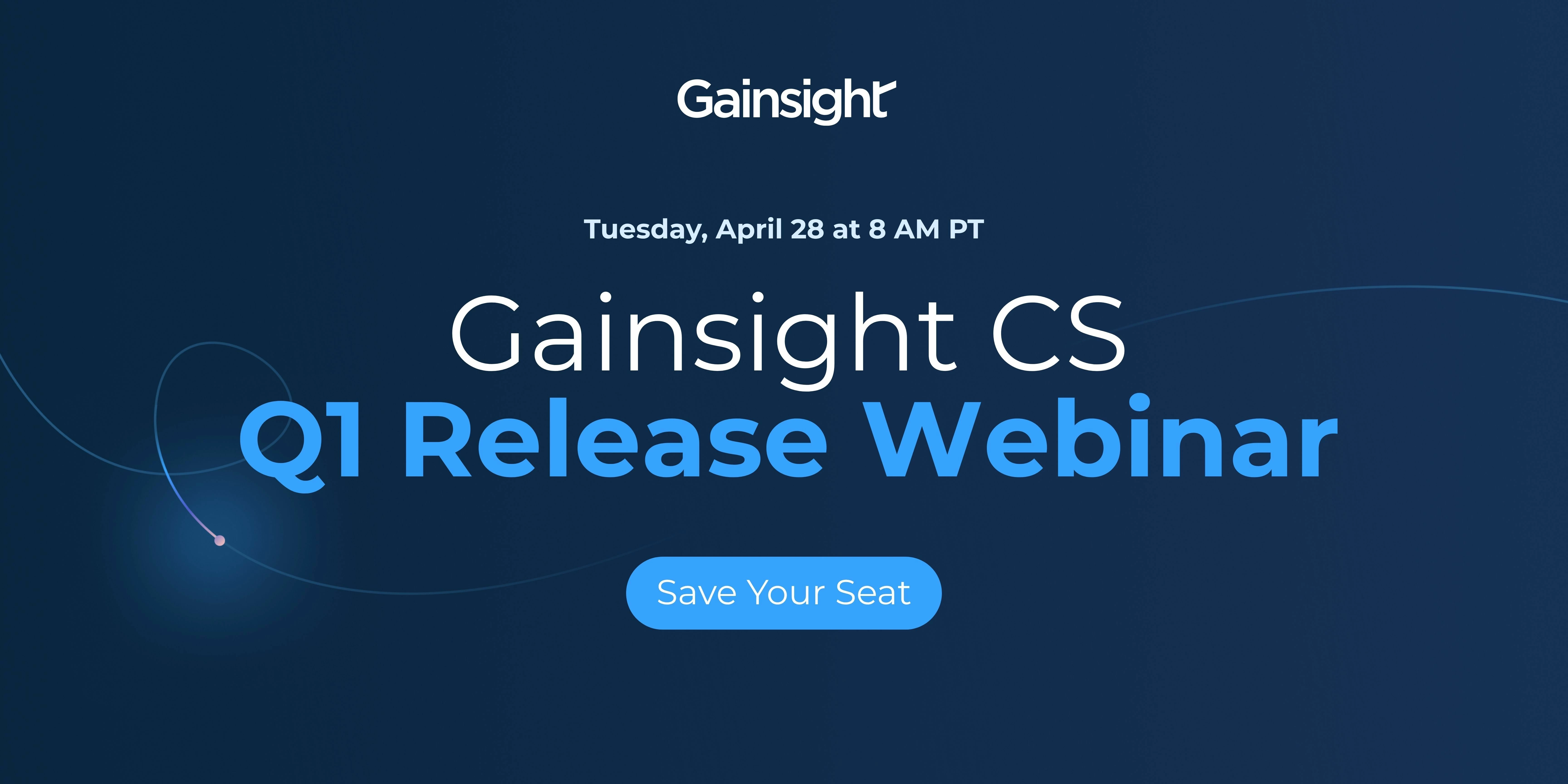
Join us on Tuesday, April 28 at 8 AM PT to see what’s new in Gainsight CS, and how these updates actually show up in your day-to-day work.
What we’ll cover:
-
Add Steps to Live JO Programs: Make changes to live programs on the fly by adding new steps and updating existing ones—all without disrupting participant flow or affecting your analytics.
-
Work with Gainsight CS directly from your LLM: Use Gainsight MCP to pull customer data, read and manage CTAs, and create or update Success Plans without jumping back into Gainsight.
-
Capture customer emails in Timeline automatically: Log email conversations from connected mailboxes into Timeline, group them into threads, and keep the full history visible alongside meetings.
-
Customize AI Cheat Sheet for each team: Rename sections, reorder them, and control what stays visible in C360 and R360 so it reflects how your team actually works.
-
Share and manage Customer Goals in Spaces: Enable goals in Shared Spaces so teams and customers can track progress, update values, and stay aligned on outcomes in one place.
…and a few more updates we’ll walk through live, including several for Insight Agent (Staircase).
Save Your Seat
CS Office Hours: Drive Adoption, Reduce Friction
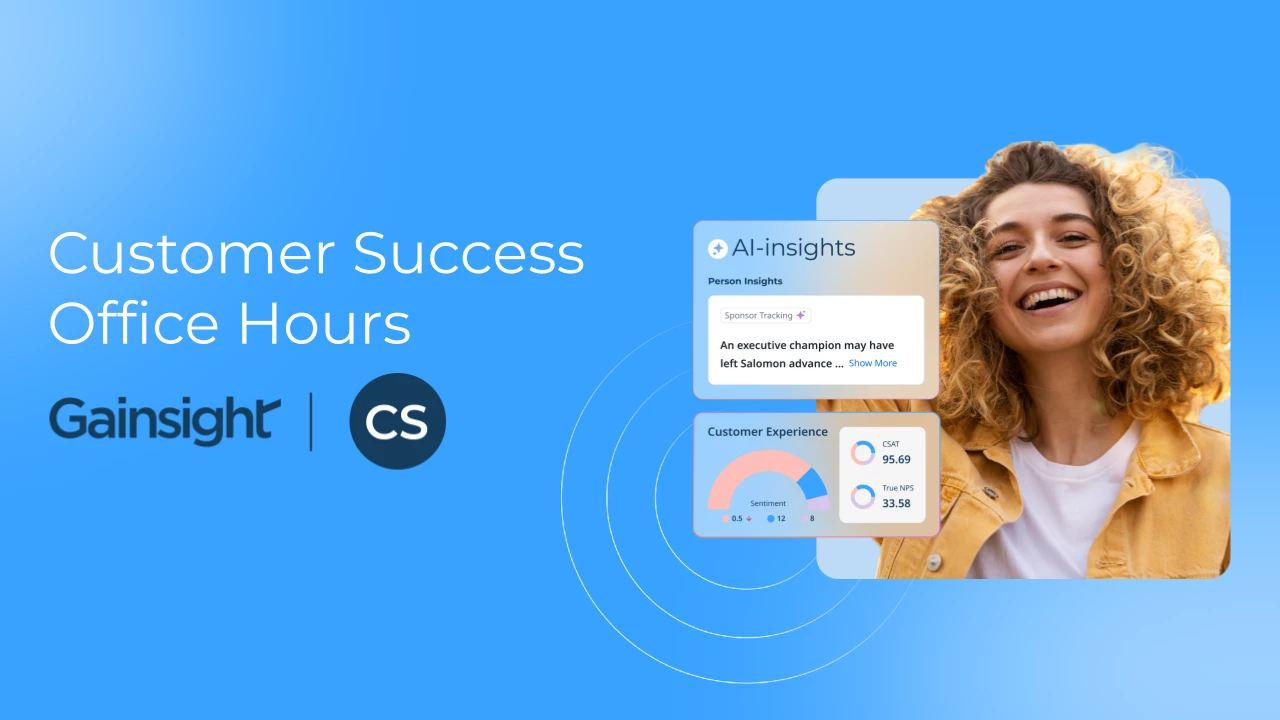
Have questions about Gainsight CS or looking to improve your engagement? Join our weekly Office Hours—open to all CS customers.
What to expect:
- Live answers from CS experts
- Peer discussions on real-world challenges
- Practical tips to optimize engagement and drive adoption
Register Now