


CS Newsletter January 2026
Customer Success January 2026

We’re excited to share the latest insights from across the Gainsight community. Inside, you’ll find updates designed to help you learn, connect, and grow. We hope you enjoy exploring what’s new, discovering fresh ideas, and finding meaningful ways to engage with the broader Gainsight family as we continue to grow together. Let’s dive in!

Key Definitions in Copilot
Admins can now configure Key Definitions in Copilot to standardize terminology, guide how Copilot retrieves data, and shape how the AI responds to structured and open-ended questions.
Key Definitions fall into two types: Data Key Definitions, which describe business terms using structured data logic like filters, thresholds, or report conditions, and Instruction Key Definitions, which guide how Copilot interprets specific terms, fields, or behaviors during query analysis.
Here are examples of each:
- Data: Define "high-value customers" as those with ARR > $2M
- Instruction: Use ARR - Total instead of the default ARR field in all ARR-related queries
Learn More About Key Definitions or Copilot Best Practices
Journey Orchestrator Post-Publish Edits
You can now add and use new fields in live Journey Orchestrator programs without cloning or restarting. This enhancement gives admins more flexibility to update filters, token logic, and participant conditions after a program is published.
What else you need to know:
-
Original source fields (even if not used in the original publish) are visible and usable in Edit Mode
-
New fields added to the source field in queries or data designer can now be included in any source, particularly in queries, once the program is re-published.
-
For existing participants in the program the value is displayed as null values for the newly added fields
Learn More About Adding Fields in Active JO Programs

Use Risk CTAs and Playbooks to Stay Ahead
Use the built-in Risk CTA Type to flag issues early and give your team a consistent way to respond. Pair each risk type with a clear Playbook so every CSM knows the right next steps. It keeps risks visible, responses consistent, and your team focused on solving problems before they grow.
Make AI a Core Part of Your Health Score
Blend customer insights—like sentiment and engagement signals—with usage and value metrics to get a clear signal of health humans alone may not pick up. Aim for 25–50% weighting for AI measures to keep scores fresh and balanced across the team.
Build Prompt Consistency to Improve AI Accuracy
The best AI ouput come from consistency. Build a shared library of proven prompts for Copilot so your team asks questions the same way, gets repeatable answers, and builds trust in AI over time. When great prompts are documented and reused, Copilot becomes smarter, faster, and more aligned to how your business thinks.
Want more best practices? Visit our Community.
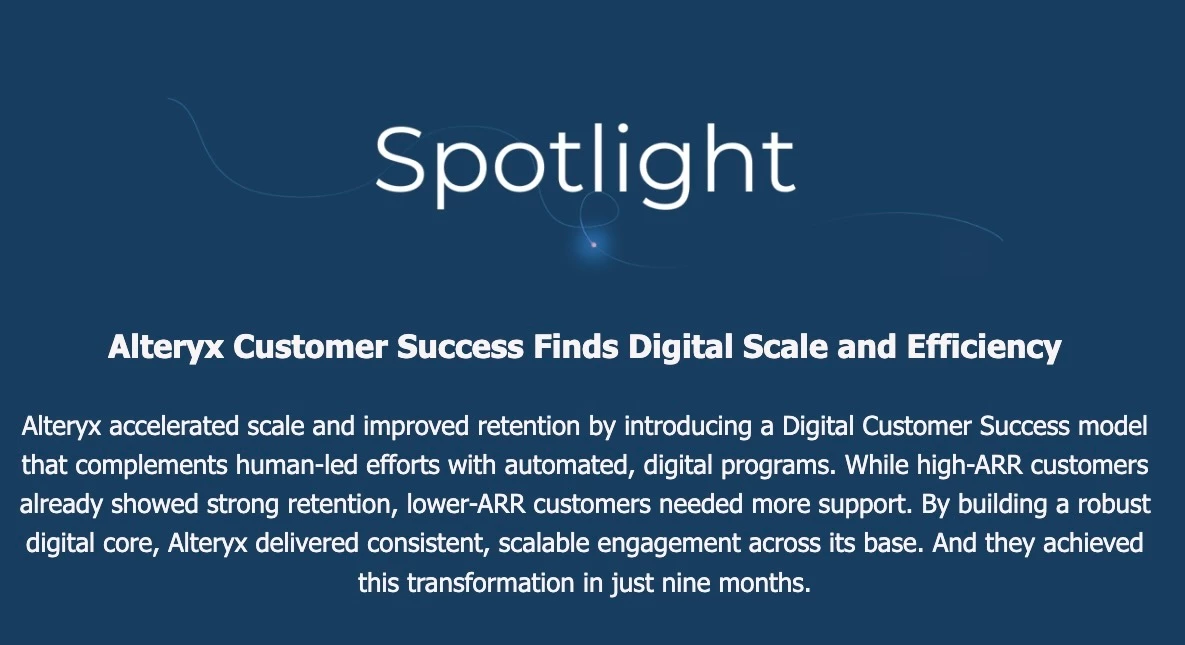
Read Here

Sharing Success Plan Goals in Spaces: What’s Your Experience?
Jevgenia Sestakova raised a question about sharing Goals linked to a Success Plan through Spaces. She noted that when accessing Spaces from the customer view, the customer isn’t able to see the associated Goals tied to the Success Plan.
Has anyone run into this before? How have you resolved visibility issues with Goals in Spaces? Jump in and share your insights or solutions.
Bulk Updating “At Risk” Contacts in P360
Cristina Cinque raised a question about updating a large number of contacts in P360 as “at risk” while launching a new CS team. While it’s possible to mark contacts as at risk through Activities in P360, she asked if there’s a way to perform this update in bulk, especially since no activities currently exist for those contacts.
Have you handled bulk updates like this before? Share how you’ve approached marking contacts at scale in P360.

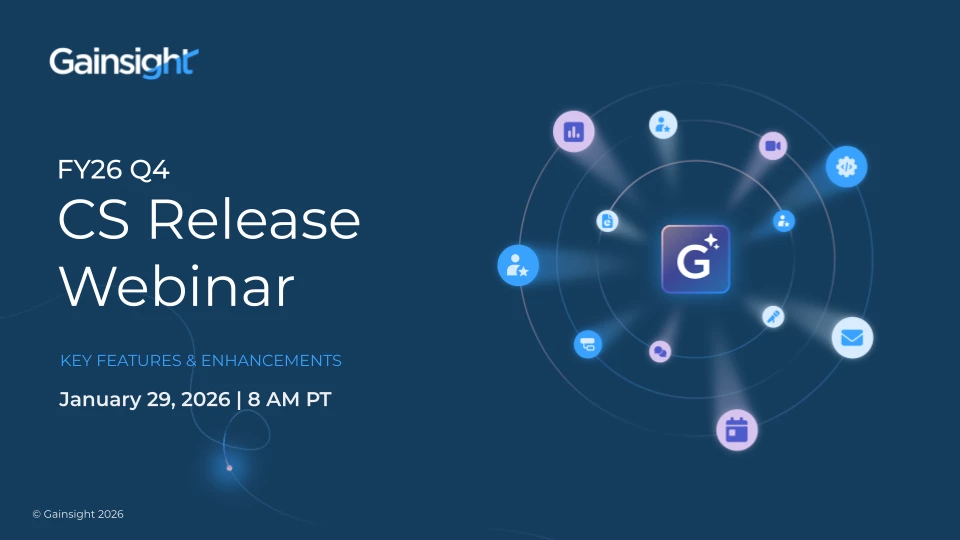
Join our upcoming webinar: Gainsight CS Q4 Release
Join us on Thursday, January 29 at 8 AM PT for a first look at the newest Gainsight CS Q4 features and enhancements, including JO testing improvements, expanded Group Send access, Copilot email workflows, enhanced reporting insights, and the latest updates from Staircase AI.
Register Here
Webinar Success Recording: Build Your First JO Program with Confidence
Our recent webinar, Getting Started with Journey Orchestrator: Confidently Build Your First JO Program, saw exceptional engagement. Ester Memoli from Acronis shared her journey from JO beginner to confident builder, offering practical tips, real examples, and best practices that truly resonated. With high participation, great feedback, and an active discussion, this session is a must-watch for anyone looking to start or strengthen their JO strategy.
Watch Here