

Update
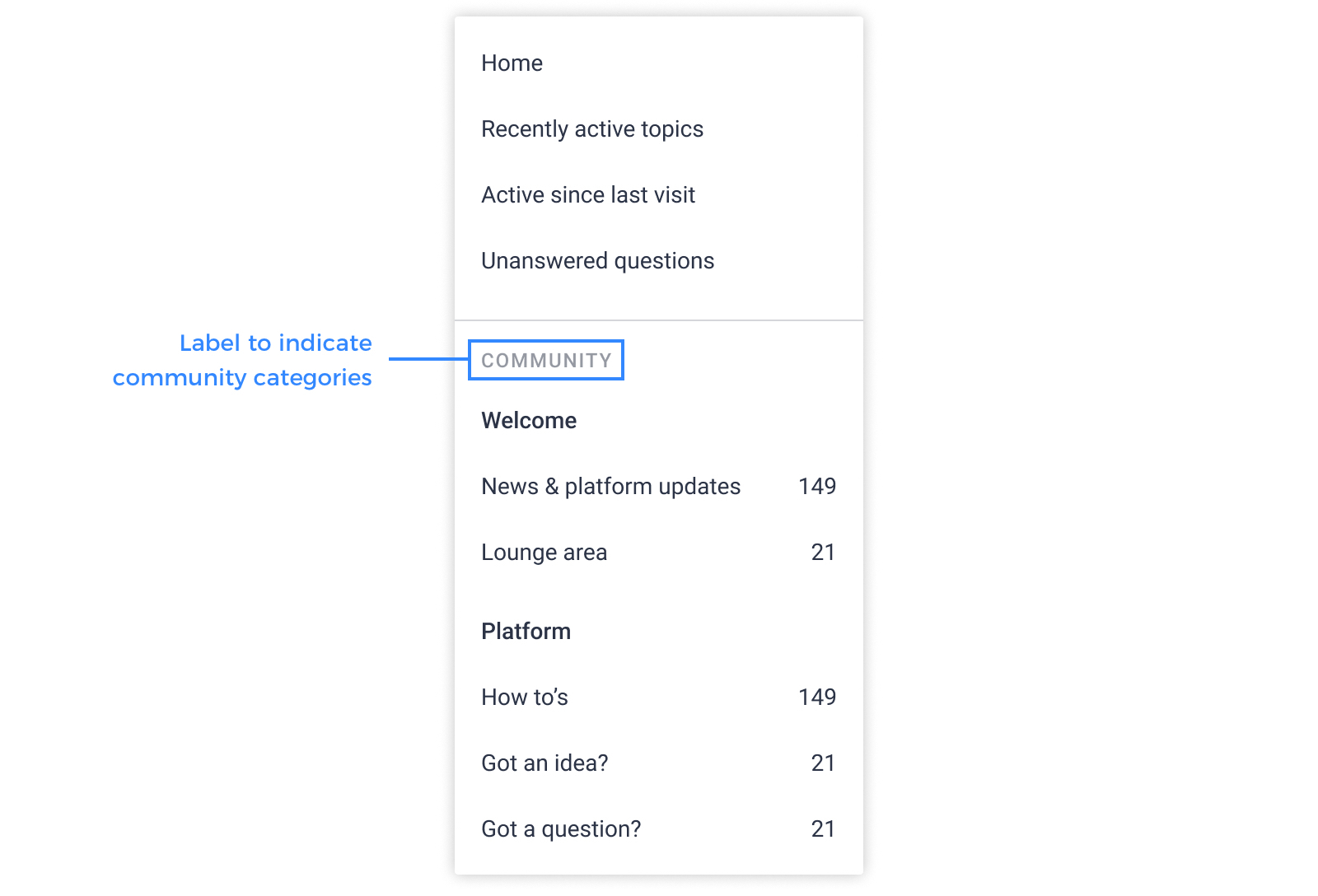
'Community' label added in menu dropdown
We are working on introducing dedicated knowledge base categories. Prior to this release we've added a 'Community' label in the menu dropdown to distinguish community categories from knowledge base categories.
Here is how it looks like:
You can easily change the phrase for the label yourself with the following steps:
Here is how it looks like:
You can easily change the phrase for the label yourself with the following steps:
- Click the phrases button to activate live-phrase mode (you'll need to have permissions to the phrases tool to see this)
- Click the dropdown arrow icon next to 'menu'
- Click the Edit label next to 'Community'
- Provide your desired label for the phrase nav.title.community
- Click save changes