


Gainsight CC: Build Custom Community Extensions with Developer Studio
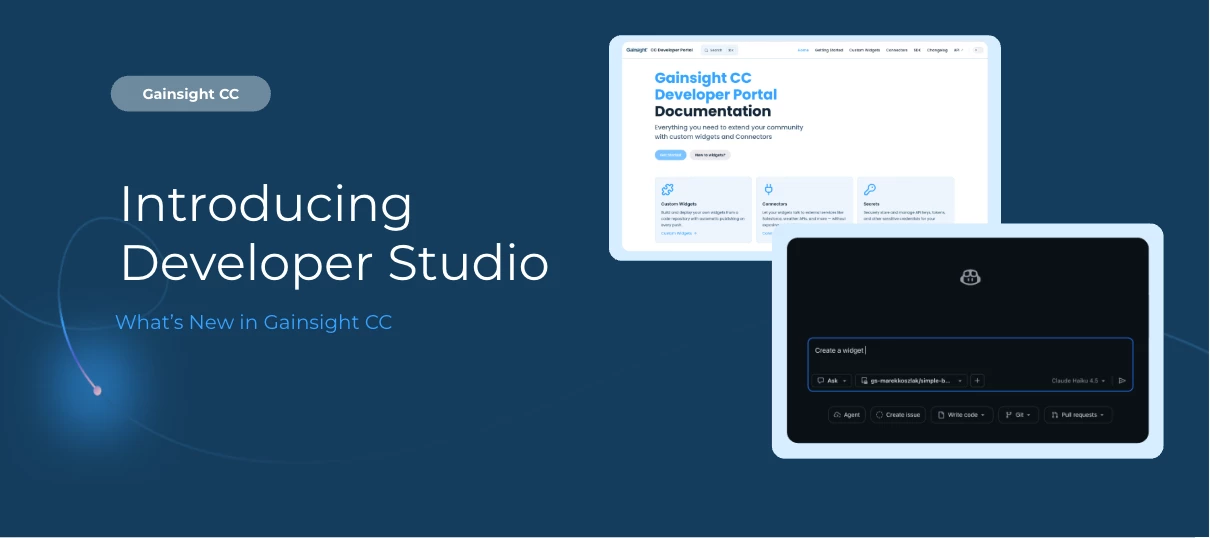
Gone are the days of writing code inside a browser editor with no version control, no reusability, and no AI tooling support to create custom widgets. Developer Studio lets your engineering team build, version, and deploy custom widgets using GitHub and the tools they already work in, including AI coding tools, so you can vibe code any widget you can imagine into existence.
Here's What's New
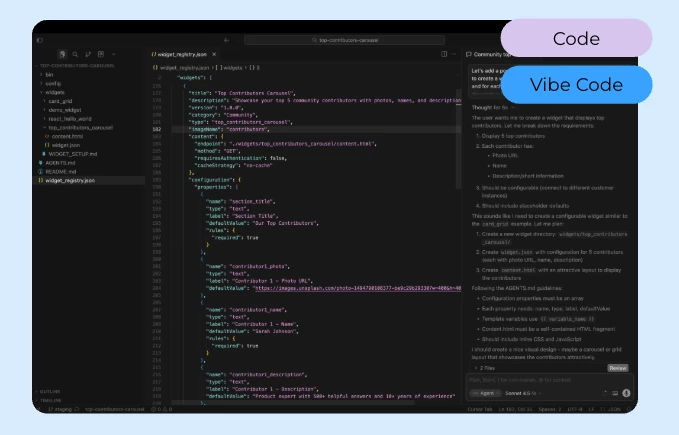
Ship changes in seconds: Push code to GitHub and see updates live in your community immediately, no manual publishing steps required.
Build with familiar web technologies: Create custom widgets using HTML, CSS, JavaScript, or React, backed by a versioned SDK for accessing community data and services.
Connect to external services securely: Call external APIs through a server-side proxy that keeps credentials off the client and out of your repository. Manage connector definitions directly in GitHub alongside your widget code, so external data dependencies are fully version-controlled.
Deploy from staging to production with Git branches: Connect different community instances to different Git branches. Test on staging, then promote to production through a standard Git merge.
Build widgets with AI coding tools: The widget repository template includes an agents.md file that enables AI coding tools like Cursor and Claude Code to generate correct, deployable widgets automatically. Describe what you want, and let AI build it.
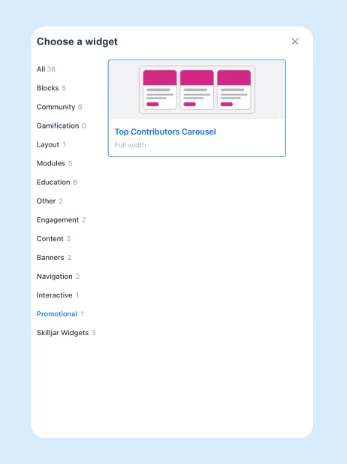
Reuse widgets across pages: Publish a widget once and community managers can place it on any page through the WYSIWYG layout editor, no code copying required.
Track every change with full audit-ability: The complete history of every widget change lives in Git: who changed what, when, and why.
What This Means If You're Not an Engineer
You don't need to understand GitHub to benefit from Developer Studio. Once your engineering team builds and publishes a widget, it shows up directly in the community editor; ready to drag, drop, and configure like any other component. That means faster turnaround on custom requests, less back-and-forth with your dev team, and a community experience that can look and behave exactly the way your members need it to, without you ever touching code.
Getting Started
Developer Studio is available within Gainsight CC.
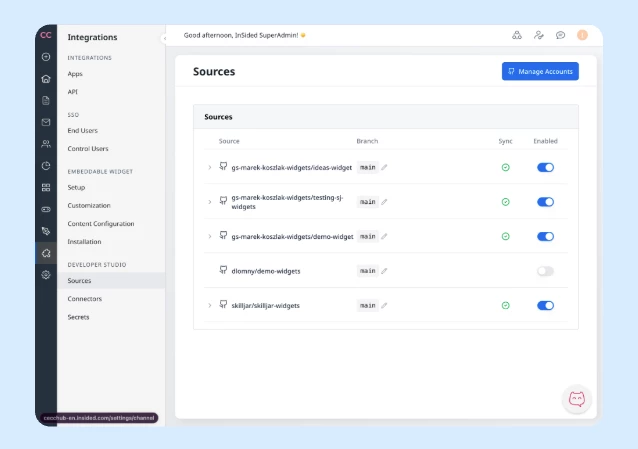
To get started:
-
Connect your GitHub repository in CC Control
-
Use the widget repository template to scaffold your first widget
-
Push to GitHub and your widget publishes automatically and becomes available in the WYSIWYG editor
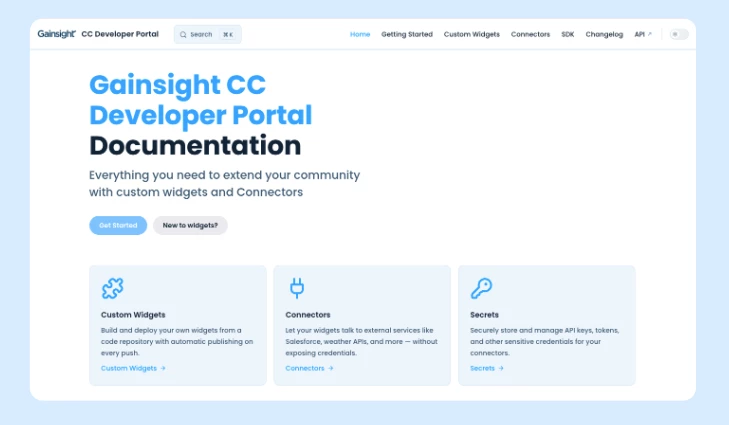
For full documentation including quickstart guides, SDK reference, and connector setup, refer to the Gainsight Developer Portal. For API details, refer to the Gainsight CC API Reference.
👉 Check out the Release Notes for more details.
💬 Have a question for our team? Drop a comment below!