


Gainsight CC: Streamline Reporting with Scheduled Community Exports
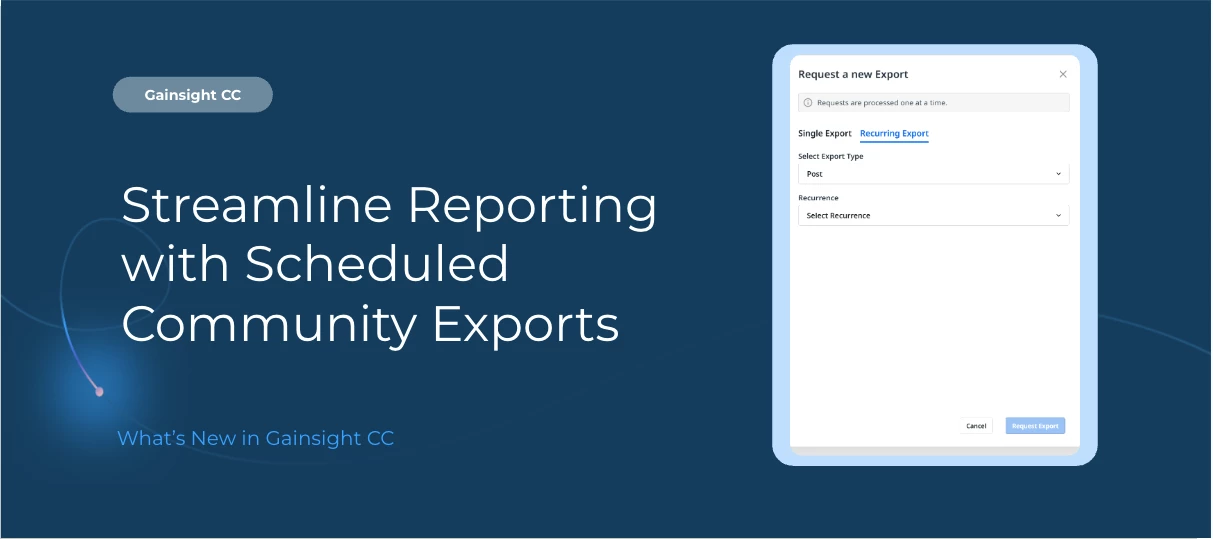
Automate reporting and reduce manual effort with scheduled exports in Customer Community.
You can now configure recurring data exports, allowing reports to run automatically on a defined schedule instead of generating them manually each time.
This enhancement helps admins streamline reporting workflows and ensure data is delivered consistently and on time.
Here’s What’s New
Schedule recurring exports
Set exports to run automatically at a defined time, eliminating the need for manual report generation.
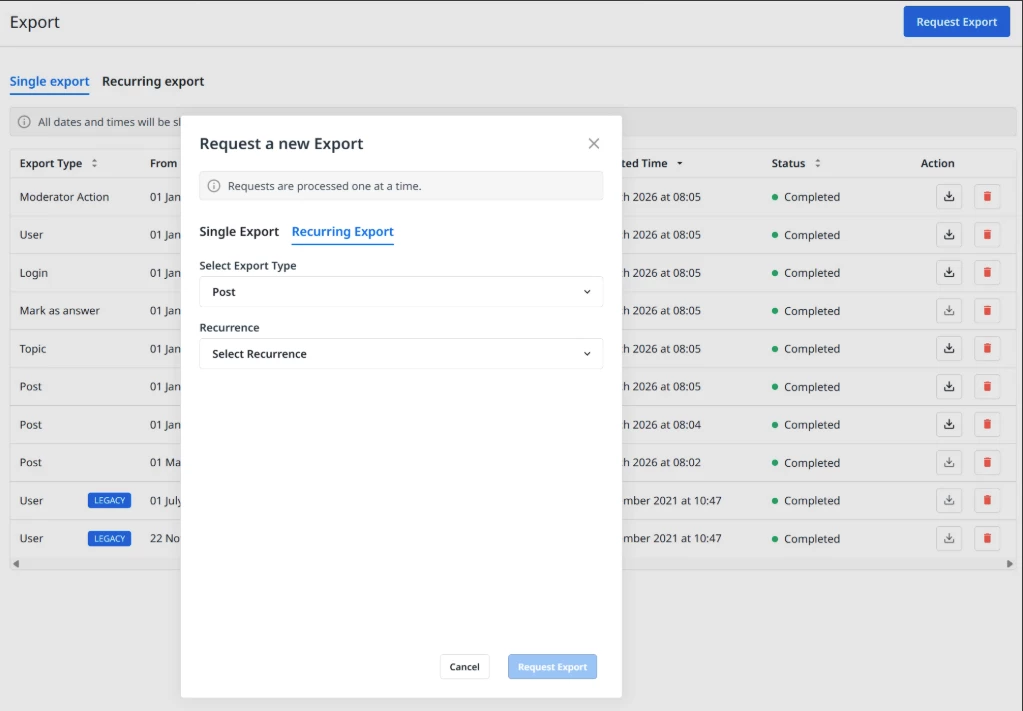
Flexible frequency options
Choose from multiple scheduling options:
-
Weekly — runs every week on the selected day, providing data from the last 7 days
-
Biweekly — runs every two weeks on the selected day, providing data from the last 14 days
-
Monthly — runs on the first day of every month, providing data for the previous calendar month
-
Quarterly — runs on the first day of the calendar quarter, providing data for the previous quarter
Download when ready
Once processing is complete, you can retrieve the generated export file directly from the system.
Scheduled Exports are available within the Community export functionality.
For more information on configuring recurring exports, refer to the Exports Overview article.
👉 Check out the Release Notes for more details.
💬 Have a question for our team? Drop a comment below!