


Gainsight PX: Surface User Frustration and Strengthen Product Health Measurement, Plus KC Bot's New Name
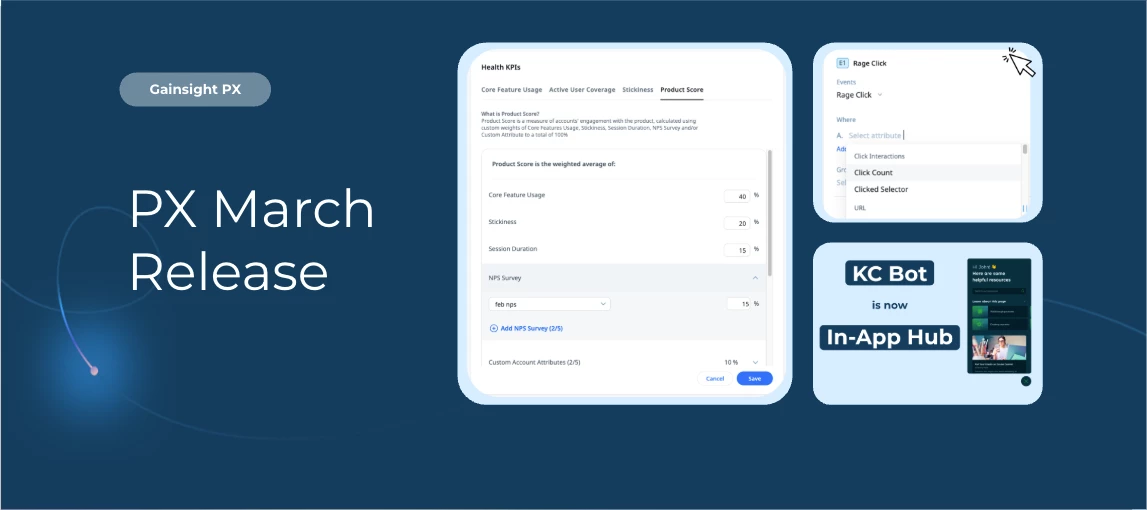
Deliver more clarity, control, and insight across your PX experience.
From the renaming of Knowledge Center Bot to In-App Hub, to expanded analytics and localization capabilities, this release brings improvements designed to help you better understand adoption, reduce friction, and scale personalized in-app experiences.
Here’s what’s new.
Knowledge Center Bot Renamed to In-App Hub
The Knowledge Center Bot has been renamed to In-App Hub within PX to better reflect its evolving capabilities and align with modern industry terminology.
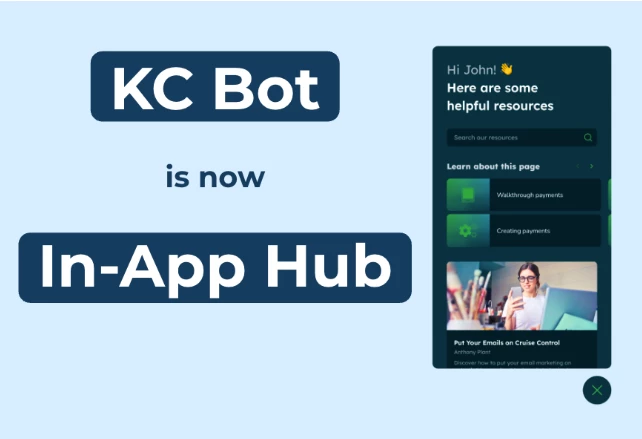
There are no functionality changes as part of this update. All configurations, content, and settings remain unchanged. The UI has already been updated, and documentation and help articles will be refreshed progressively over the coming months.
Enhancements
Surface Frustrating Interactions
PX now captures Rage Clicks as a behavioral signal to help you identify unresponsive or confusing UI elements that may cause user frustration.
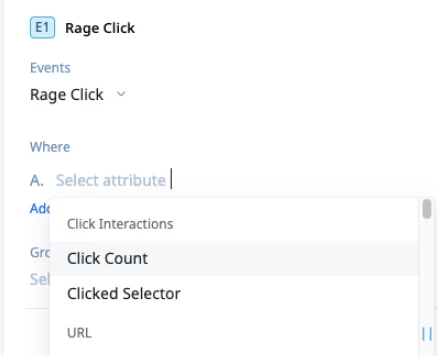
A rage click is recorded when a user clicks three or more times within one second on the same element — highlighting potential friction points.
You can use Rage Clicks to:
-
Review repeated interaction signals in User Activity under User Profile
-
Analyze patterns in Query Builder to surface high-friction elements
-
Segment users and journeys based on rage click behavior
Note: Rage clicks are currently captured only across web applications.
Expanded Product Score Configuration
PX admins can now configure the Product Score Health KPI within Accounts Explorer to better reflect your organization’s definition of product health.
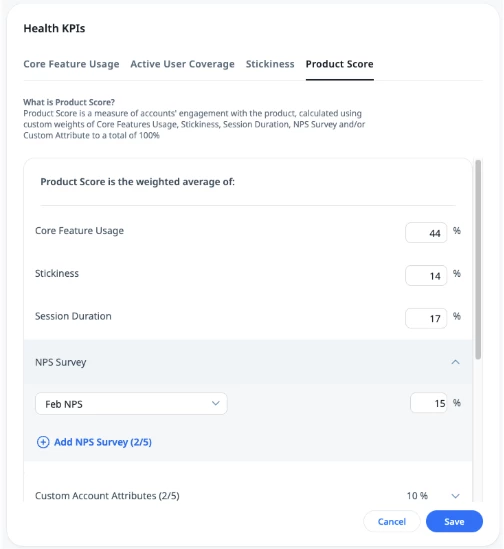
Enhancements include:
-
Additional input parameters:
-
Session Duration
-
NPS Survey
-
Custom Account Attributes
-
-
Customizable weight distribution across parameters(previously fixed at 50% Core Feature Usage and 50% Stickiness)
Key details:
-
New parameters default to 0% to preserve existing dashboards
-
Non-percentage inputs are normalized to a 0–100 scale
-
Up to five active NPS surveys (last 90 days) and five custom account attributes can be included
-
Configuration changes may take up to 24 hours to reflect
For more information, refer to the Configure Account Settings section of the Accounts Explorer article.
Track Localization Status for In-App Hub Content
PX has introduced a Content Localization view in In-App Hub that highlights where content is pending or localization is not yet enabled. Helping you to quickly identify items that need attention before rollout.
For more information, refer to the Localize Content for In-App Hub article.
Localization API Enhancements
The Import and Export Localization APIs now support additional PX assets, enabling more comprehensive automation of localization workflows.
Newly supported assets include:
-
Linked Articles
-
Web Links
-
JavaScript Functions
-
In-App Hub
For more information, refer to the Localization API documentation.
👉 Check out the Release Notes for more information.
💬 Have a question for our team? Drop a comment below!