

☁️ Get started faster with inSided's Salesforce integrations: easier setup flow now available

Our Salesforce integrations now have an easier setup flow, thanks to a simplified Salesforce authentication method.
We’ve simplified the setup flow by removing the need for you to create your own Connected App in Salesforce. We saw that setting up the connected app was frequently error-prone. Sometimes it led to long conversations with our support team, and delays in getting the Salesforce integrations configured and ready for your community launch.
Now, we’ve vastly simplified setup the setup, dramatically reducing the chance of errors when authenticating inSided x Salesforce.
⚡️ What is the new set up flow?
The new set up uses a simple OAuth flow, where you authenticate using your Salesforce user credentials in order to grant inSided the ability to retrieve data from and send data to Salesforce.
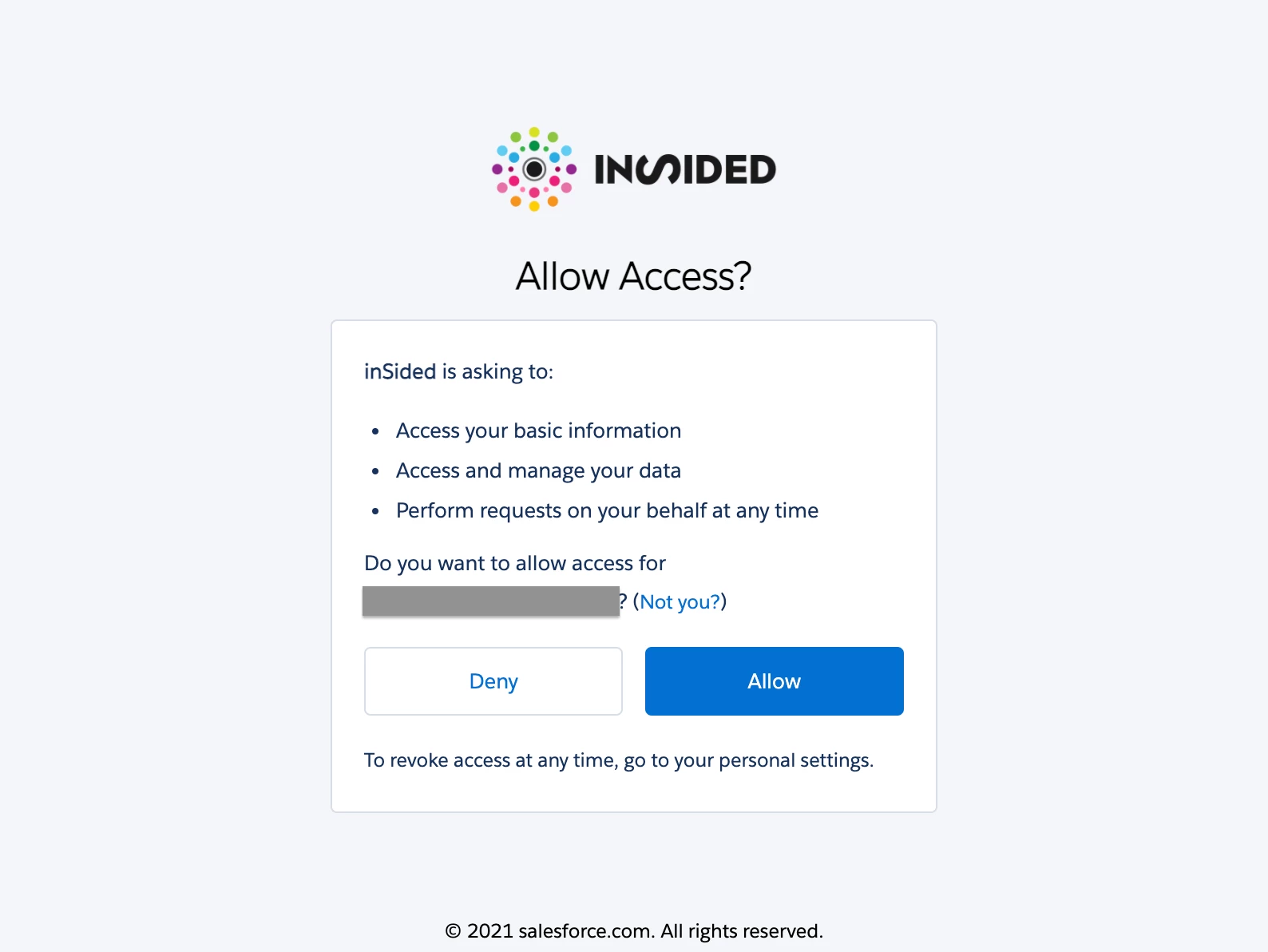
Previously this was around ~8 steps (and a whole lot of clicking/back and forth navigation in Salesforce!).
🦾Additional ‘under-the-hood’ changes
In addition, we’ve made some under-the-hood changes to improve the performance and consistency of the integration. Some of the changes you might notice:
- With the Salesforce community data export, community member activities are now exported every 10 minutes to Salesforce (previously was every 6 hours). Please note that Contacts are still only imported to be linked to community members every 6 hours.
- The linking process for Contacts is now shared between the export and import integrations, meaning there should be fewer inconsistencies in how community members are linked to Contacts.
👵 If you already set up the Salesforce integrations using the old set up method
- You don’t have to do anything- in terms of functionality, the integrations function exactly the same no matter whether you set up Salesforce with your own connected app or using our new method.
- However, if you at one point decide to uninstall the Salesforce app (e.g. you need to switch the instance you’re using), then you’ll only be able to use the new authentication method.
📚 Documentation