


Skilljar + Gainsight Customer Communities Integration: One Destination for Learning and Connecting
Your learners shouldn't have to remember which tab has their courses and which one has the community. They shouldn't have to log in twice, search in two places, or lose their place every time they switch. That friction is real and it quietly chips away at engagement every day.
That's why we built the Skilljar + Gainsight Customer Communities Integration, apart of Gainsight’s Digital Customer Hub. Shared customers can now connect both platforms into a single, seamless learning experience.
🔒 Unified Login & Profile
Learners sign in once through their Gainsight CC SSO and get instant access to both Community and Academy.
Think about your new customer onboarding flow. Right now, a new user lands in your Community to meet other customers and get oriented, then they hit a wall the moment they try to access training. A separate login, a new password, another account to manage. That's friction at the exact moment you need momentum most.
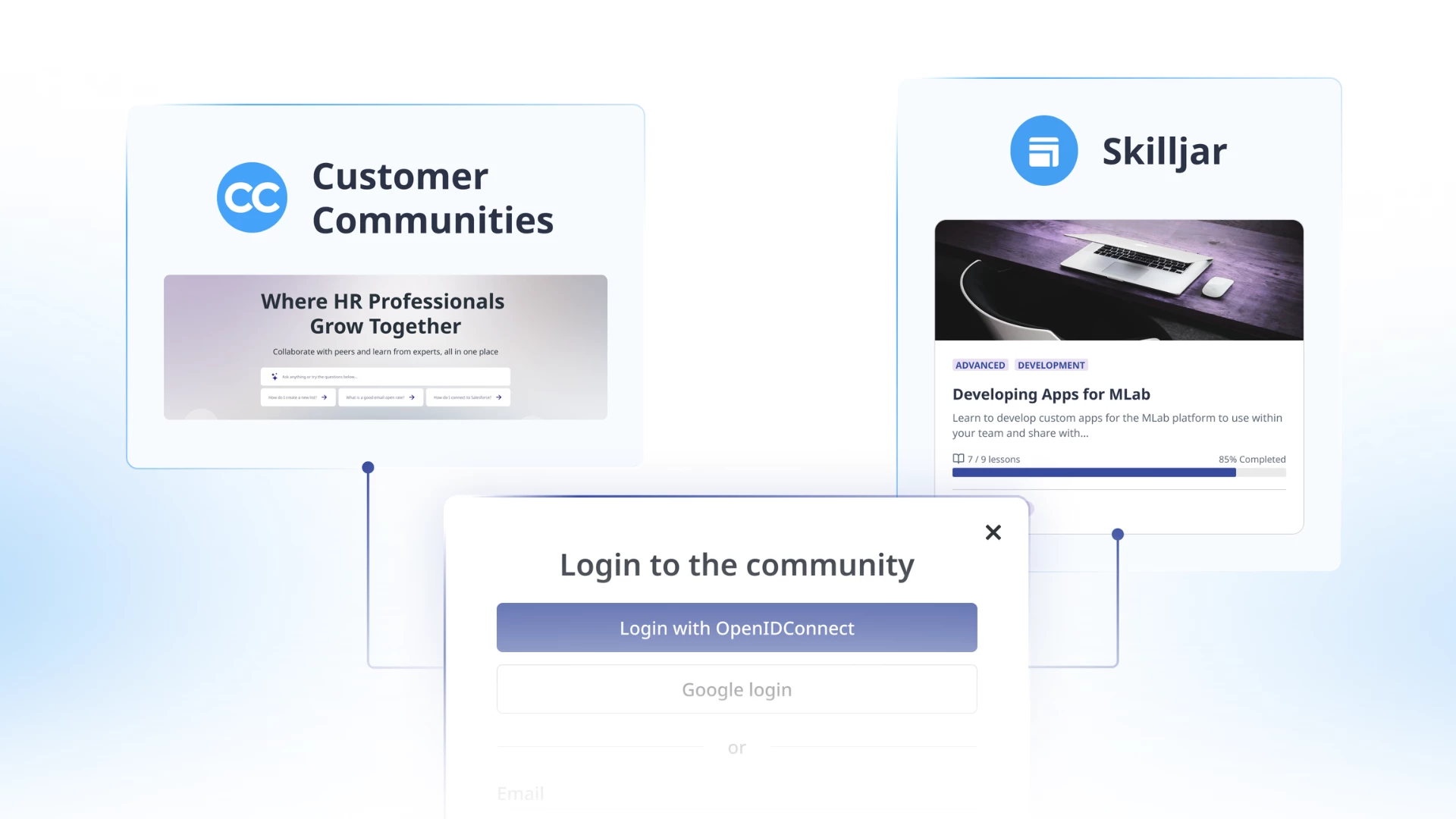
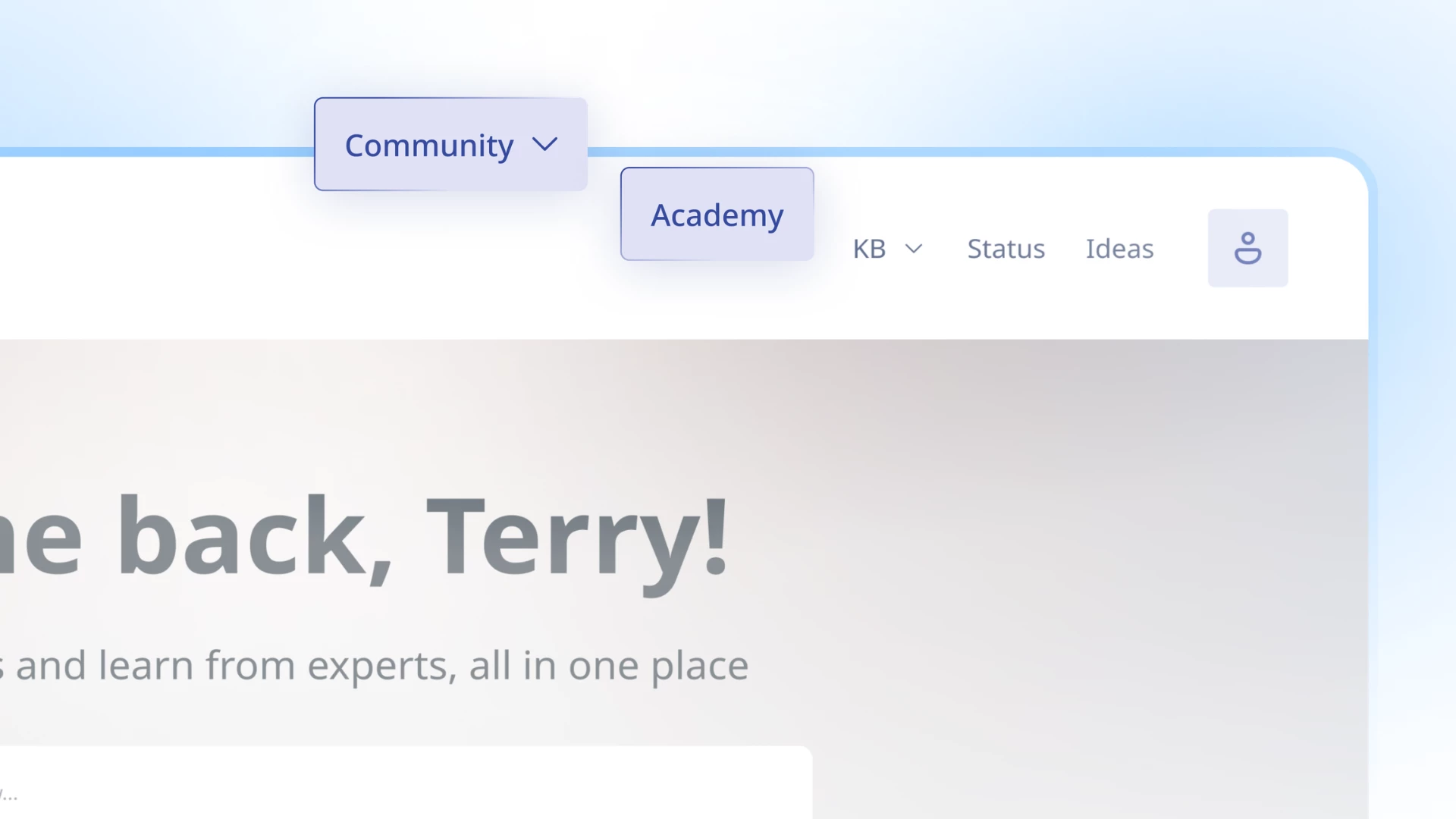
By being logged into both platforms, and with shared navigation enabled, users also have a Unified Profile. The Community profile replaces the native Skilljar profile, so users see one consistent identity as they move between Academy and Community. Skilljar-specific details like course progress and certifications are still accessible through "My Learning" in the profile menu.
🧭 Unified Navigation
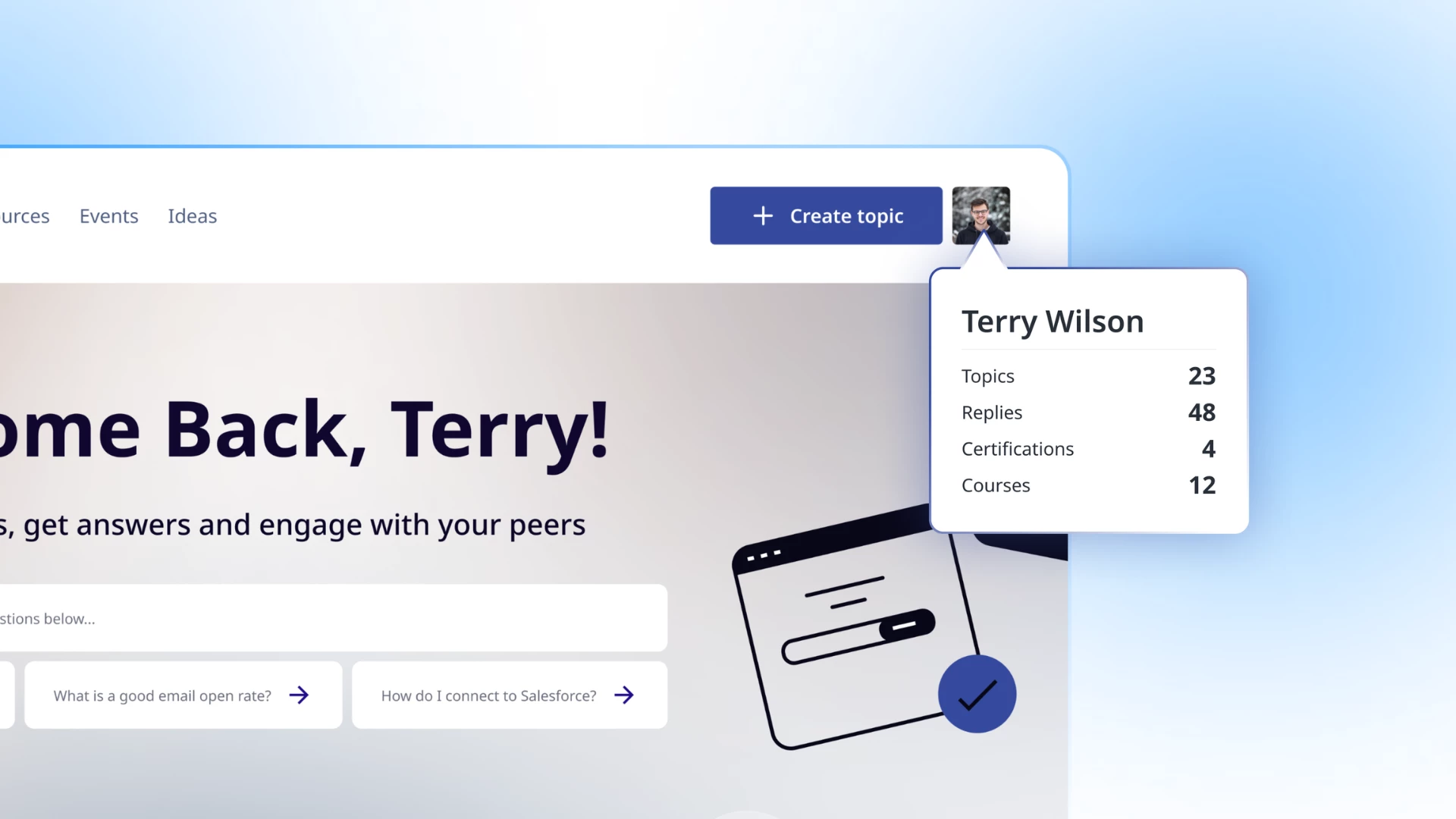
Community branding and navigation can now be embedded directly inside Skilljar Builder Pages. Learners move between training and community content without ever feeling like they've left.
Here's a scenario your learners live every day: they're halfway through a course, hit a question, and want to see if someone in the community has already answered it. Today, that means opening a new tab, logging in again, and trying to pick up where they left off in your Academy.
🔎 Federated Search
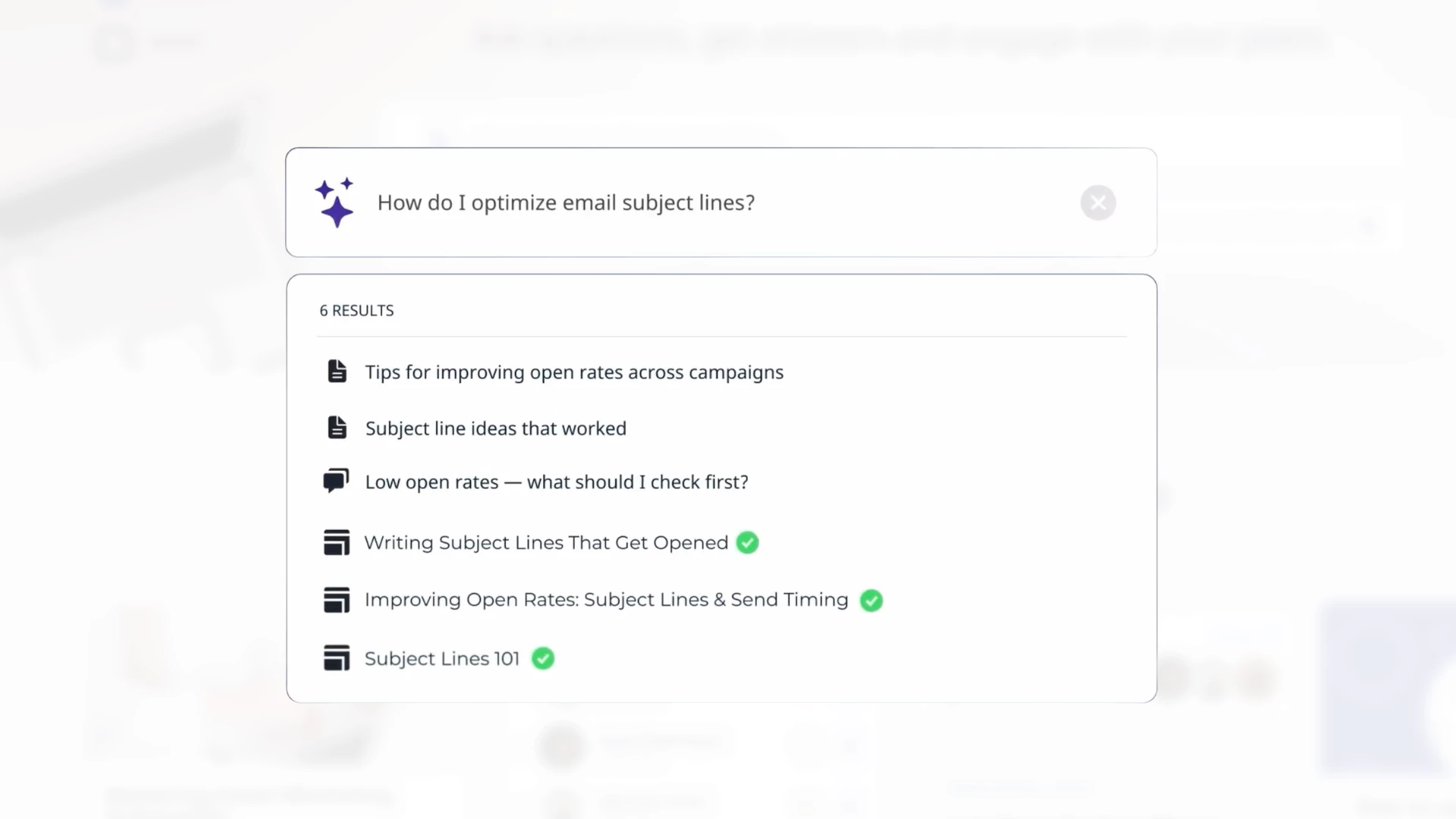
One search bar = results from both Skilljar and Community. Learners find the course, article, or discussion they're looking for, wherever it lives.
When a customer searches "how do I…," the answer might be in a Skilljar course, a Community discussion thread, or both. Right now they have to check each place separately and if they don't find it on the first try, most give up and open a ticket.
Federated Search surfaces everything in one result set. Customers self-serve faster, your support team handles fewer repeat questions, and the training content you've invested in actually gets discovered.
📚 Education Widgets in Community
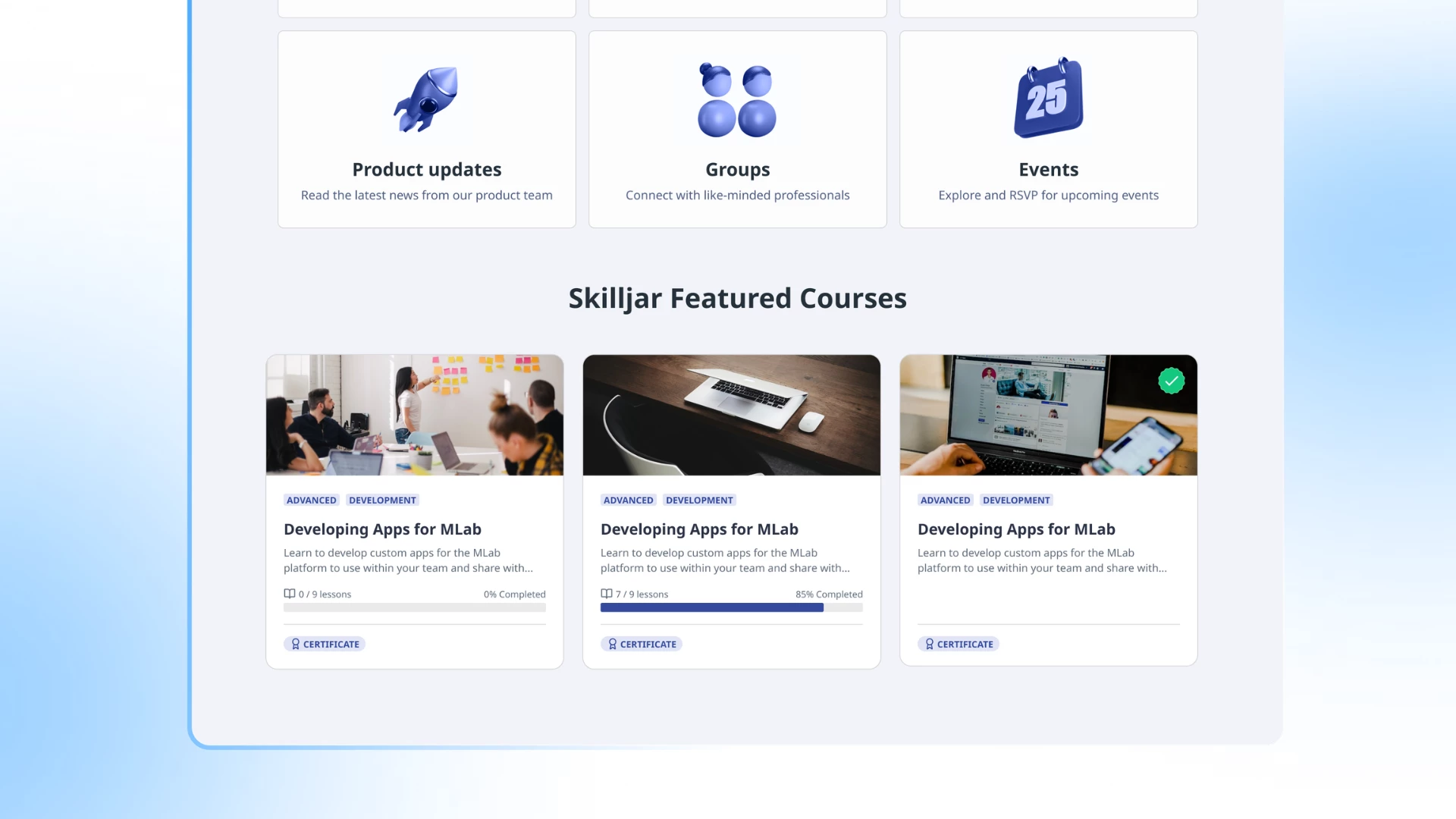
You can now embed Skilljar content directly on your Community pages, complete with progress bars, thumbnails, and customizable layouts.
Your Community is already where customers go to stay current on your product. When you post a new feature announcement, that's prime real estate to say "here's the course that shows you how to use it." Without this integration, that connection never happens, instead it goes something like: the update goes out, customers read it, and the training stays locked in your Academy.
Education Widgets let you embed the right course next to the right conversation. Your community homepage can greet new members with a "Start here" learning path. Admins configure everything directly from the Community widget library, no code required.
What’s Next
This is the first step toward a fully connected learning and community experience. We're already working on what comes next: deeper personalization, richer profile data across platforms, and more ways to reward engagement across both spaces.
For now, connect your Skilljar and Gainsight CC instances and see what it feels like when your Academy and Community work as one.
Get Started
To get started, our Help Article walks you through setting up a short enablement session with our team. Once the initial connection is in place, admins configure everything else on their own.