


Staircase AI: Bring Customer Intelligence Into Your AI Workflows with MCP
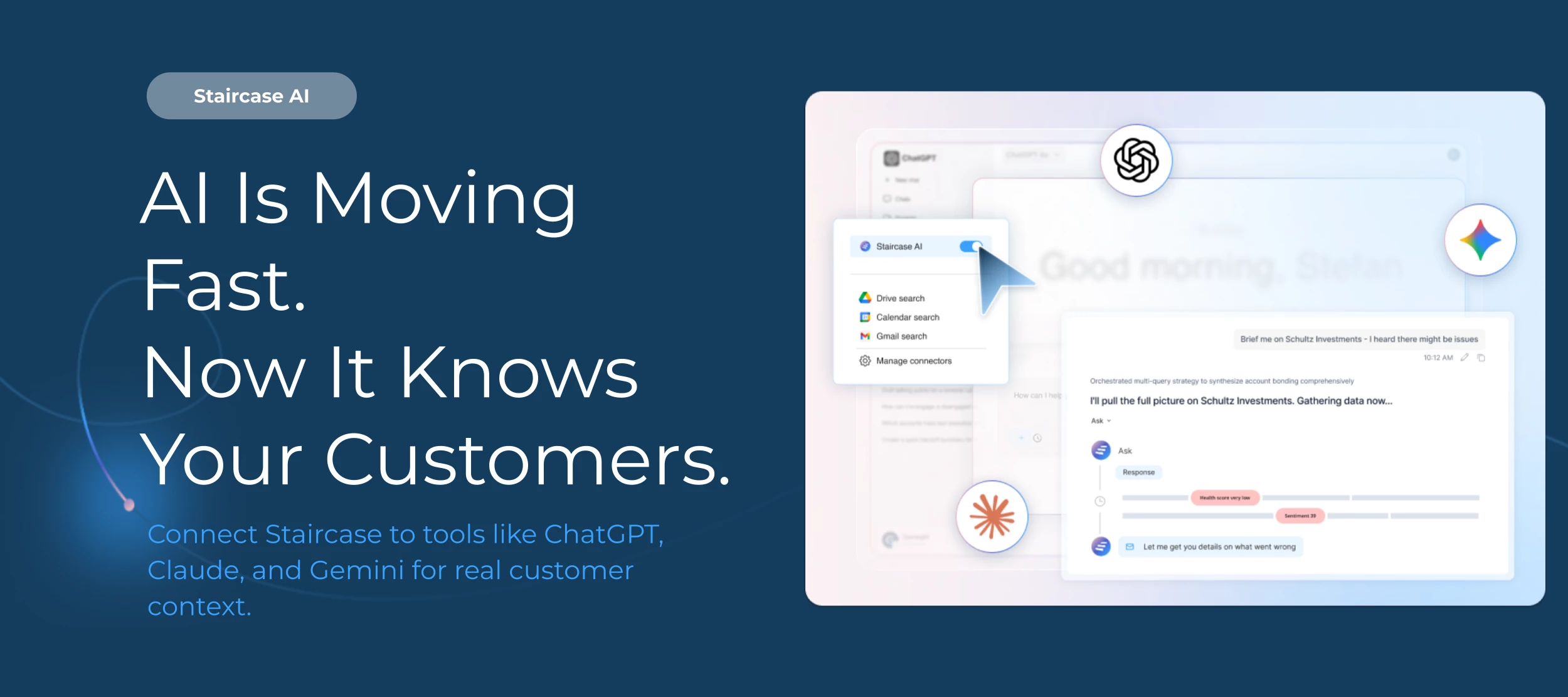
Gainsight’s MCP Server for Staircase AI is already transforming how teams use AI, bringing live customer intelligence directly into the tools they work in every day.
AI is quickly becoming part of daily workflows. But most AI tools don’t actually understand your customers. They only know what you type into the prompt.
With MCP, that changes.
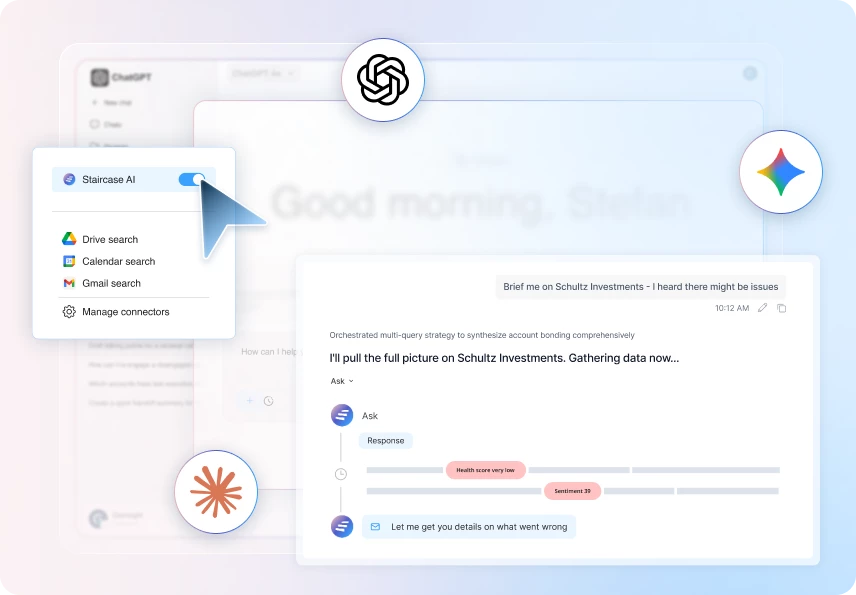
Gainsight MCP connects Staircase to tools like ChatGPT, Claude, and Gemini so every answer, recommendation, and summary is grounded in real customer context.
What is MCP?
MCP stands for Model Context Protocol — an open standard that allows AI tools to securely connect to external systems in real time.
Instead of copying and pasting notes or uploading files, your AI can now query live Staircase intelligence directly. That means responses reflect what is actually happening in your accounts, not just static inputs.
If your AI tool supports MCP, it can connect to Staircase.
👉 Explore Gainsight’s Staircase MCP
What This Means for Your Team
Here’s what you unlock with MCP:
- Customer-Aware AI. Every answer is grounded in live account health, stakeholder dynamics, risks, and expansion signals.
- Faster Execution. No switching tabs. No copying context. No manual synthesis. Get structured outputs in seconds.
- Shared Intelligence Across Teams. CS, Sales, RevOps, and Leadership can all access the same live customer intelligence inside their AI workflows.
- Secure by Design. MCP respects Gainsight permissions and role-based access controls. Users only see data they’re authorized to access.
Real Workflows. Real Impact.
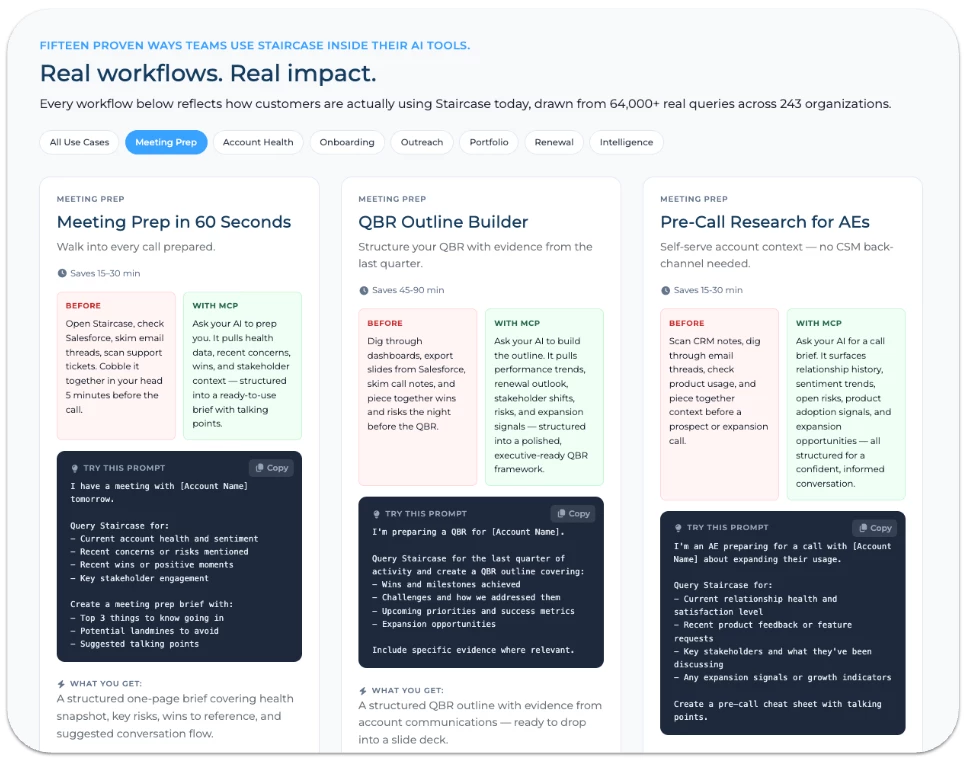
Here are just a few ways teams are already using MCP:
🗓 Meeting Prep in 60 Seconds
Ask your AI to prep you for a call and receive a structured brief with health snapshot, recent risks, stakeholder context, and suggested talking points.
🔁 Seamless Account Handoffs
New CSM taking over? Generate a comprehensive onboarding brief in minutes instead of hours.
📊 Weekly Portfolio Triage
Ask, “What needs my attention this week?” and get a prioritized list of risk and opportunity signals across your book of business.
You can explore the full library of workflows and prompts here 👉 View MCP Use Cases
Getting Started
To set up MCP:
1. Ensure your admin has enabled the MCP Connector in Staircase.
2. Connect Staircase to your MCP-enabled AI tool.
3. Start asking questions in plain language.
Need additional help? View the full setup guide here.
AI is reshaping how teams work. The question isn’t whether you use AI — it’s whether it understands your customers. With Gainsight MCP, now it does.
If you have questions or want to see it in action, drop a comment below or reach out to your CSM.