Alert when dropping field into GroupBy on bionic task "Transformation" or other ideas
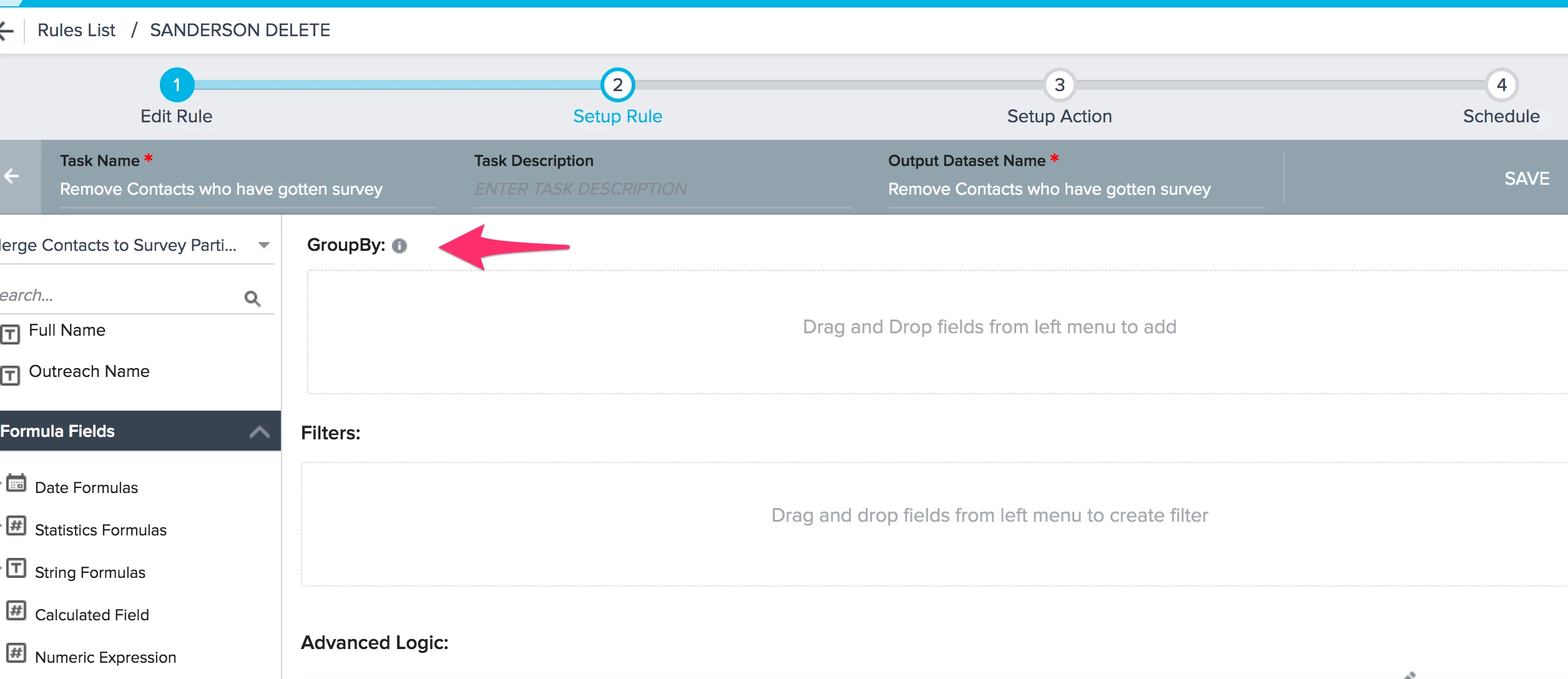
Quality of Life enhancement: for the transform task in a bionic set up (JO or Rules), if you drop a field into the GroupBy section, it will change all fields to an aggregate. However, I constantly drop a field in there on accident, thinking its the Filter section (muscle memory from rule building). This means that I have to remove the field, which changes that field back to non-aggregated data point. But all others remain aggregated.
I don't know that I care which of these happens, or if there are better suggestions, but my thoughts are:
I don't know that I care which of these happens, or if there are better suggestions, but my thoughts are:
- Pop an alert box that says "are you sure you want to drop something here?"; it could get annoying, but it will save me time nonetheless
- IF I remove all fields from the GroupBy section, reset all fields in the Show Me back to a non-aggregated data point