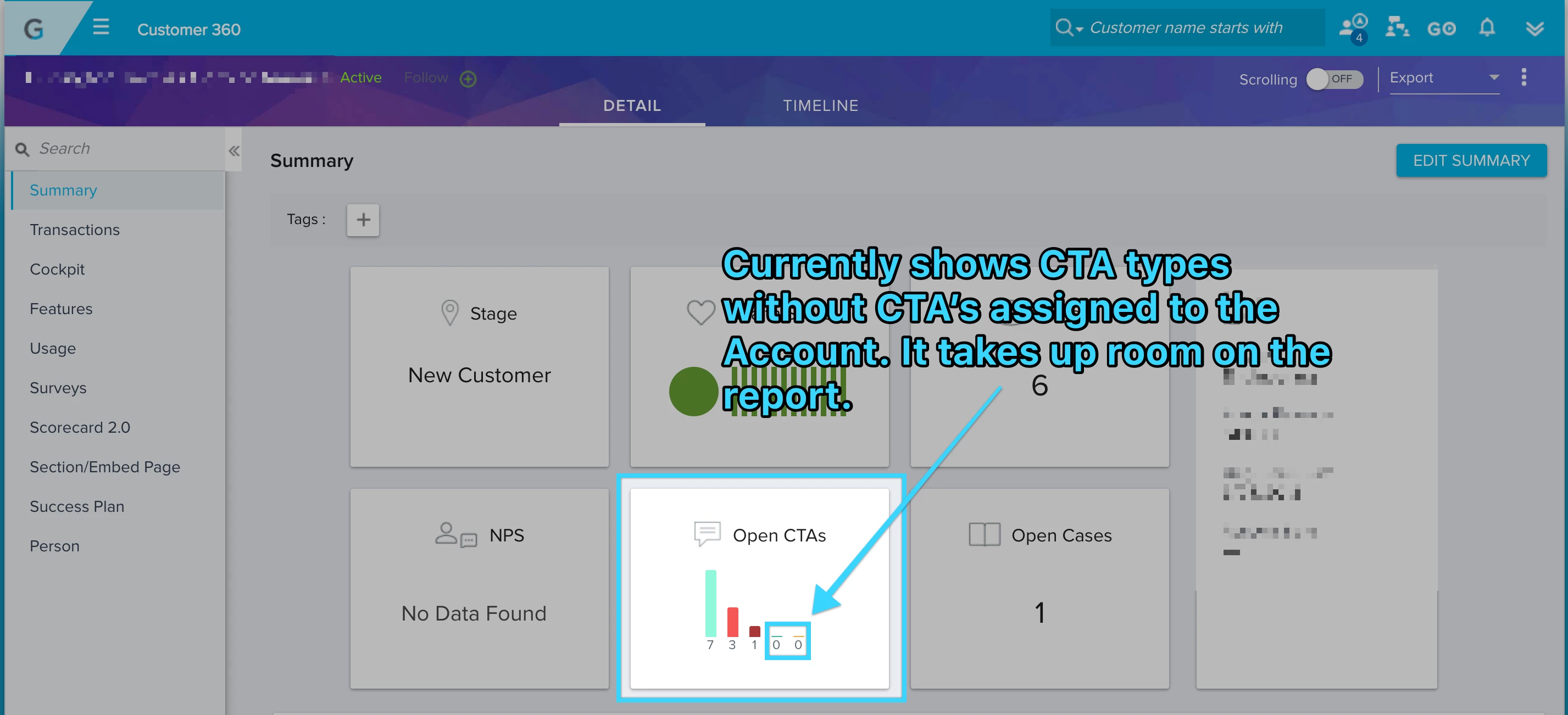
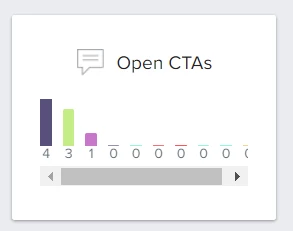
Thank you for the suggestion. I understand the problem where you see all categories on the widget even when there are no CTA's.
As of now, we do not have any near term plans to change this, but I will keep you updated if we change it.
If you ever had a profile with us, there's no need to create another one. Don't worry if your email address has since changed, or you can't remember your login, just let us know at community@gainsight.com and we'll help you get started from where you left.
Else, please continue with the registration below.