Reports 2.0: Add ability to widen or narrow columns in tabular format.
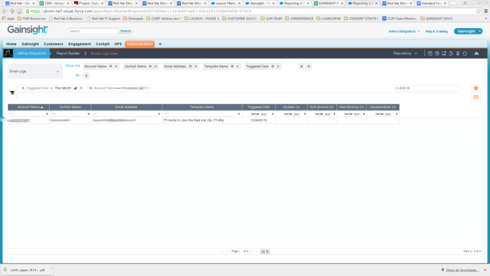
When I create a report that displays in a tabular format, the Date columns are very wide, while the text columns are more narrow.
I can adjust the column widths while in Reports 2.0, but when I save it, and reload it in the reports interface (or via dashboard) the sizes of the columns have not changed.
I lose a lot of real estate on the page with the date columns being so wide. See attached screenshot
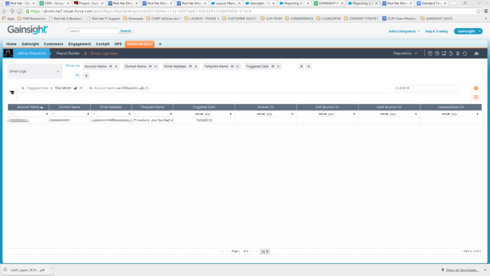
I need the abilty to have adjustments to column widths persist beyond a "save" (see attached screenshot #2)
I can adjust the column widths while in Reports 2.0, but when I save it, and reload it in the reports interface (or via dashboard) the sizes of the columns have not changed.
I lose a lot of real estate on the page with the date columns being so wide. See attached screenshot
I need the abilty to have adjustments to column widths persist beyond a "save" (see attached screenshot #2)