

Visual Guide v2.0
Our Visual Guide v2.0 is here!
The use of nice visuals and images is an important part of creating an attractive community.
To help you to choose or create suitable images for your community, we have updated our visual guidelines for you. Below you can find explanations of the most prominent images and their dimensions used in our platform.
Tip: Click on the images to see the enlarged version.
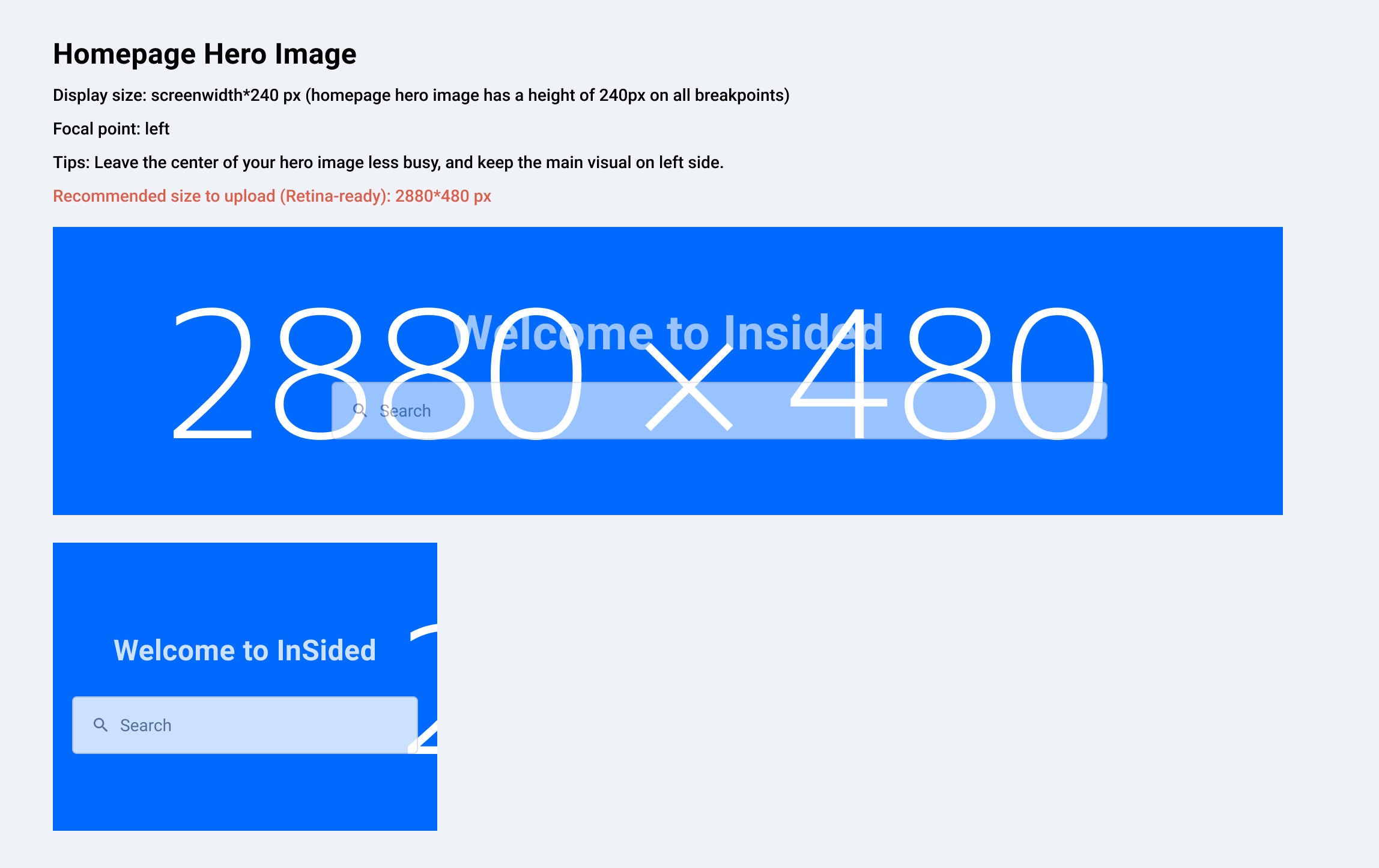
Homepage Hero Image
Example: https://community.insided.com/
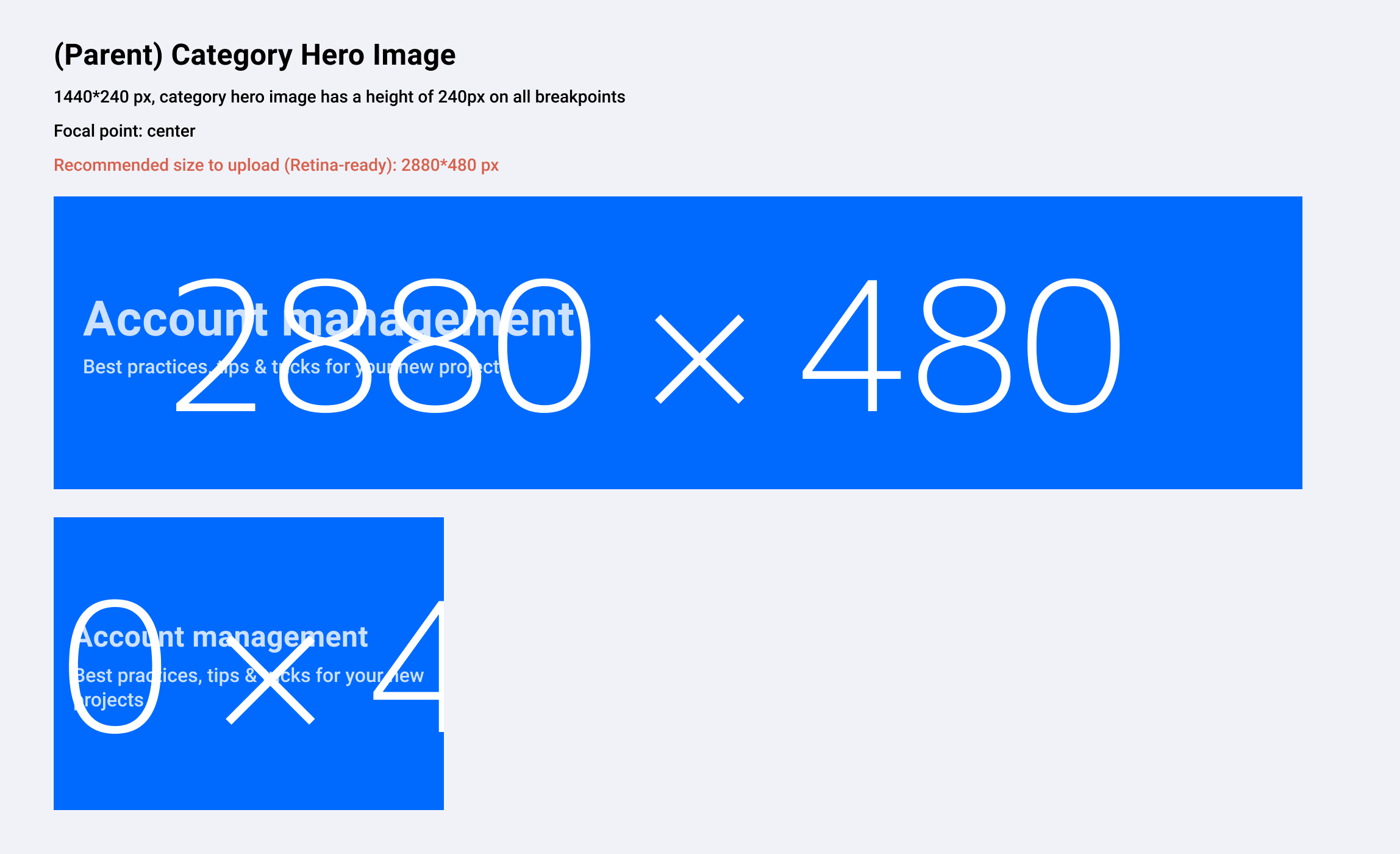
Parent Category Hero Image
Example: https://community.insided.com/platform-36
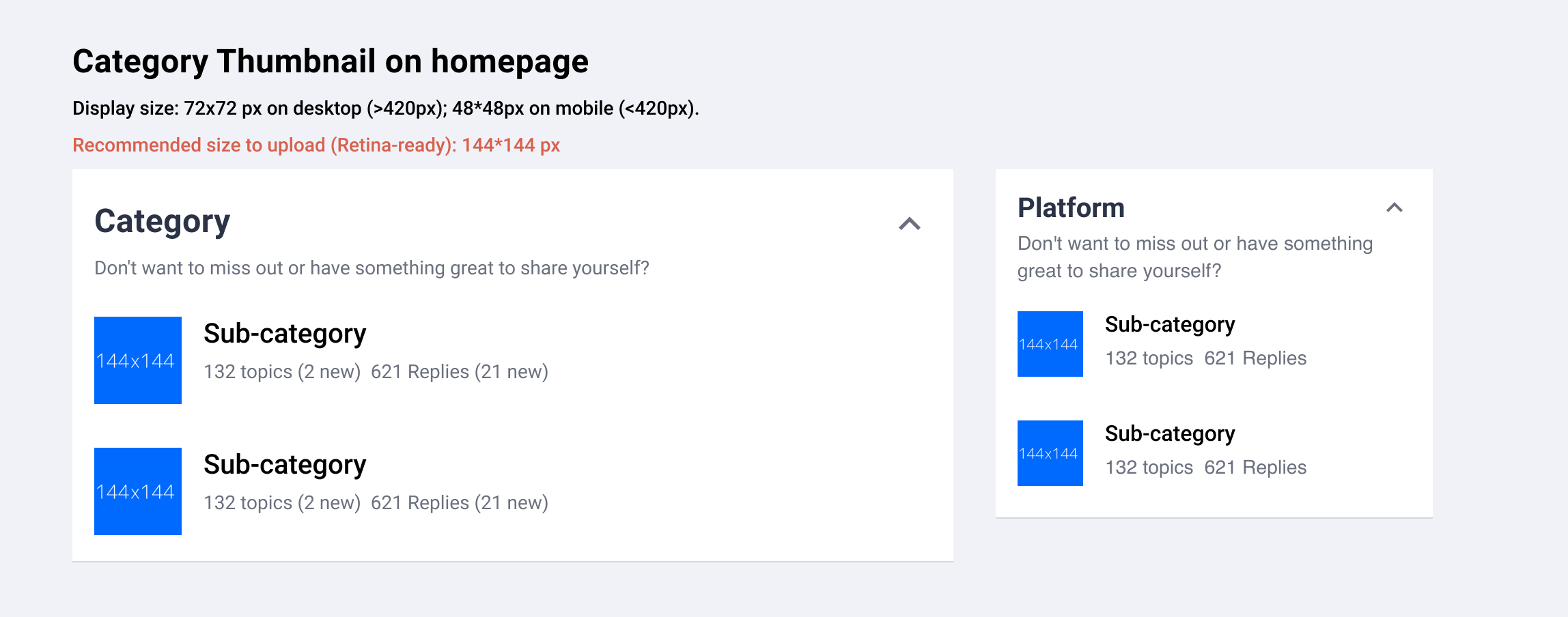
Category Thumbnail (Homepage)
Example: https://community.insided.com/
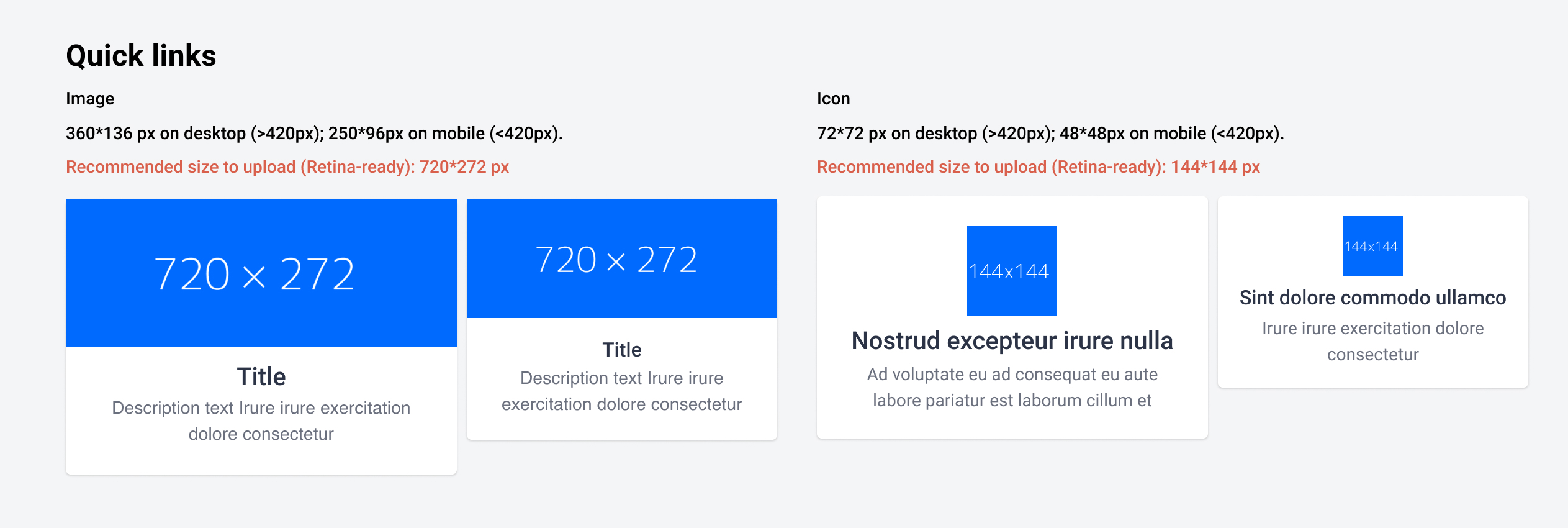
Quick Links (Homepage)
Example: https://community.insided.com/
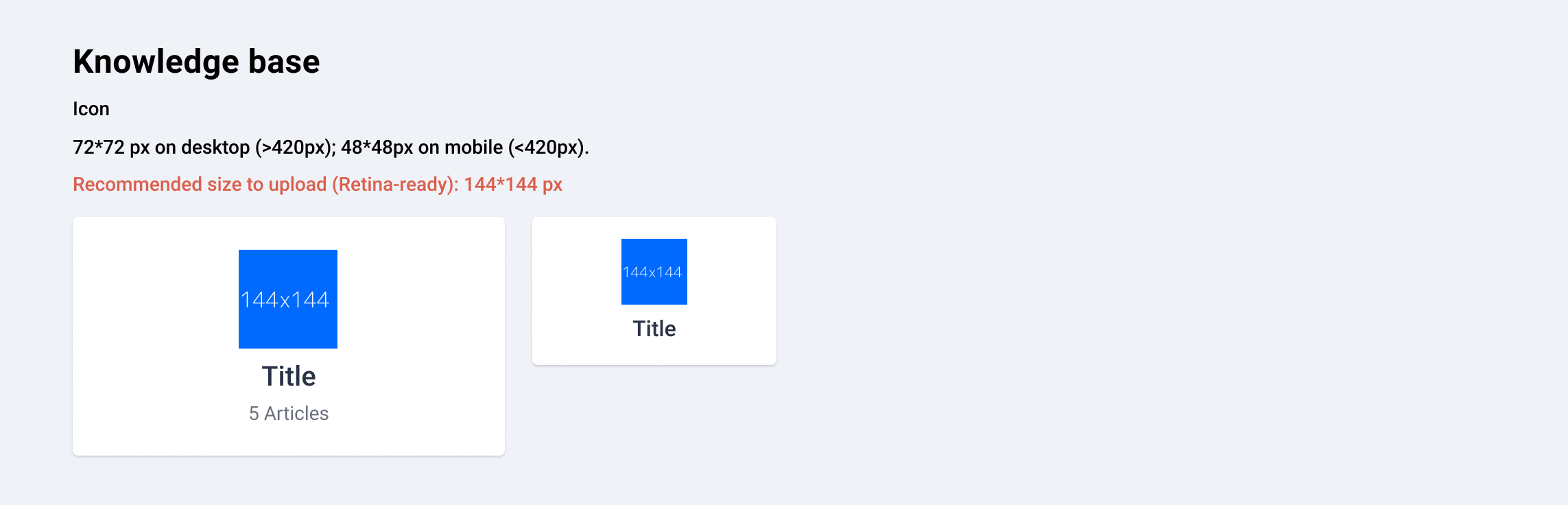
Knowledge base (Homepage)
Example: https://community.insided.com/
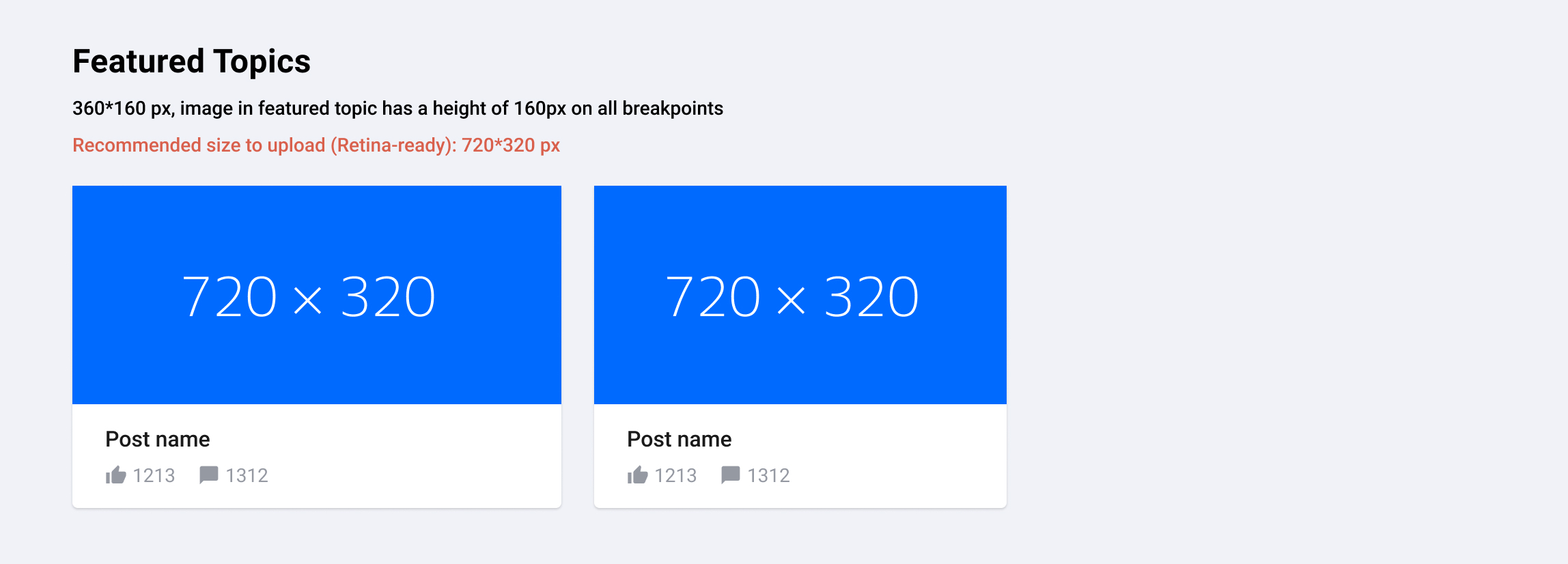
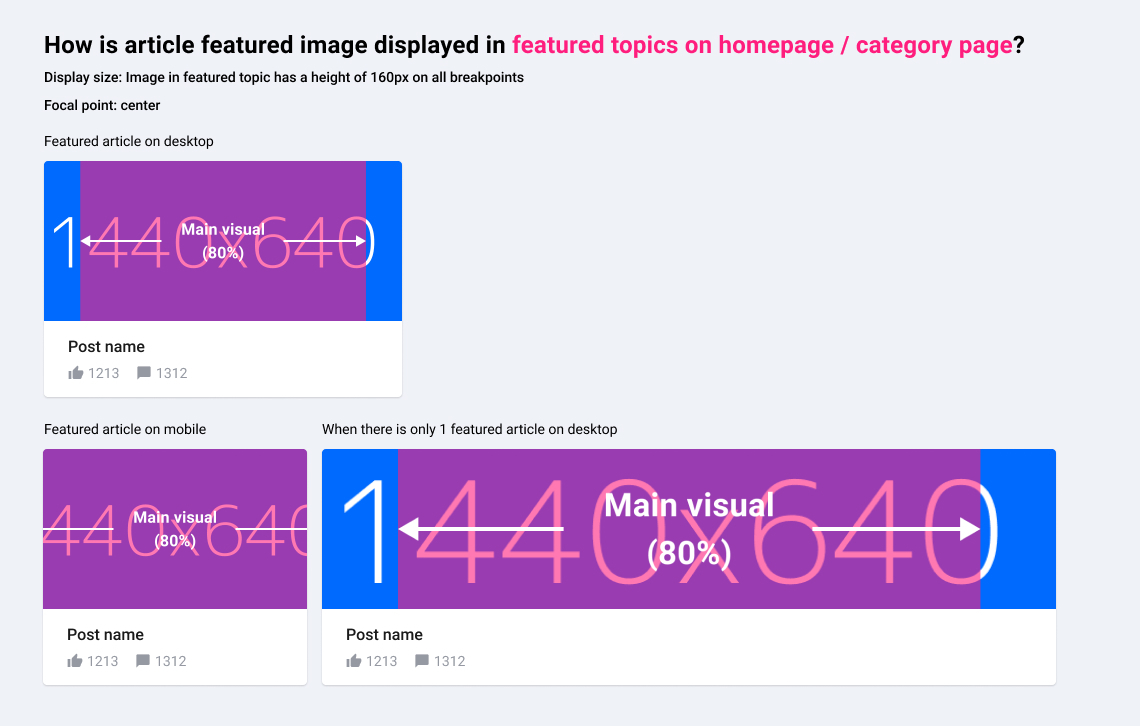
Featured Topics (activated optionally on top of Category- or Homepage)
Example: https://community.insided.com/news-platform-updates-16
Badge
Example: https://community.insided.com/
Recommended size (Retina-ready): 90*90 px
User profile picture
Recommended size (Retina-ready): 90*90 px
Rank Icon
Always shown above user avatar
Recommended size (Retina-ready): 36*36px
Username Icon
Shown next to username.
Example: Profile page
Recommended size (Retina-ready): 24px*24px
-----
Article image visual guide is updated on 26 Jun, 2019
Article featured image
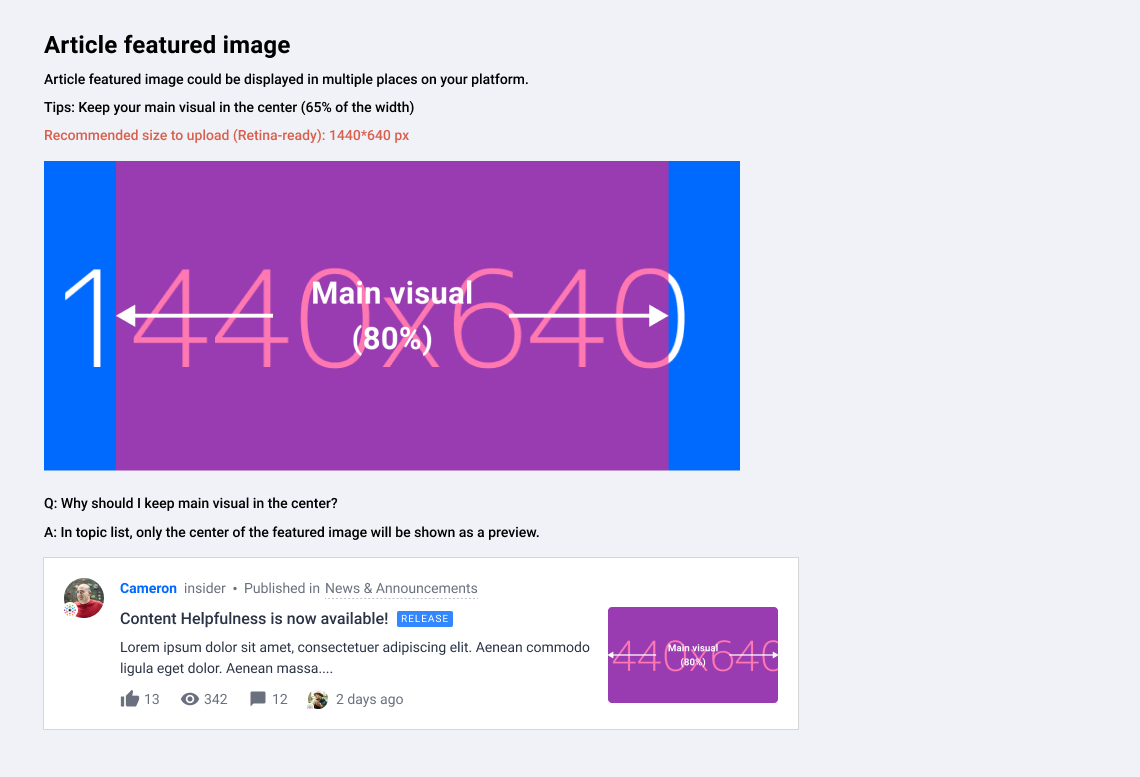
Where and how would article images be displayed on your platform?
Topic page
Example: https://community.insided.com/getting-started-customers-only-33/visual-guide-v2-0-1462
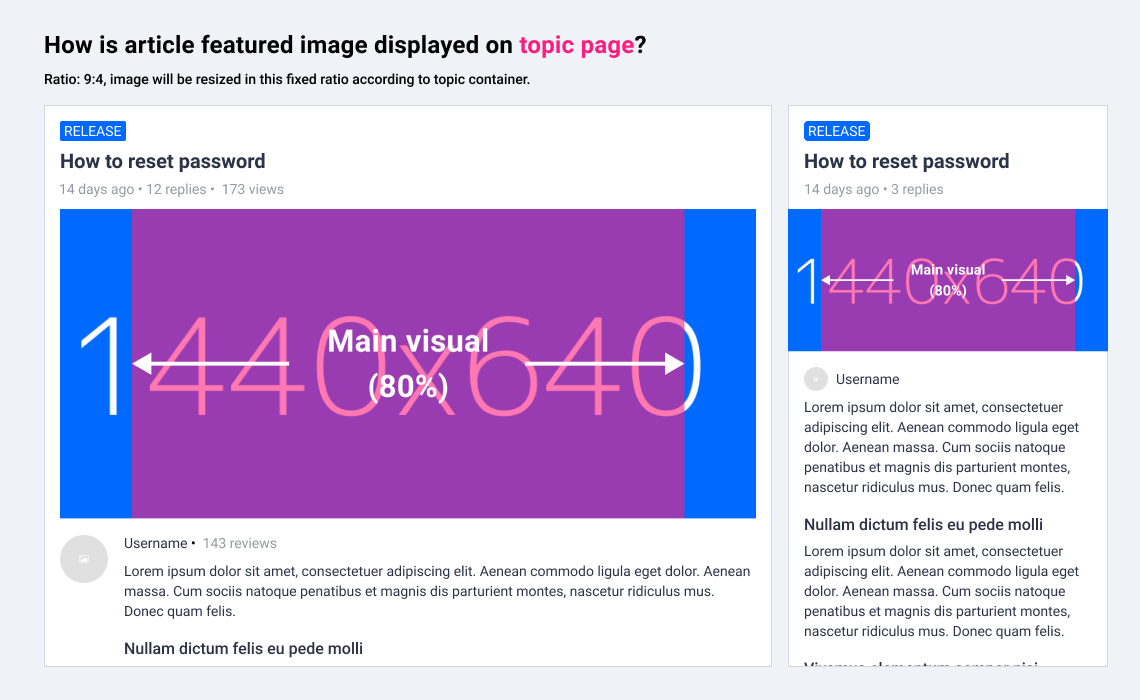
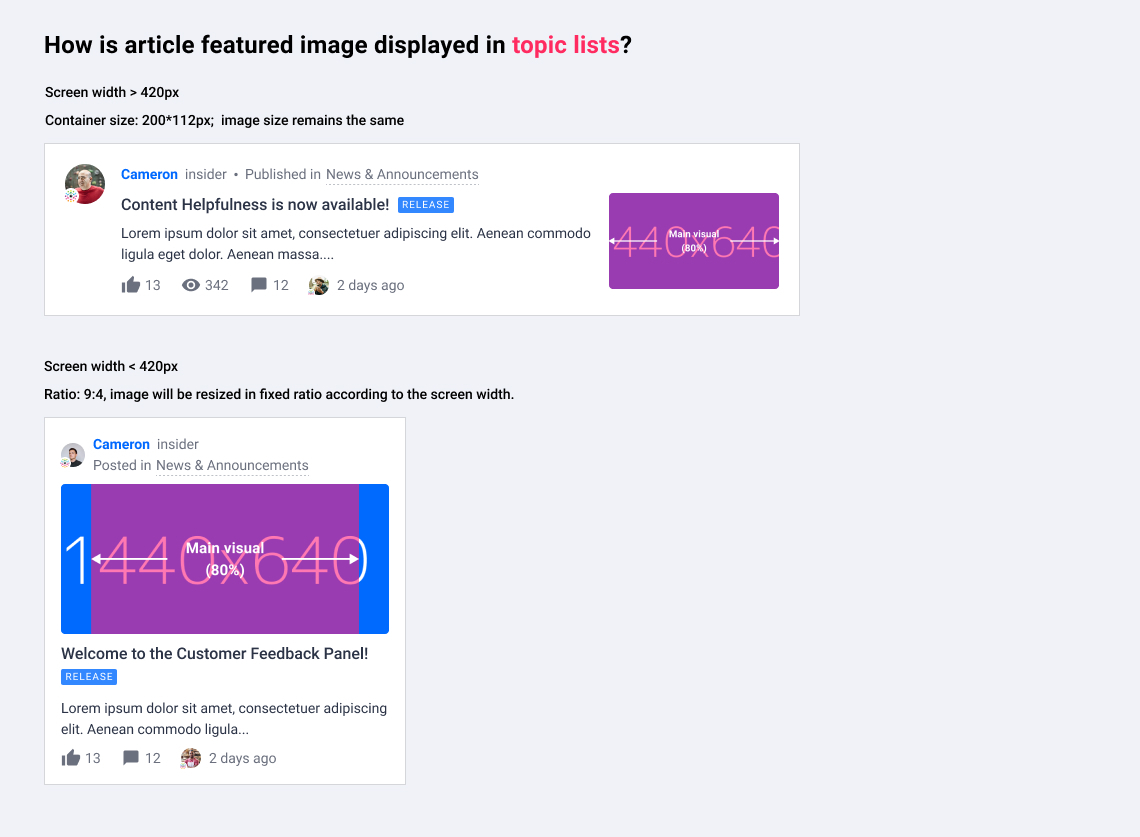
Topic list on homepage/search results/category page/etc.
Example: https://community.insided.com/news-platform-updates-16
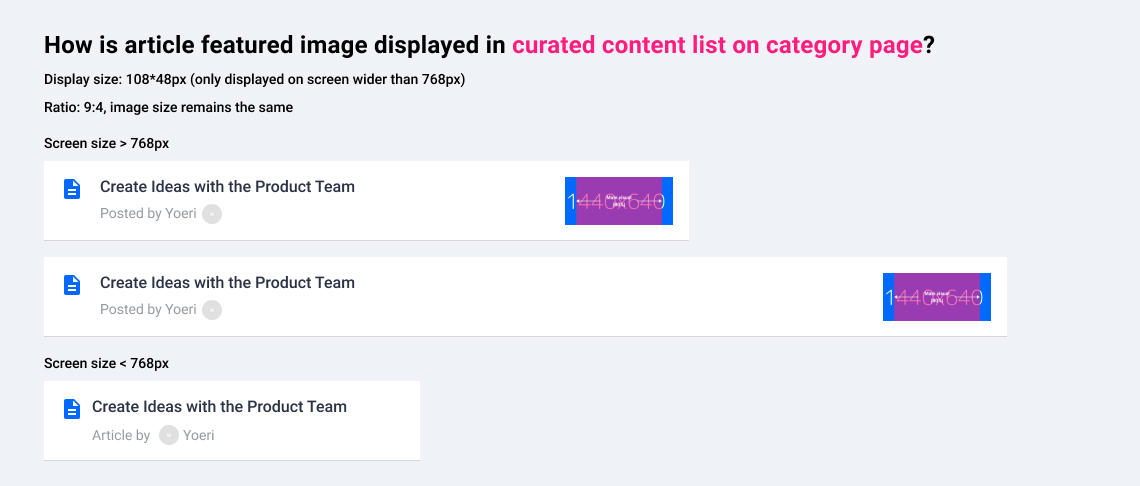
Curated content list on category page
Example: https://community.insided.com/news-platform-updates-16
Topic list
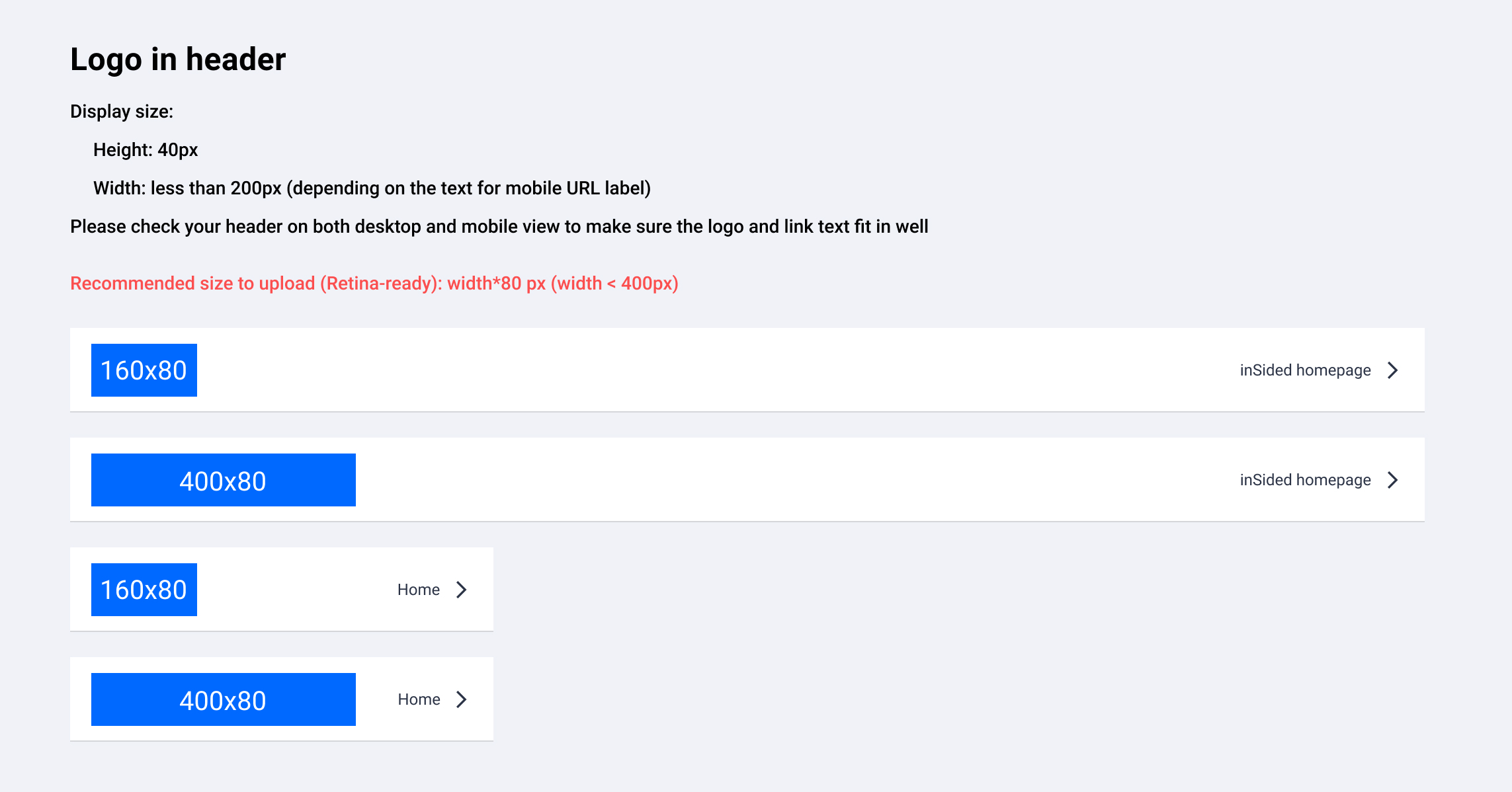
Logo in header
Where to upload? → Control> Customization > Header
Missing anything?
Please leave a comment below.