

prithvi_vihari
Helper ⭐️
Oct 23, 2019 4:31 PM UTC
Solved

{Posting on Behalf of Customer}- X and Y axis labels for all Graphical Representations

Hey Team,


Would it possible for having the X and Y Axis show up for all Graphical Representations? 


One example is when we go with a Line graph we don’t get the X-Axis label show up.
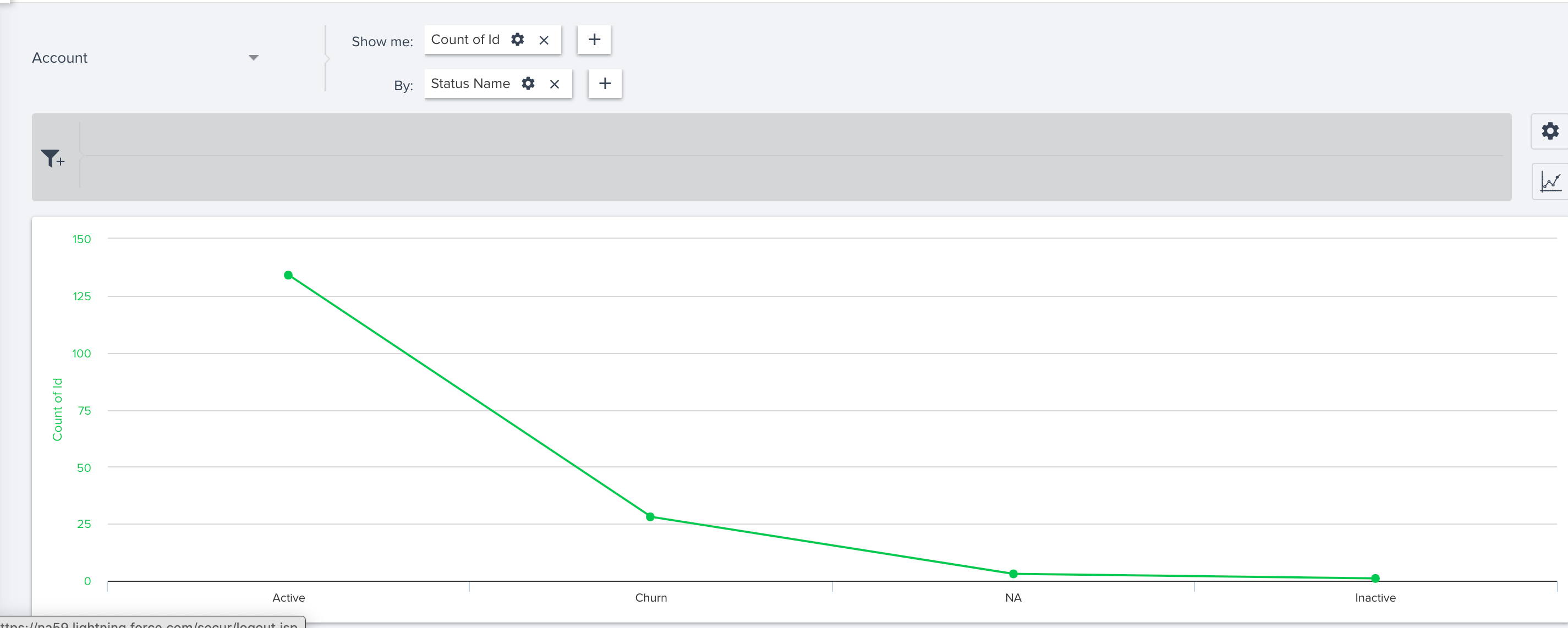


Both X and Y Axis don’t show up in this case.
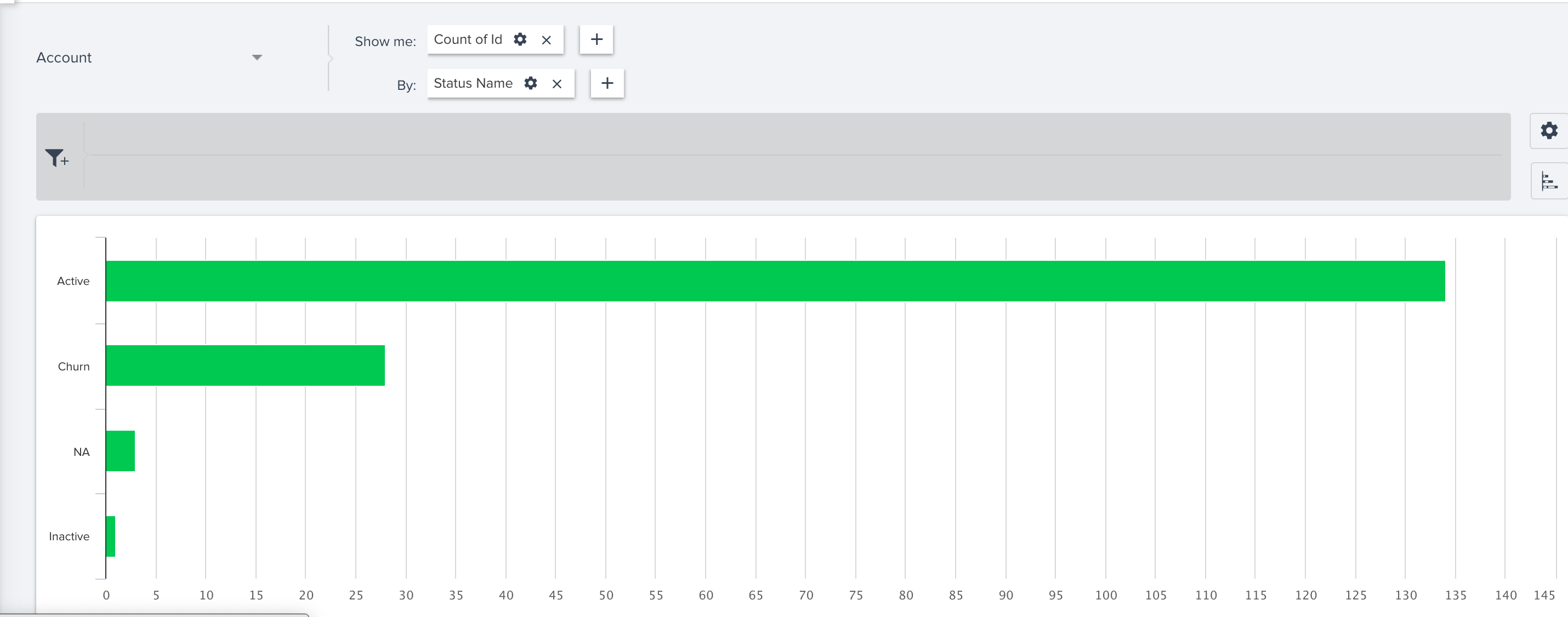
 

Is there a reason behind this design?

rakesh
rakeshAnswer
Lets put your data to work!
Nov 1, 2019 6:15 AM UTC

We understand that you would like the control on more aspects of a chart. We are currently working on a feature called Chart Editor which can give that control to admins from Report Builder. I will update the thread once we pick it up for development or have more clarity on the dates. 

4 replies

brad_jennings
Contributor ⭐️⭐️⭐️
Oct 23, 2019 5:04 PM UTC

Additionally, I would love more control over the x and y axis. Since they’re both numbers, it would be nice to set a right/left or top/bottom alignment of a zero value. Additionally, label editing is what we’re really looking forward to. We just had a really successful email campaign with a generated report in the email, but had to leave the x-axis unlabeled because that functionality does not yet exist.

Translate
rakesh
Gainsight Employee ⭐️
rakeshAnswer
Lets put your data to work!
Nov 1, 2019 6:15 AM UTC

We understand that you would like the control on more aspects of a chart. We are currently working on a feature called Chart Editor which can give that control to admins from Report Builder. I will update the thread once we pick it up for development or have more clarity on the dates. 

Translate
rsivesind
Contributor ⭐️⭐️⭐️
Mar 24, 2021 8:43 PM UTC

Hi Gainsight Team - Any update on the Chart Editor feature?

Translate
john_apple
Expert ⭐️
Jan 10, 2023 4:14 PM UTC

This still presents in Horizon analytics. A column chart will label the Y-axis but a bar chart will not. Stacked bar and columns also do not display the Y-axis. Can we make this consistent so it is easier for interpretation on dashboards and exports?

Translate