


Staircase Newsletter April 2026
Staircase March 2026

We're excited to share that this month, Staircase AI gets two powerful new integrations — Salesloft and Webex — plus a new way to route your data straight into AWS S3. Your relationship signals just got a lot more complete.
Let’s dive in!😀

Export Scheduled Reports Directly to AWS S3
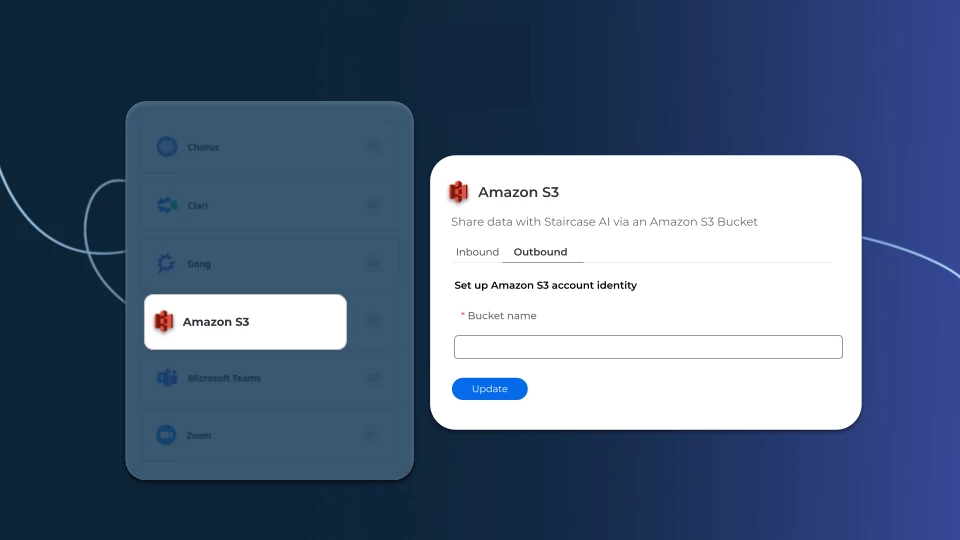
Staircase AI now lets you send scheduled reports straight to an AWS S3 bucket in CSV format, making it easy to route customer data into your existing data pipeline.
What's new:
- Configure an S3 bucket as a report destination directly from the AWS integration page
- Schedule reports to export automatically in CSV format
- Works seamlessly with data lakes like Snowflake and Databricks
Why it matters: If your team runs on Snowflake or Databricks, Staircase data can now flow straight into your existing pipeline.
Read the setup guide
Salesloft Meetings, Now in Staircase AI
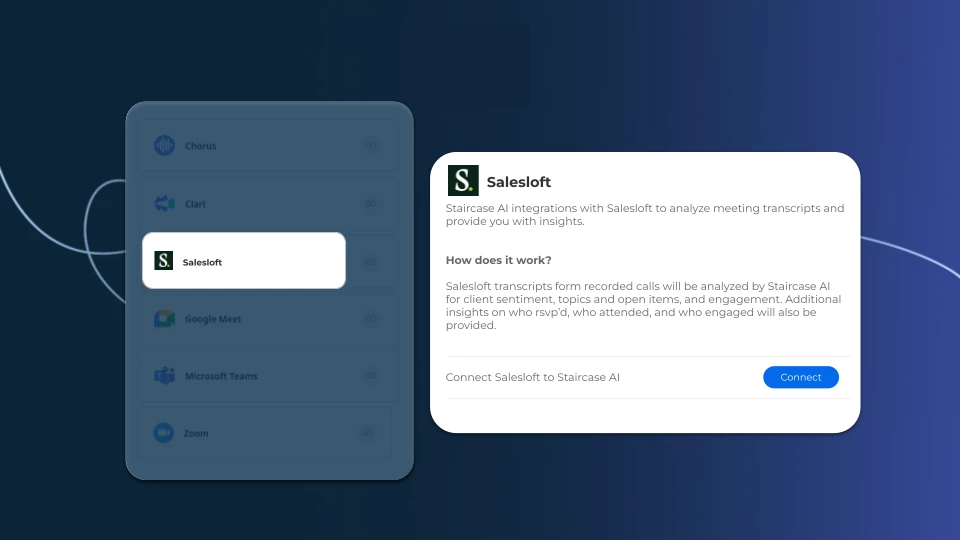
Staircase AI now analyzes your Salesloft client calls automatically, surfacing sentiment, topics, action items, and engagement in one place.
Here's what's new:
- Transcript analysis for sentiment, topics, and action items
- 3 months of historical data synced on day one
- Calendar matching keeps only relevant calls in scope
What this means for your team: No more manual recording reviews. Staircase surfaces the signals so you can focus on the right next steps, not the recap.
Learn more about the Salesloft integration
Webex by Cisco Integration, Now Available
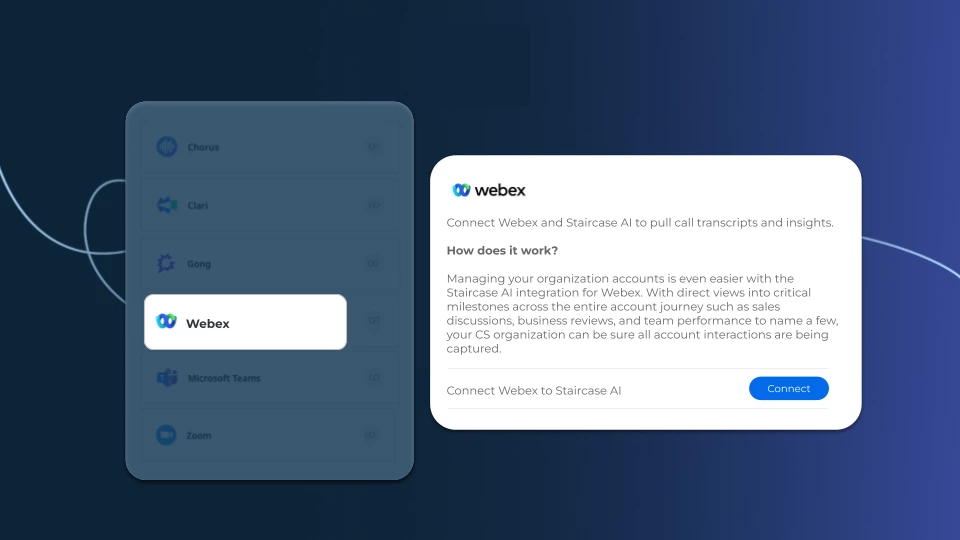
Webex meetings are now automatically logged into your Staircase AI Timeline, so every client interaction is captured alongside the rest of your account activity.
How it works:
- Webex meetings sync directly to your Timeline, no manual imports needed
- Participant details, timestamps, and metadata captured automatically
- Admins can monitor sync status and flag any failed ingestions
What this means for your team: One complete view of customer engagement, regardless of which meeting platform your clients use.
Learn more about the Webex by Cisco integration

Keep Your Integrations Running Smoothly
Staircase AI is only as powerful as the data flowing into it. If your Salesforce, Slack, or Gong integrations go offline, your relationship signals stop updating — and gaps can appear in your account health data before you even notice.
A few quick habits to stay ahead:
- Use an integration user — always connect Salesforce and Slack using a dedicated integration account, not an individual's login. If that person leaves or changes roles, your connection won't break
- Screenshot your field mappings — before making any changes to your Salesforce or Slack setup, save a snapshot of your Account and Stakeholder mappings so you can restore quickly if needed
- Check your sync regularly — open a recent account in Staircase and confirm Salesforce data is appearing and up to date. A quick 2-minute check can catch a broken sync early
- Keep your admins looped in — Salesforce and Slack reconnections require admin privileges. Make sure the right people know their access is needed so you're not blocked when it matters
A healthy integration means Staircase always has the full picture — so your team can act on the right signals at the right time.
View the full reconnection guide
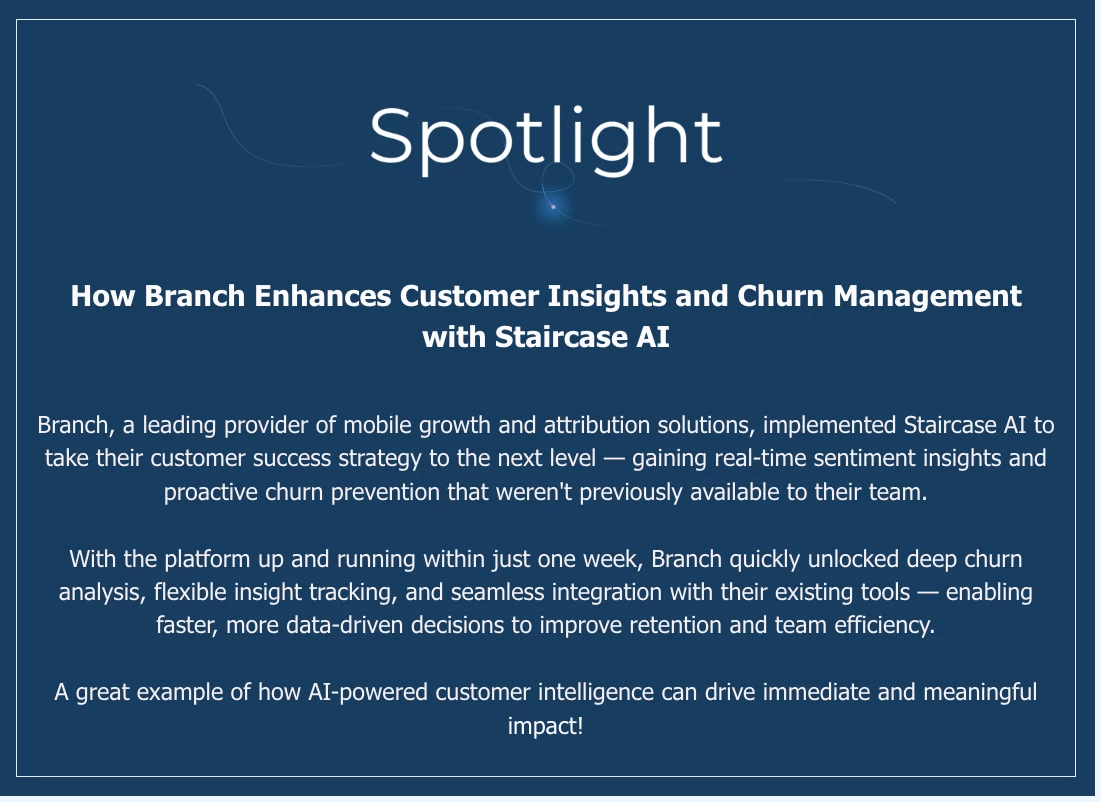
Read the full story here

Unlocking the Product Usage Widget in Staircase
Dawn Cassidy is getting started with product usage data and wants to know how the Product Usage widget on the Account page gets populated — and whether it can power Insights and Lifecycle Events.
If you've connected product usage data to Staircase and have tips to share, this is the thread to jump into.
Join the conversation
Set Your Default Executive Dashboard
Jenna Johnson asked whether you can choose which Executive Dashboard loads when you log in, instead of always starting from the system default.
The answer: Yes! Staircase remembers the last dashboard you selected and loads it automatically on login. Each teammate can also set their own preferred dashboard from the dropdown next to the dashboard name in the top left — making it personal to their workflow.
Read the full thread

Pulse 2026 is almost here. Have you saved your seat?

Join us in Las Vegas on May 27-28 for the #1 event for customer professionals: 2 days of workshops, breakouts, networking, and more.
This year's AI That Works for You track gets tactical on testing and scaling AI responsibly, which use cases actually deliver, and how to turn AI and agents into real business value. (63% of CS teams are still in pilot mode. This track is for all of you.)
Register Now
Join Staircase AI Office Hours l Wednesdays at 11:00 AM ET
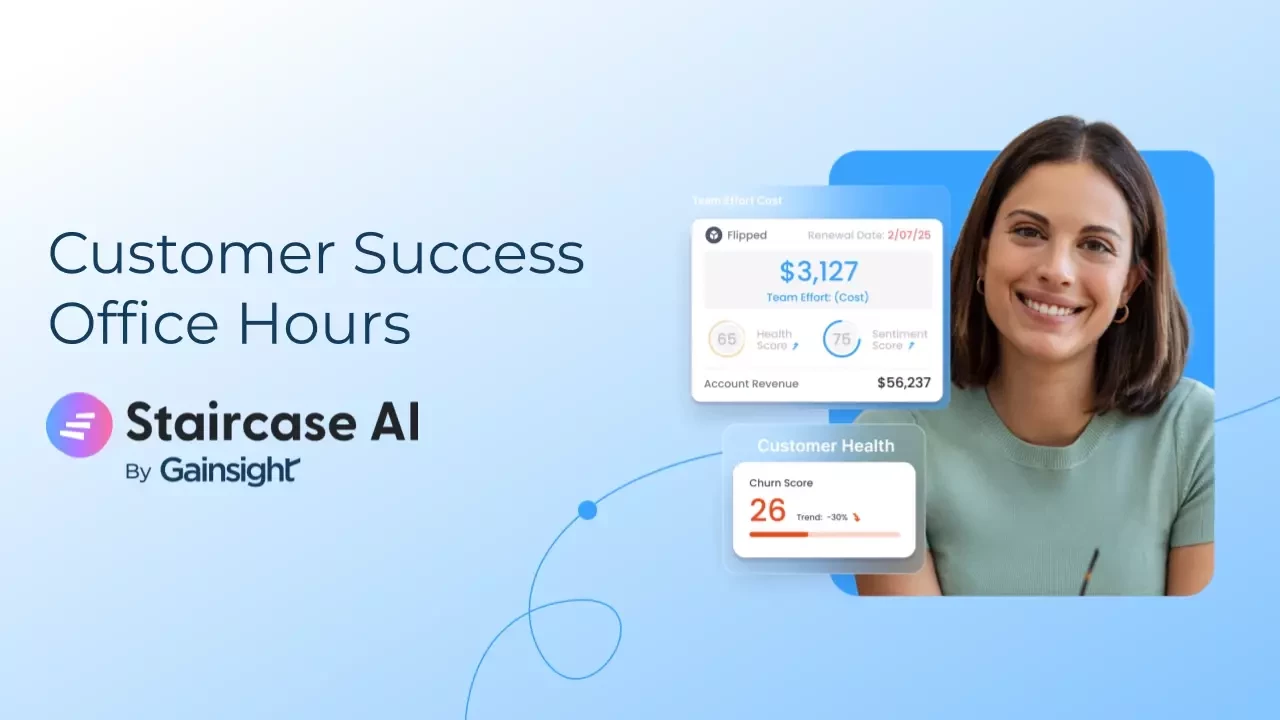
Have questions about Staircase AI? Join our weekly Office Hours sessions—open to all customers.
What to expect:
- Live answers to your questions from Staircase experts
- Peer discussions on what’s working (and what’s not)
- Practical tips to get more value from Staircase AI
📅 When: Every Wednesdays at 11 AM ET
Whether you’re just getting started or already a power user, this is your space to ask questions, get guidance, and learn from others.
Register here