
Solved
サクセスプランとコックピットタブのCTA・タスク一覧
サクセスプランのCTA・タスクと、コックピットタブで手動で作成したCTA・タスクをレポートで一覧化したいです。
レポートにて「オブジェクト=CSタスク」で一覧化したところ、コックピットタブで作成したCTA・タスクが表示されません。
どうしたらよいでしょうか?
▼レポート

▼サクセスプランタブ
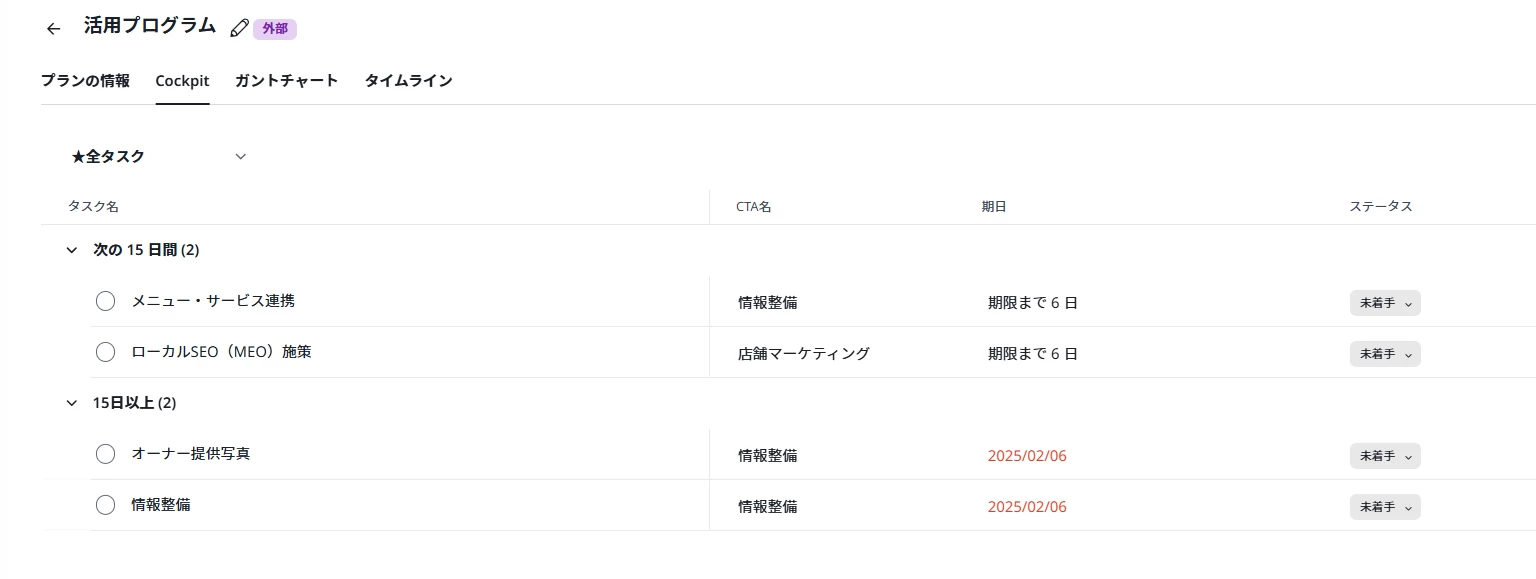
▼コックピットタブ
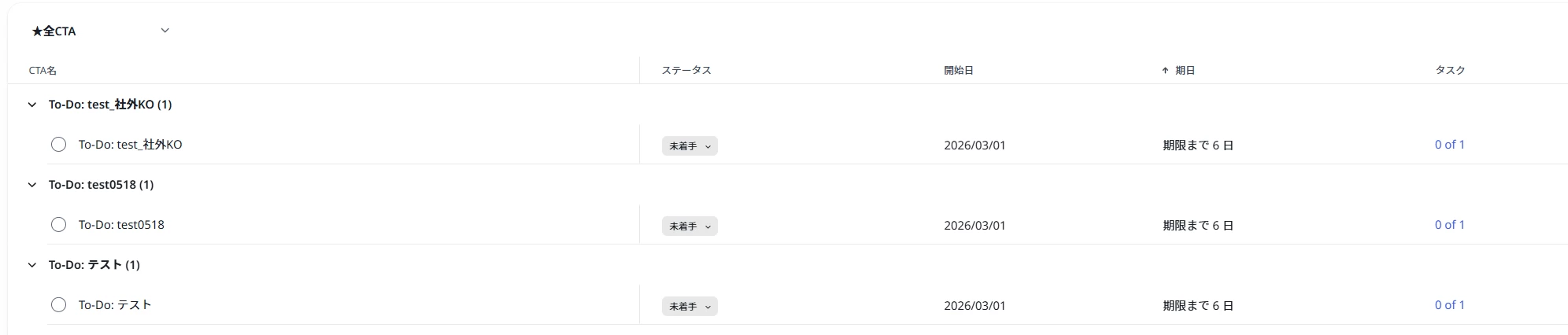
→記載の3タスクがレポートに表示されない
サクセスプランのCTA・タスクと、コックピットタブで手動で作成したCTA・タスクをレポートで一覧化したいです。
レポートにて「オブジェクト=CSタスク」で一覧化したところ、コックピットタブで作成したCTA・タスクが表示されません。
どうしたらよいでしょうか?
▼レポート
▼サクセスプランタブ
▼コックピットタブ
→記載の3タスクがレポートに表示されない
オフィスアワーでの回答を記載いたします!
CSタスクは、サクセスプランやコックピット、作成場所にかかわらず、全タスクが見れるオブジェクトになります。
フィルターを複数かける際、合っているかどうか改めてご確認いただければと思います!
If you ever had a profile with us, there's no need to create another one.
Don't worry if your email address has since changed, or you can't remember your login, just let us know at community@gainsight.com and we'll help you get started from where you left.
Else, please continue with the registration below.
Enter your E-mail address. We'll send you an e-mail with instructions to reset your password.