


Gainsight CC: More Control Over Every Page, Every Language, Every Connector
This release brings six updates that give community teams more control over how pages look, how data flows between your tools, and how search engines find your content.
Here's What's New
🎨 Customize layouts on every page in your community
The Layout Editor is no longer limited to your homepage and custom pages. You can now open it on any community, knowledge base, or group page and configure the layout independently, without affecting any other page.
What you can do on each page:
- Add, hide, and reorder widgets without touching any other page in the community
- Replace the global sidebar with page-specific sidebar widgets
- Add and configure library widgets inline, with category or section filters applied automatically
- Set up distinct layouts for the events page, Groups Overview page, and individual group pages
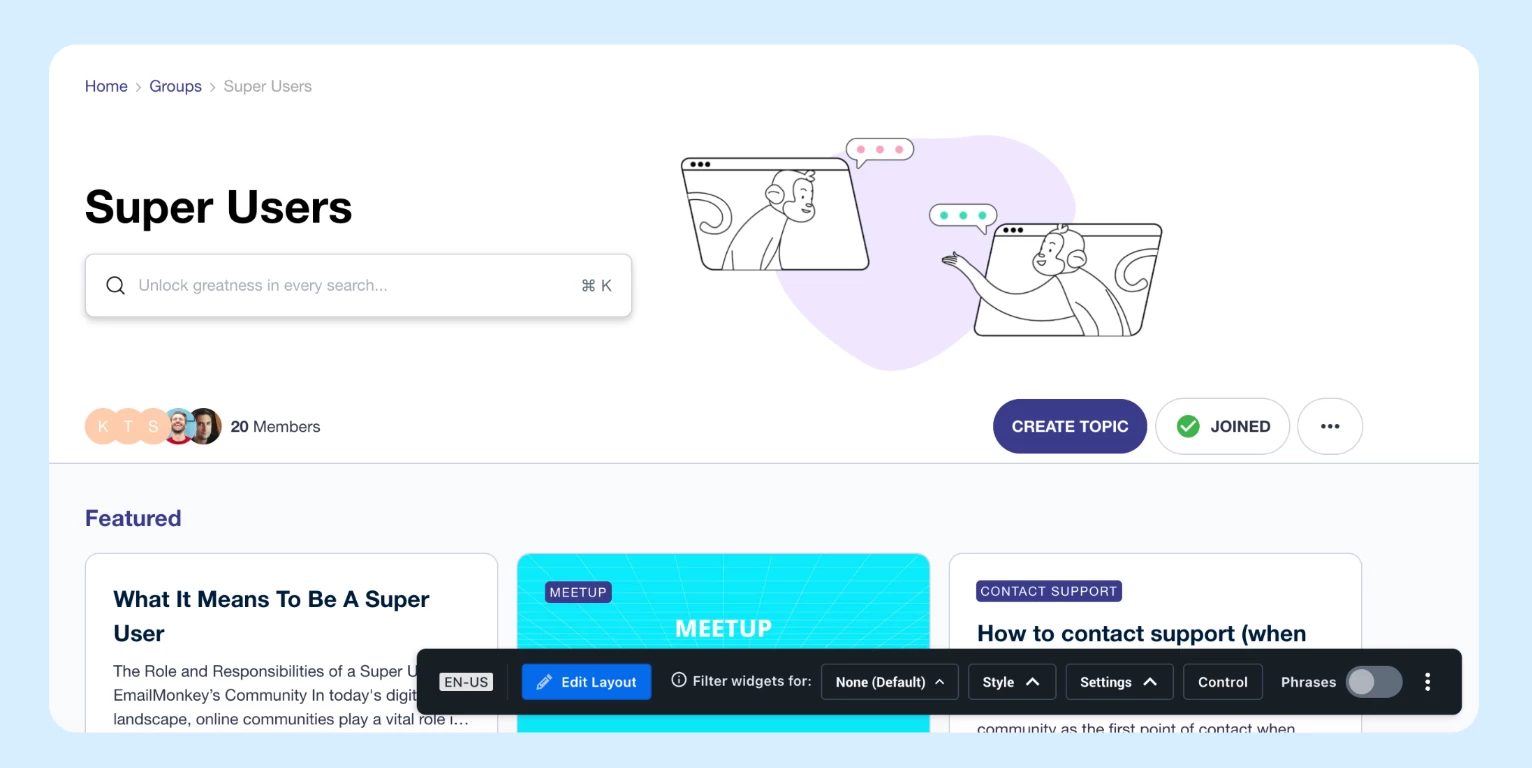
This means a partner program group, a product-specific category, and a KB section can each look and work differently — no developer required, no structural changes in Control.
For more information, refer to the Getting started with the homepage and A closer look at homepage widgets articles.
🔗 Map community profile fields to Skilljar
When unified login is enabled, CC acts as the identity provider for Skilljar. You can now map any CC profile attribute to a Skilljar field, including name, department, role, region, and preferred language. You can also push SSO attributes or CS profile data through to Skilljar if those integrations are active. Skilljar fields populate automatically, and the dropdown pulls your available Skilljar fields in real time when you set up a mapping.
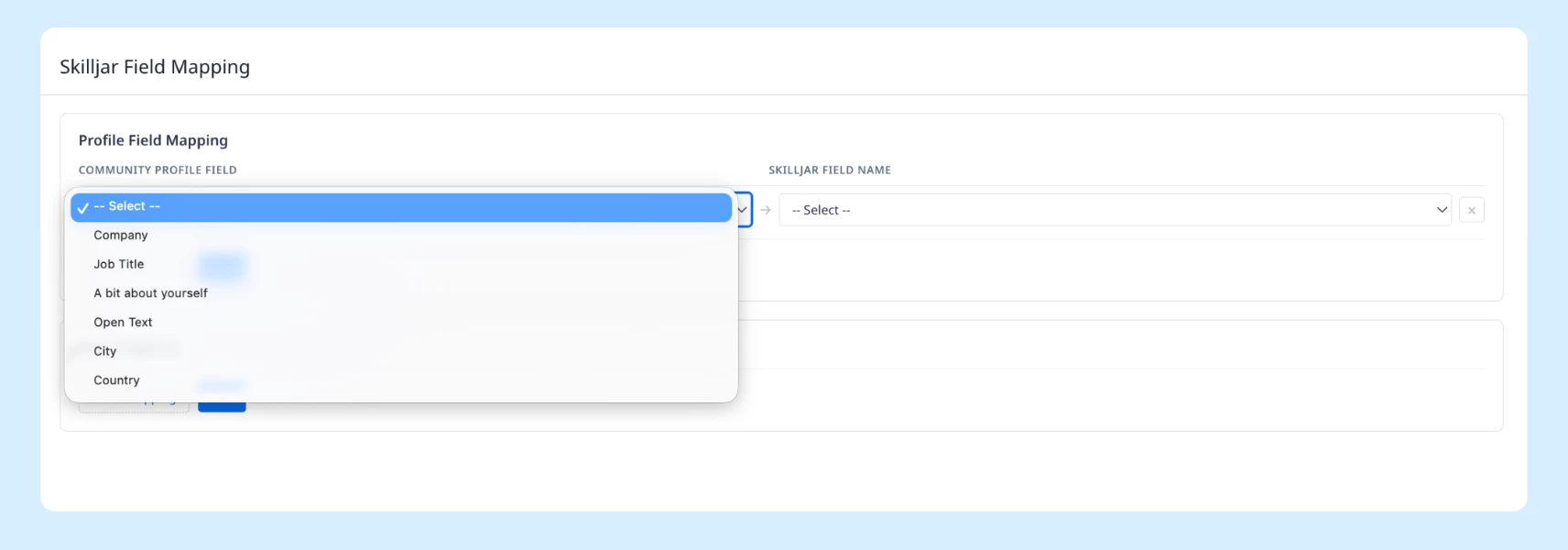
For more information, refer to the Configure CC-to-Skilljar Field Mapping article.
🖼 Language Variant Layouts
For multilingual communities that share a single category structure, you can now create separate page layouts for each language without splitting your community in Control.
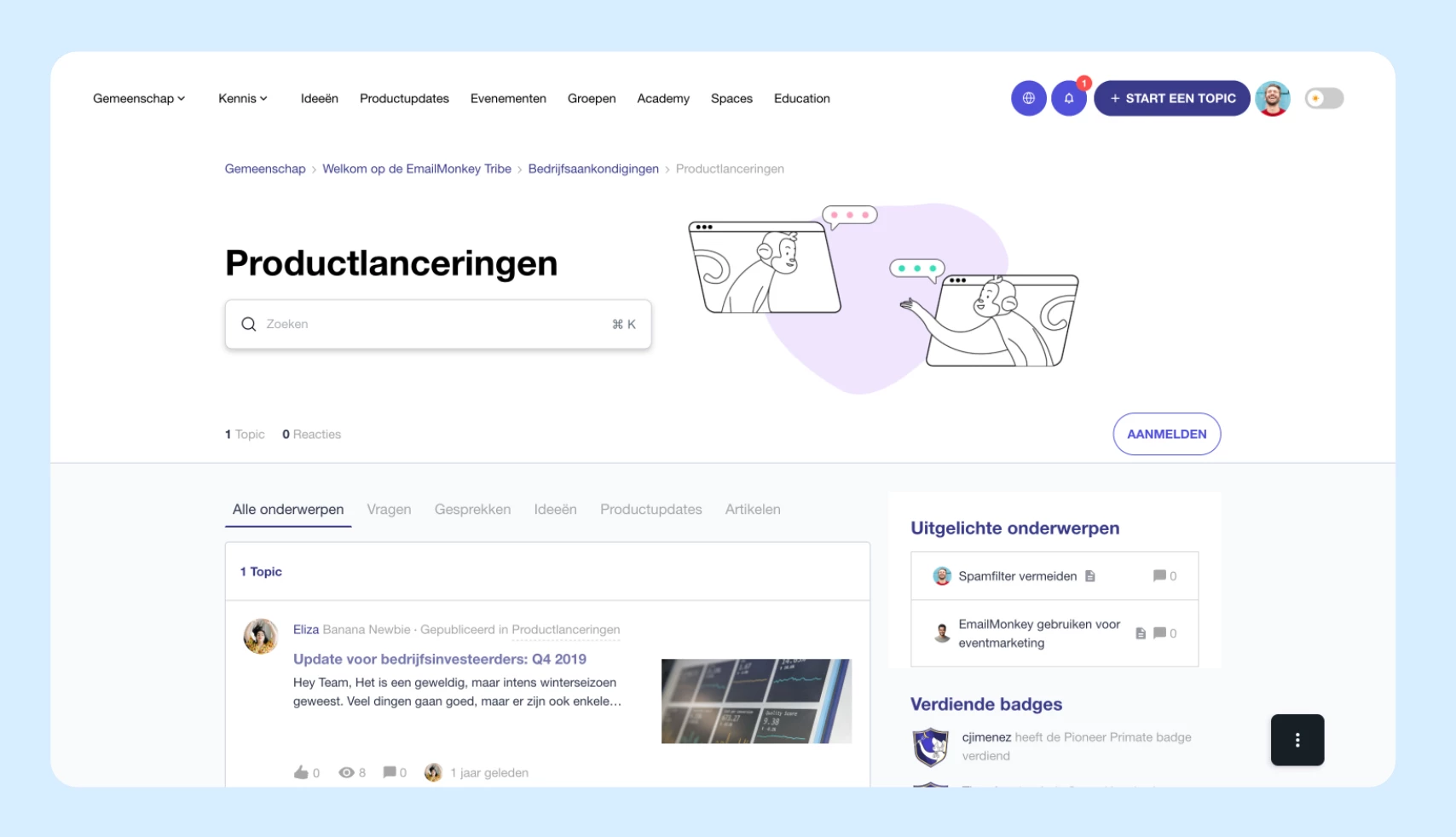
Switch to any configured language from the build bar and customize that page's layout independently. The first time you open a language variant, your default layout is copied over as a starting point. After the first save, each variant is fully standalone — changes to your default layout won't overwrite saved language variants.
For more information, refer to the Create a Localized Homepage article.
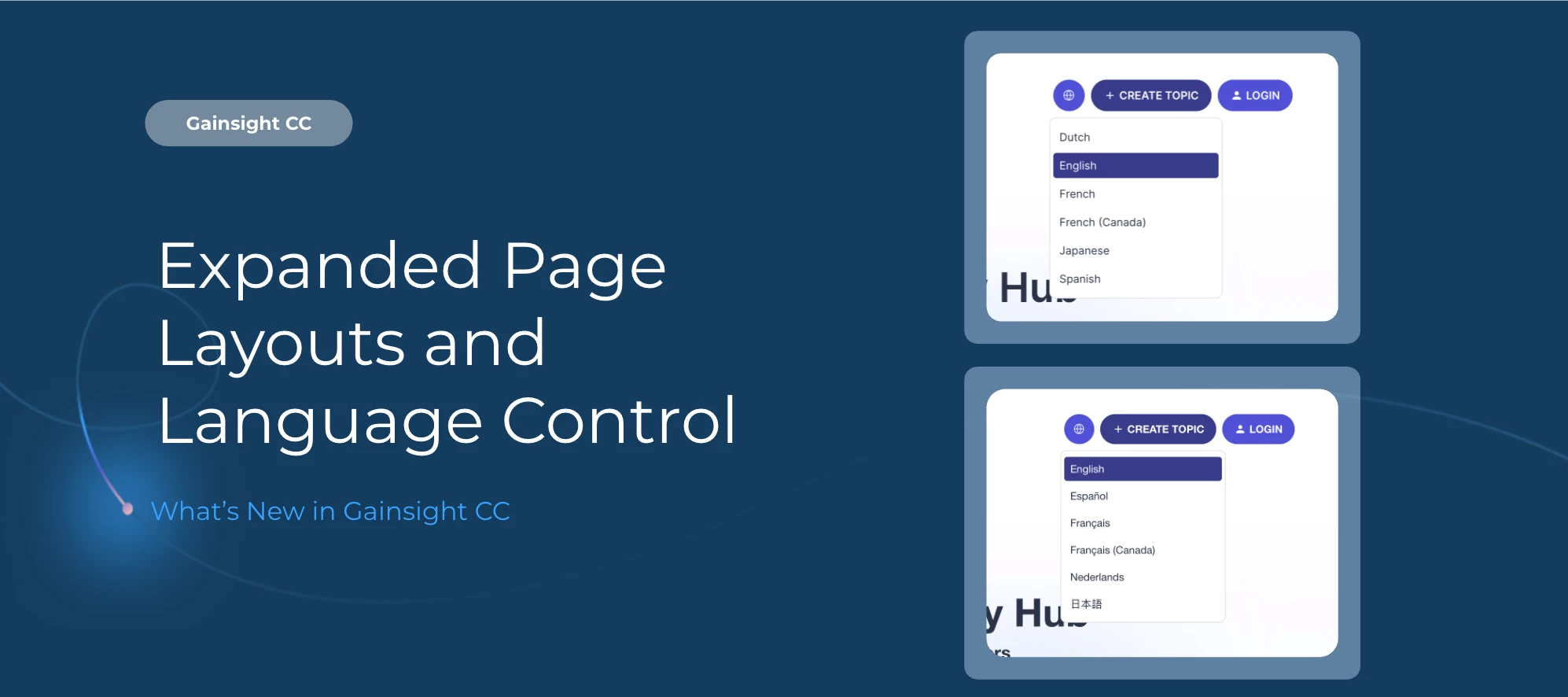
🌐 Rename Languages in the Community Switcher You can now edit the display name of any enabled language in Control, without adding a new language or changing any translated phrases. Previously, the language switcher showed only the native script name for each language, with no way to customize the label for regional audiences.
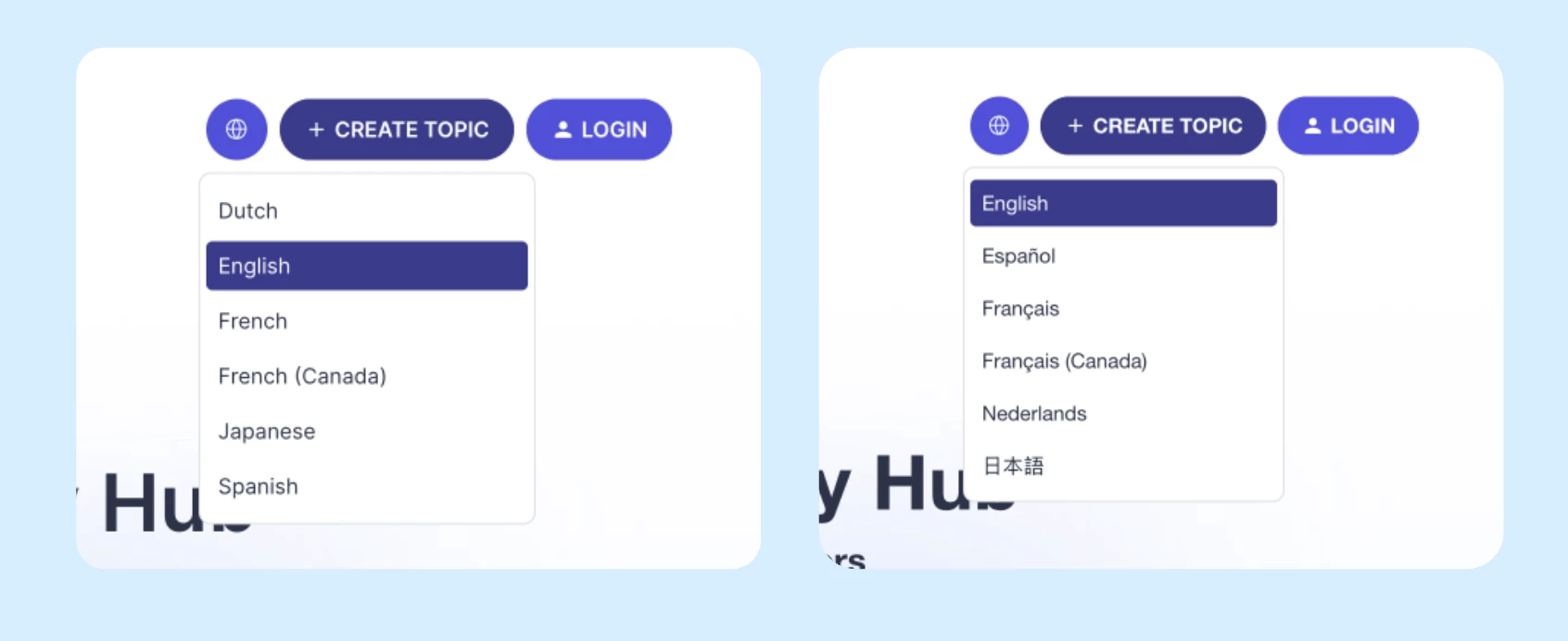
When you enable a language in Control, the Display Name field becomes editable. Enter a custom name, save, and publish. The updated name appears immediately in the community language switcher. This means you can differentiate regional variants of the same language, keep one language entry with a custom label, and give members a label that matches their region — all without touching any translated content.
For more information, refer to the Configure Language Settings article.
🔄 More Control Over What Your API Connectors Return
Two new capabilities give developers and admins more control over what data a connector sends to a widget before it reaches the browser.
- Response Transformation: Apply a transformation template to filter, reshape, or reformat the API response on the server before the widget receives it. This removes unwanted data server-side, so it never appears in the browser network tab.
- Composite Connectors: Chain multiple API calls into a single server-side flow. The widget makes one request and receives the final result — intermediate steps, tokens, and internal IDs stay inside the server-side flow and out of browser code.
Note: Composite Connectors are configured in the repository registry. There is no visual admin UI for connector chaining at this time.
For more information, refer to the Developer Portal documentation.
🔍 Get more of your community indexed by search engines
Gainsight CC now generates a sitemap index and includes all public topic URLs in your community sitemaps. Previously, sitemaps only listed structural URLs like category and section pages, which limited how much content search engines could discover.
What's included now:
- A sitemap index file that gives crawlers a single entry point to your full sitemap structure
- All public topic pages included alongside existing structural URLs
- A lastmod timestamp on every URL so crawlers prioritize recently updated content
Communities with more than 50,000 topics are automatically split across multiple sitemap files.
Getting Started
The expanded Layout Editor, Language Variant Layouts, and Skilljar field mapping are available in your CC instance now.
- To access the Layout Editor on a category, section, or group page, open it in Destination and select Edit Layout from the build bar.
- For Skilljar field mapping, navigate to the SSO Field Mapping configuration in Control.
API Connector enhancements are available through the Developer Portal.
For sitemap changes, no configuration is needed — your sitemaps update automatically.
👉 Check out the Release Notes for more details.
💬 Have a question for