


CS Newsletter May 2026
Customer Success May 2026
We’re excited to share the latest insights from across the Gainsight community. Inside, you’ll find updates designed to help you learn, connect, and grow. We hope you enjoy exploring what’s new, discovering fresh ideas, and finding meaningful ways to engage with the broader Gainsight family as we continue to grow together.
Let’s dive in!

Log Customer Emails to Timeline, Automatically
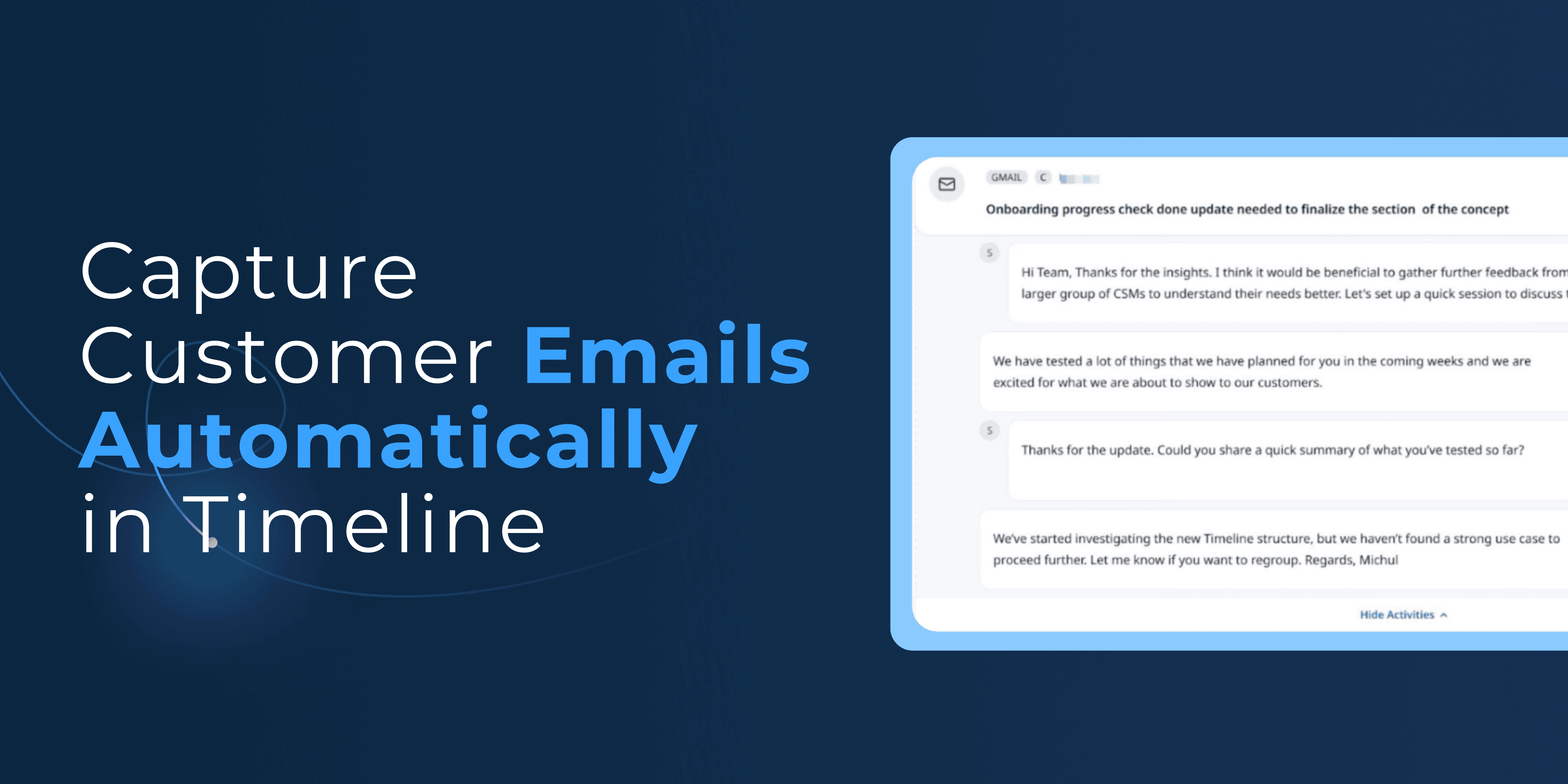
Some of your richest customer conversations happen over email, but until now, only meetings were automatically captured on Timeline. That meant critical context was slipping through the cracks, which made it harder to understand the full picture of every customer relationship.
With Auto Email Capture, every email is now logged automatically to Timeline the moment it's sent or received, including participants, timestamps, and full threads. Related messages are also grouped together automatically to give teams a complete view of every customer interaction without plugins, checkboxes, or manual entry.
Learn More About Auto Email Capture
AI Cheat Sheet, Tailored to How Your Team Actually Works

AI Cheat Sheet already gives your team a quick read on customer risk, sentiment, and engagement. But not every team needs the same view—and irrelevant sections create noise that slows people down.
Now, admins can shape AI Cheat Sheet to fit each team's workflow. Rename widgets and sections to match your language, reorder them by what matters most, and turn off anything that doesn't add value.
Learn More About AI Cheat Sheet

MCP Skills That Save Your Team Hours
MCP connects tools like Claude to live customer data. Claude Skills take that a step further by serving as pre-built workflows you install directly in Claude that define what to pull, how to structure it, and what to prioritize. Once set up, your team gets the same high-quality output every time, no prompt engineering required.
Think of them as your best playbook built into the AI:
- Meeting Prep pulls together a health snapshot, recent risks, wins, stakeholder context, and talking points so you're ready for any call in under a minute.
- Account Transition Brief gives a new account owner the full picture—relationship history, open risks, success plans, and key contacts—without hours of manual research.
- Executive Briefing distills live account intelligence into a concise summary your leadership can act on, without ever logging into the platform.
Want to learn more about MCP and how other teams are using it? Download How Customer Teams Are Using MCP.
Give Every Team Access to Group Send
Group Send lets your teams send bulk emails, including newsletters, product updates, and renewal reminders at scale without going through Ops or building dedicated programs. That capability used to be limited to CSMs, which left other customer-facing roles dependent on JO programs or manual outreach.
Admins can now extend Group Send access to any user persona or user group, such as Account Managers, TAMs, Onboarding Managers, or anyone mapped to a Company or Relationship through your org's user lookup fields. If your TAMs, PSMs, or onboarding specialists need to communicate with customers at scale, they finally can.
To learn more, check out our guides for admins and users.
Read the Full Story

Keeping Cockpit Clean During Onboarding Pauses
When a customer hits pause mid-onboarding, your Success Plan status gets updated, but your CTA due dates keep aging. The result? Overdue CTAs in Cockpit for a pause that was intentional and customer-approved. Over time, that erodes CSM trust in due dates altogether.
Pankaj Savita raised this exact challenge, and the community is already sharing approaches. One pattern gaining traction: adding a Pause Duration field to the Success Plan (1 month, 2 months, etc.) and using a Rules Engine automation to shift all CTA due dates forward by the corresponding number of days when status flips to Paused. Clean, reportable, and keeps Cockpit realistic for your team.
Have you solved for this differently — a pause clock, a manual process, or something else entirely? Jump into the thread and share what's working for you.
Join the Discussion
Day in the Life of a CSM: How I Operationalize Gainsight
Elliot Hullverson, Principal CSM at Gainsight, walked through his full daily workflow in a recent webinar, from how he sets up Gainsight Home as his command center, to sending follow-up emails directly from Timeline with Copilot, to surfacing expansion signals with Staircase AI.
The big theme: centralize everything inside Gainsight and stop context-switching across tools.
Read His Recap or Watch the Recording

CS End User: Introductory Training
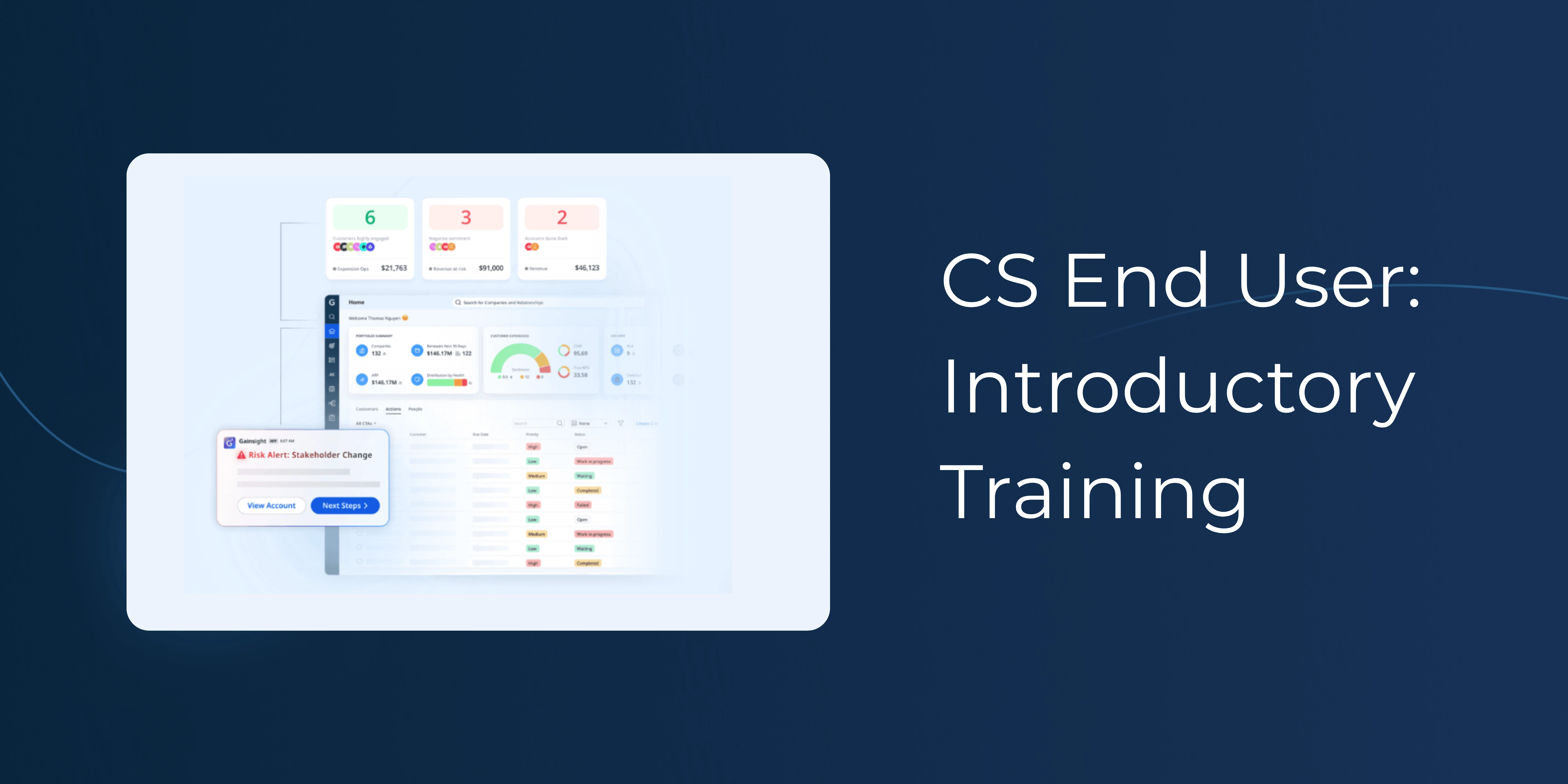
Start your Gainsight CS journey with a new learning path that guides you through the essential tools used to stay informed on customer needs and priorities.
Explore core features through short videos and interactive demos including C360, Timeline, Cockpit, Gainsight Home, Reports & Dashboards, Success Plans and Scorecards.
It takes about an hour and includes a Skills Badge when you're done.
Take the Course
[New Course] Gainsight MCP: Bring Real-Time Customer Context into Every AI Workflow
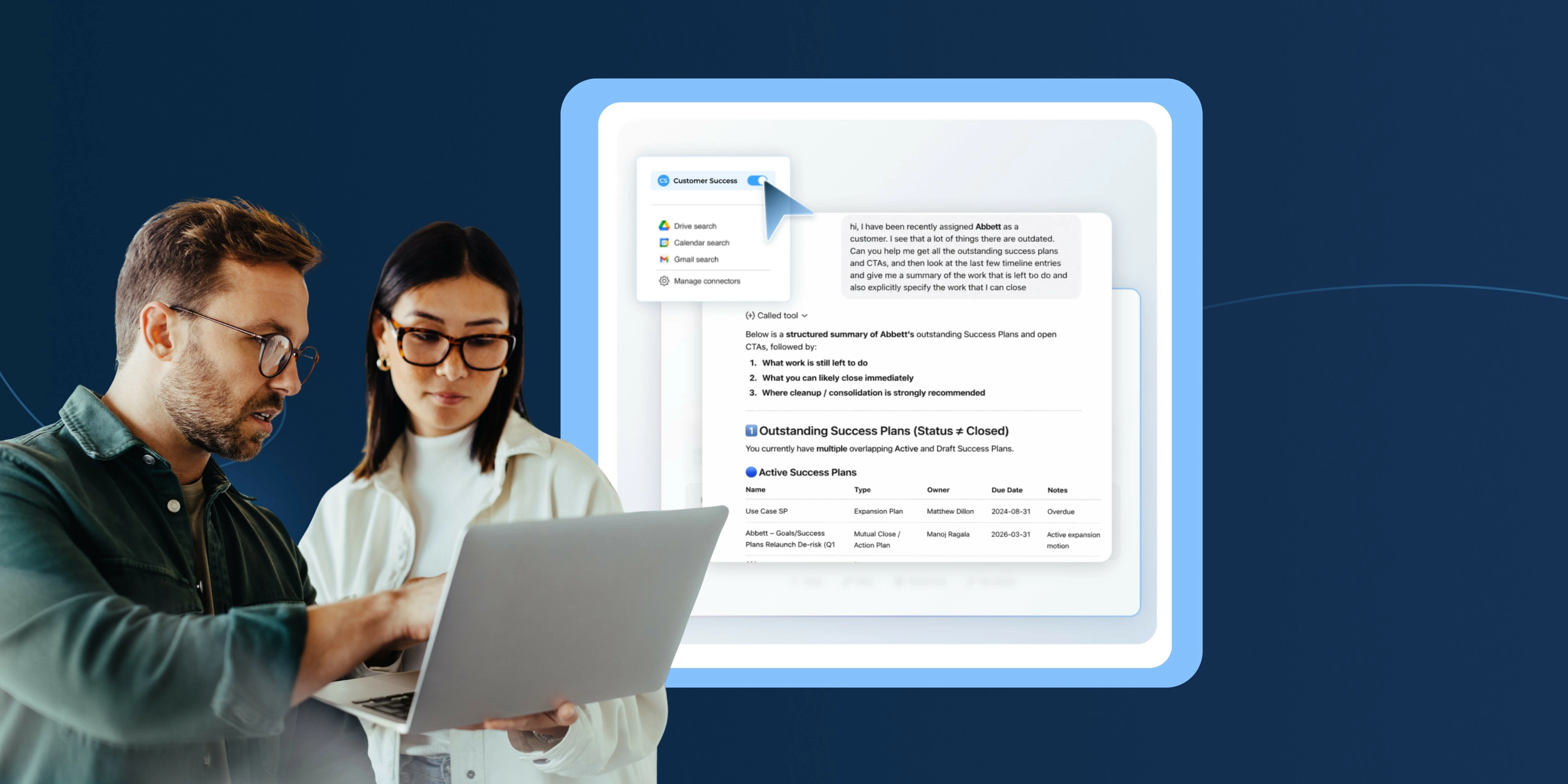
CS workflows are shifting into AI tools like ChatGPT, Claude and Gemini, but these tools are only as effective as the context they have. This course shows you how to close that gap by connecting Gainsight CS and Staircase MCP to the AI tools you already use, so every prompt is grounded in real customer data.
Start the Course
Gainsight CS Q1 Release Webinar
Most CS teams already have the data they need, but it rarely lives in one place or shows up when it matters. It’s spread across emails, meetings and notes, and pulling it together takes more time than it should.
Our Q1 release is focused on changing that; more context surfaced automatically, easier to access in the moment, and simpler to turn into action—and our release webinar covered it all.
Watch the On-Demand Recording
Didn’t have a chance to catch the Staircase release webinar? Check out the recording.
CS Office Hours: Drive Adoption and Reduce Friction
Have questions about Gainsight CS or looking to improve your engagement? Join our weekly Office Hours that are open to all CS customers. What to expect:
- Live answers from CS experts
- Peer discussions on real-world challenges
- Practical tips to optimize engagement and drive adoption
Register Now