


Gainsight CC: Gain Deeper Visibility into Subscription Data with New Out-of-the-box Dashboards (Open Beta)
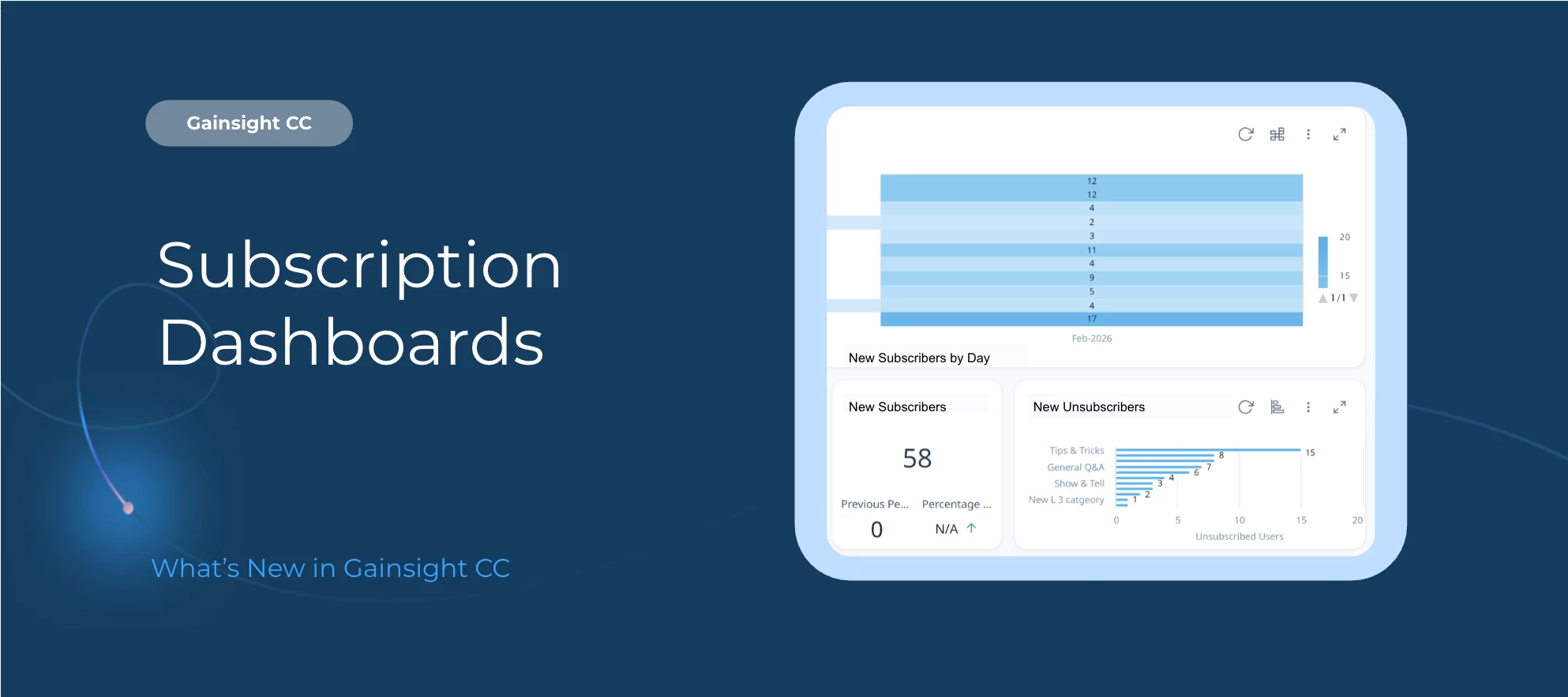
Gain deeper visibility into community engagement with two new out-of-the-box Community Dashboards.
The new Subscription Trends and Subscription Status dashboards (Open Beta) give you powerful insights into how members subscribe, engage, and interact across your Community.
This means you can monitor growth patterns, evaluate engagement distribution, and make data-driven decisions to optimize your Community strategy.
Here’s What’s New
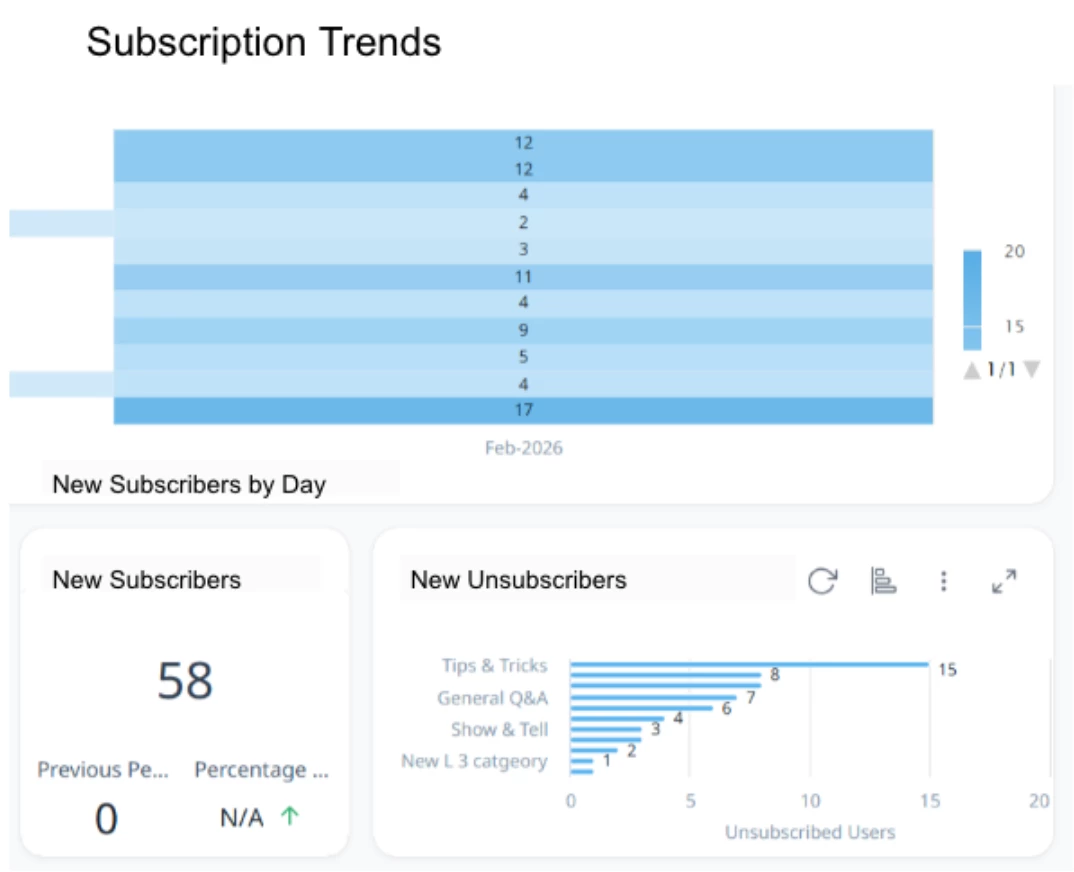
Subscription Trends Dashboard (Open Beta)
Track how subscriptions evolve over time and uncover engagement momentum across your Community.
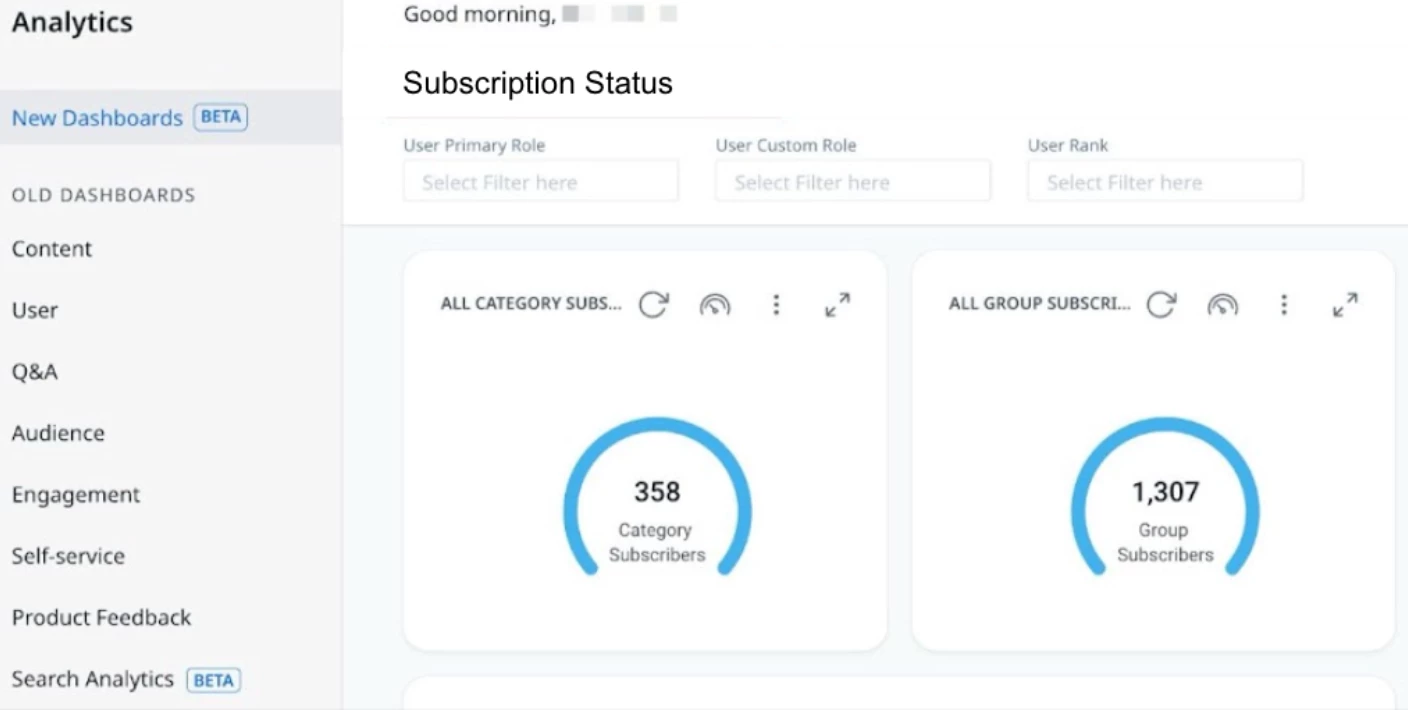
Subscription Status Dashboard (Open Beta)
Get a snapshot of active subscriptions and distribution across categories.
Time-based subscription analytics
Identify spikes, drops, and unsubscribe patterns with historical trend visibility.
Category-level insights
Understand which topics or categories drive the most engagement.
Out-of-the-box configuration
No custom setup required — dashboards are ready to use in the New Dashboards (BETA) area.
Available in Control
To access the new dashboards:
Log in to Customer Communities Control
Navigate to Analytics > New Dashboards (BETA)
These dashboards are available in Open Beta as part of the existing out-of-the-box Community reporting experience.
Dashboard Highlights
Subscription Trends Dashboard
Use this dashboard to:
• Monitor subscription growth trends over time
• Identify spikes or drops in new subscriptions
• Track unsubscribe patterns
• Analyze engagement momentum across categories or topics
• Support strategic decisions with historical data insights
For more information, refer to the Subscription Trends Dashboard article.
Subscription Status Dashboard
Use this dashboard to:
• View total active subscriptions
• Identify subscription distribution across categories
• Understand which areas drive the most engagement
• Detect low-performing categories or topics
For more information, refer to the Subscription Status Dashboard article.
Important Information
These dashboards are available only for SSO-enabled communities.
If you have both CS and CC:
- Community users with a Viewer_Analytics license in CS can view dashboards.
- Users with lower license tiers must request an upgrade from their CS admin.
Thank you to
👉 Check out the Release Notes for more information.
💬 Have a question for our team? Drop a comment below!